What New Machine Setup Covers
When a cutter arrives, the first job is not just switching it on. It needs the right power connection, software setup, blade depth, pressure settings and a clean feed path before it will cut vinyl properly. Our new machine setup service is built for that first stage, whether your unit is going into a spare room in Randburg, a home studio in Pretoria East, or a small workshop in Midrand.
We work with desktop craft cutters used for heat transfer vinyl, adhesive vinyl and other light craft work. The service is aimed at making the machine ready for first production, with clear guidance on how to keep it that way. If you are new to cutting, we explain the controls in plain language so you are not left guessing when the material starts lifting or the blade digs too deep.
It is practical help for the first hour or two that often takes people a full weekend to sort out on their own, especially when load-shedding interrupts the process or the machine is being unpacked in a tight space.
Included In The Setup Visit Or Remote Session
Every setup is handled around the machine you have, the material you plan to use and the work you want to do. For a heat transfer vinyl user in Sandton, that may mean clean lettering for T-shirts. For a hobby crafter in Roodepoort, it may mean decals, labels or home décor pieces. We do not push a one-size-fits-all process because cutting needs change from job to job.
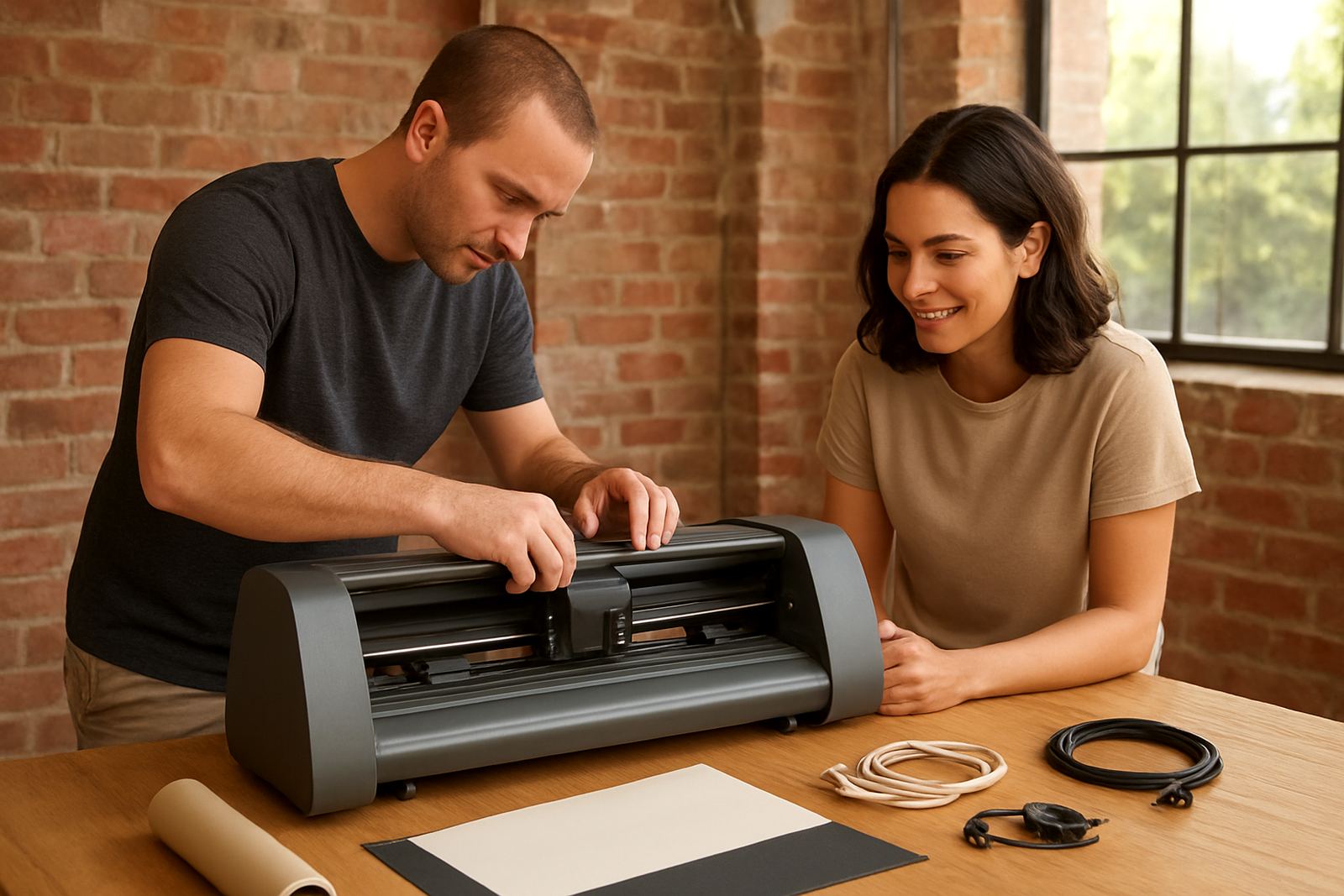
- Unpacking and visual inspection of the cutter
- Power-up checks and basic safety confirmation
- Connection to a Windows laptop or desktop where supported
- Driver and cutting software connection help
- Blade installation and calibration
- Material loading and pinch roller alignment
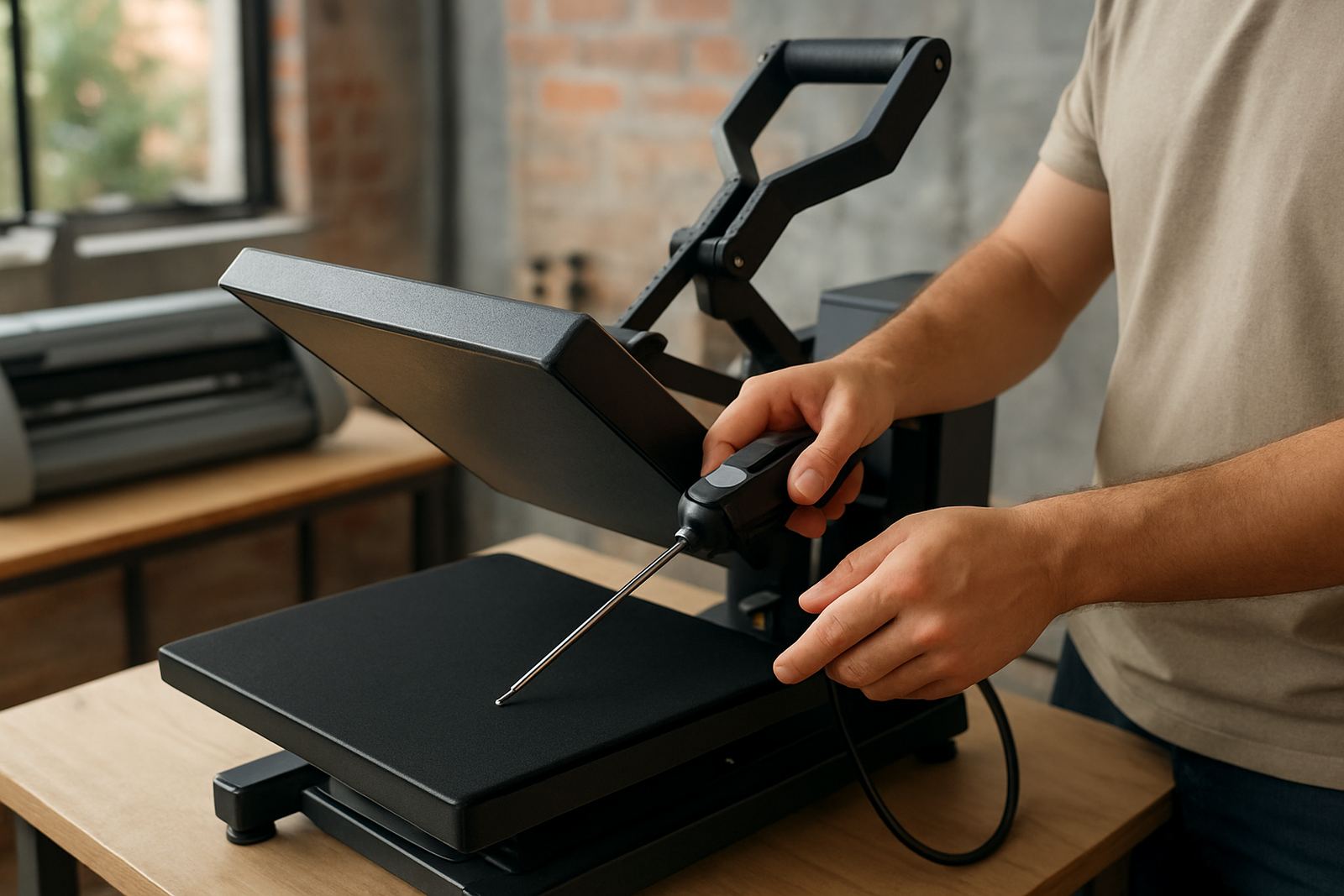
- Test cuts on vinyl and heat transfer material
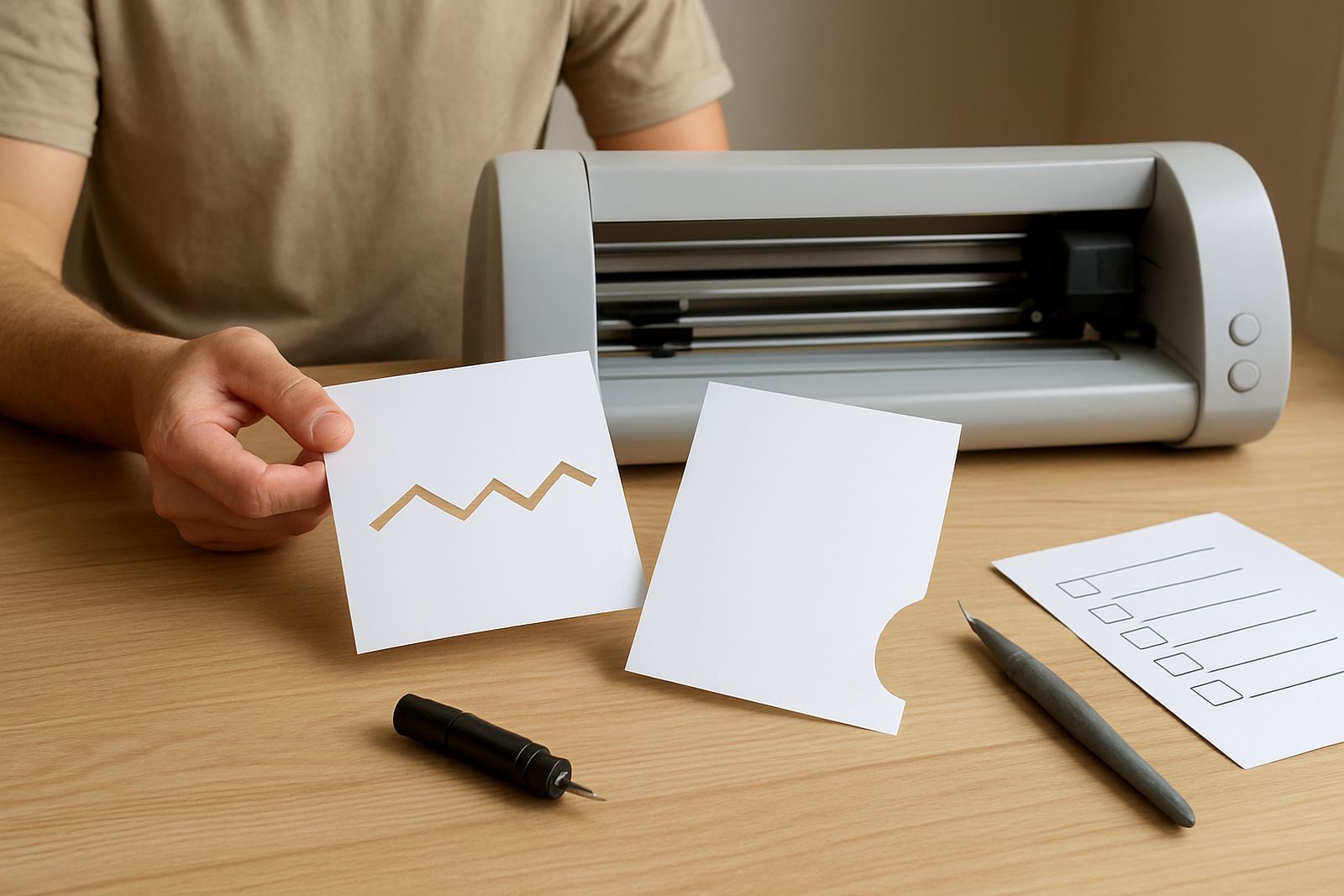
- Cut quality checks for corners, curves and small text
- Basic operator guidance for everyday use
If needed, we also help with feed tracking, origin setting, speed and force adjustments, and the first few test jobs. That support can be done on site in the Johannesburg area or by remote session for customers further afield.
Our Step-By-Step Setup Process
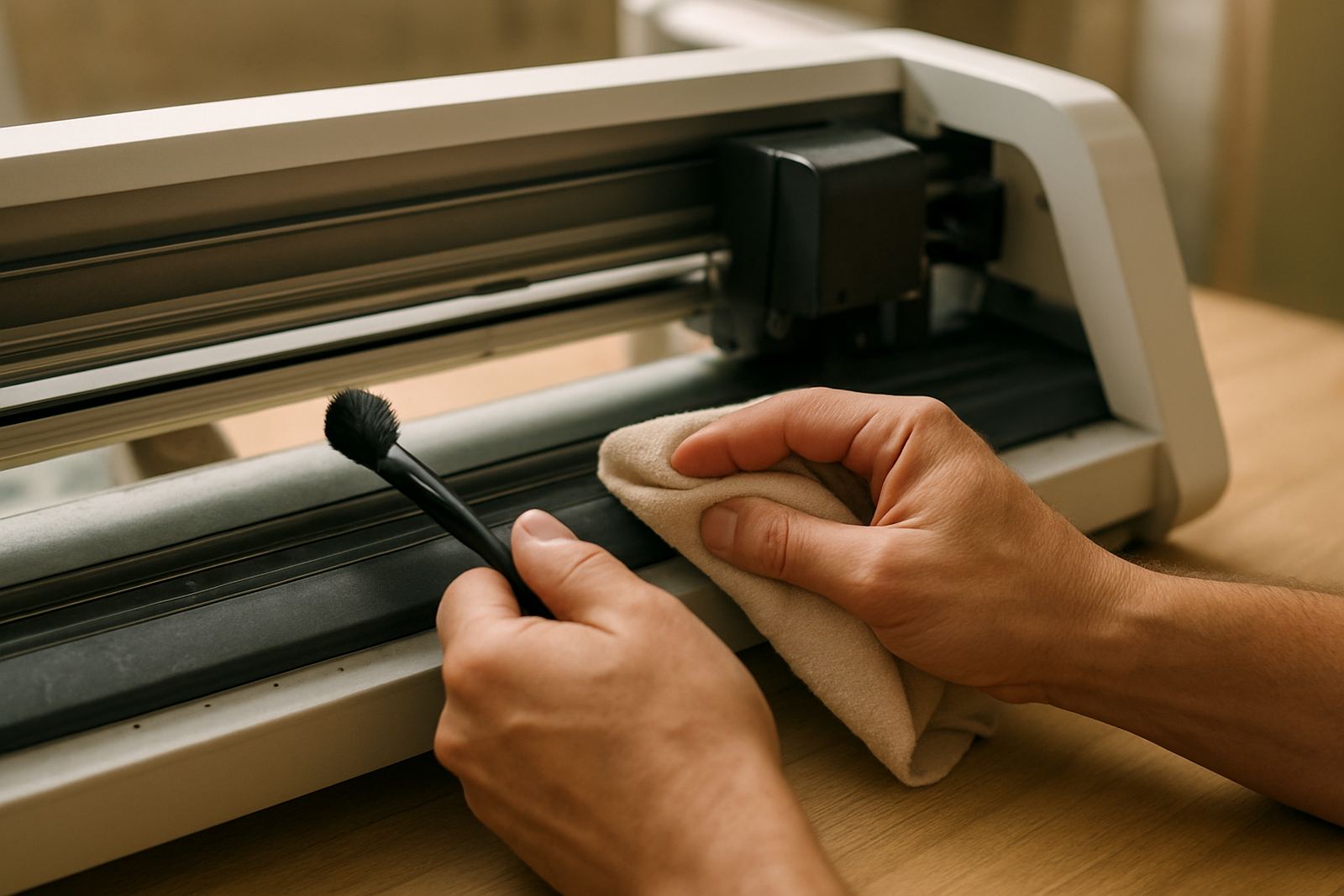
We keep the process structured so nothing gets missed. First, we confirm the machine model, the computer you will use and the type of material you want to cut. Next, we check the physical condition of the cutter, the blade holder, rollers and cutting strip. If there is dust from storage or transport, we clean it off before moving on.
Then we connect the machine to the software and check that the computer recognises it properly. Once that is working, we set blade depth and force, then run small test shapes. A square, circle and simple text are usually enough to show whether the blade is too deep, not deep enough or dragging at corners. We also check weeding performance because a cut that looks neat on paper can still be a pain to weed on vinyl.
When the basics are right, we guide you through your own sample file so you can see how the machine behaves with your actual artwork. This is where many first-time users learn the small details that make a big difference, like loading the roll straight and not pulling material through by hand during the cut.
Turnaround And Pricing Approach
For customers in Kya Sand, Randburg, Sandton, Midrand, Roodepoort and Pretoria East, setup appointments are usually arranged quickly, subject to travel and booking space. A straightforward setup can often be handled in one session, while more complex software or connection issues may need a follow-up. Remote sessions are useful when the machine is already installed and only needs software, blade or cut quality correction.
Our pricing is quoted according to the type of machine, the location and the amount of time needed. A simple first-time connection takes less time than a full rescue job where the cutter has been unpacked, the driver is missing and the first test cuts are not closing properly. We prefer to quote fairly and clearly before work starts, so you know whether you are looking at a basic setup, an extended support session or a setup with extra testing on multiple materials.
For out-of-area customers, we will advise whether remote support is the more economical option. That often saves time and keeps the cost sensible for small businesses watching every rand.
When To Book Follow-Up Maintenance
A cutter that is set up properly still needs regular attention. The blade can dull, rollers pick up adhesive, and small alignment changes show up after a few weeks of use. In coastal areas humidity can affect material handling too, while in dry inland rooms vinyl may curl or hold static. For that reason we recommend a light check after the first few weeks of use, then routine attention every 3 to 6 months depending on volume.
- Blade check and recalibration after the first 2 to 4 weeks
- Monthly cleaning if you cut most days
- Quarterly software and connection review for small businesses
- Six-monthly inspection if the machine is used only now and then
If you notice small text lifting, corners not closing or the cut line wandering, do not wait until the machine is badly out. A quick check at that stage usually saves vinyl, time and frustration.
Who Benefits Most From This Service
New machine setup is useful for crafters starting from scratch, but it is just as valuable for small businesses adding a second cutter or replacing an older unit. If you are in Johannesburg and have a machine sitting boxed in the corner because the software is confusing, this service gets you moving. If you already know the basics but want to avoid wasted material on day one, we can fine-tune the machine before you start production.
It also helps when the person who ordered the cutter is not the person who will run it. We can walk through the practical side with the operator, whether that is a shop owner, a family member, or a part-time maker working after hours between power cuts. The aim is simple: first cuts that look right and a setup you can actually maintain.
Thabo Maseko and the support team work from Kya Sand, with service available nationwide for craft cutter users who need straight answers and proper setup help.
Key facts
| Service type | Guided new machine setup for desktop craft vinyl cutters |
|---|---|
| Typical materials | Heat transfer vinyl, adhesive vinyl and light craft films |
| Supported use | Home studios, hobby users and small production work |
| Connection help | USB and software setup where the machine supports it |
| First cut testing | Blade calibration, pressure checks and sample shapes |
| Maintenance interval | Initial check after 2 to 4 weeks, then every 3 to 6 months |