What cut quality troubleshooting covers
Our cut quality troubleshooting service is for craft cutters that are still running but not performing properly. We look at the full cutting path, from blade depth and holder condition through to material feed, software output and pinch roller pressure. If a job is incomplete or the edges are jagged, we work through the cause instead of just changing one setting and hoping for the best.
This service is useful for hobby users in Randburg and Sandton, as well as small production setups in Midrand, Roodepoort and Pretoria East. We commonly assist with heat transfer vinyl, sign vinyl and patterned material that starts lifting on corners, leaves nicks in backing paper or drifts off line on longer runs. In many cases the machine is fine, but the setup or material match is off.
- Tearing on small text, fine detail or narrow strokes
- Lifting, dragging or incomplete cuts on HTV and adhesive vinyl
- Skewed tracking on longer jobs and repeated passes
- Overcutting that damages the liner or undercutting that leaves joins connected
How we diagnose cut problems step by step
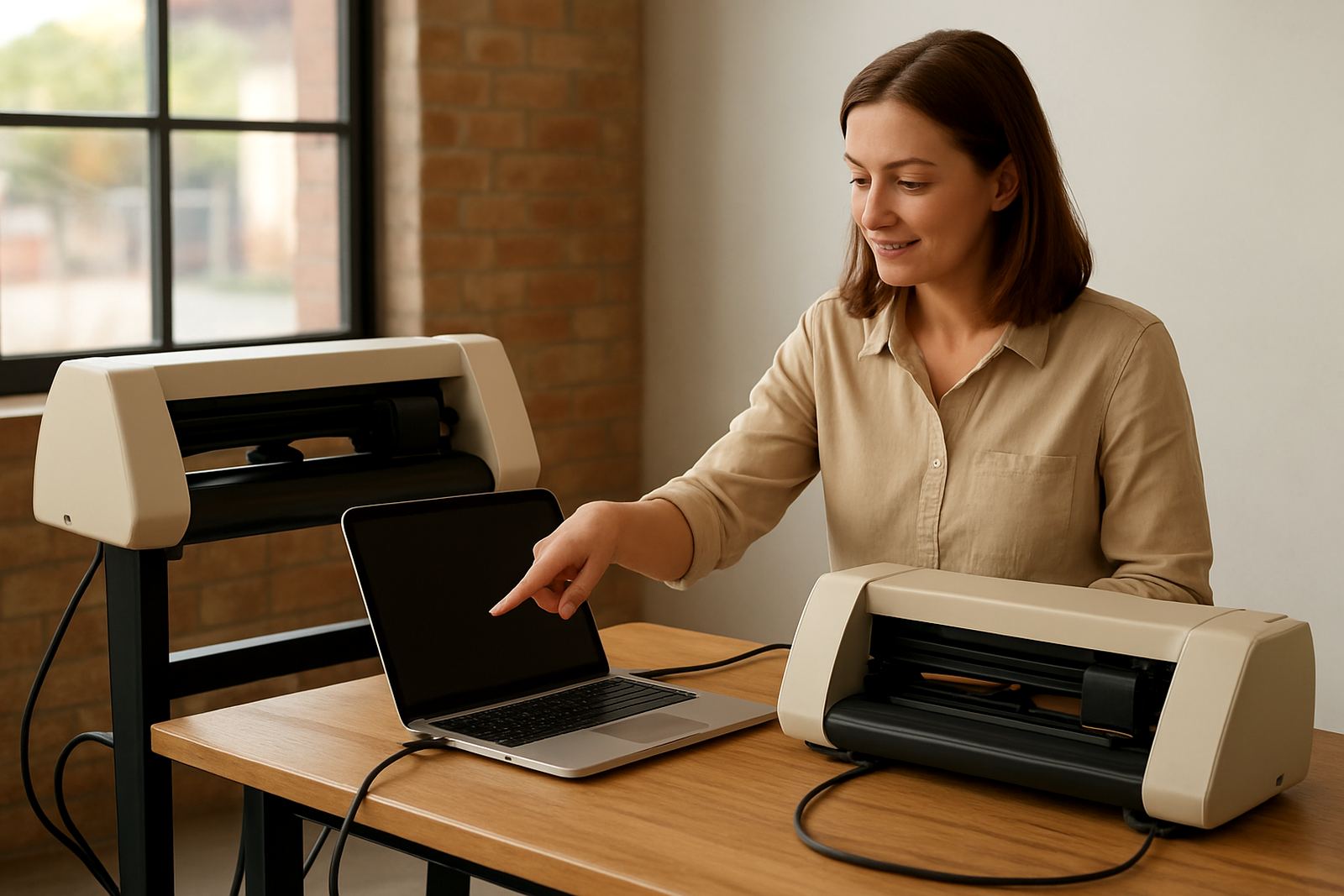
We start with a short fault description and a sample file if you have one. Then we check the machine behaviour under normal settings, because the problem often shows up in a specific part of the process. A clean blade can still cut badly if the pressure is too high, the mat is worn or the material is not sitting flat. Sometimes load-shedding recovery, a loose USB connection or a rushed restart changes the job flow as well.
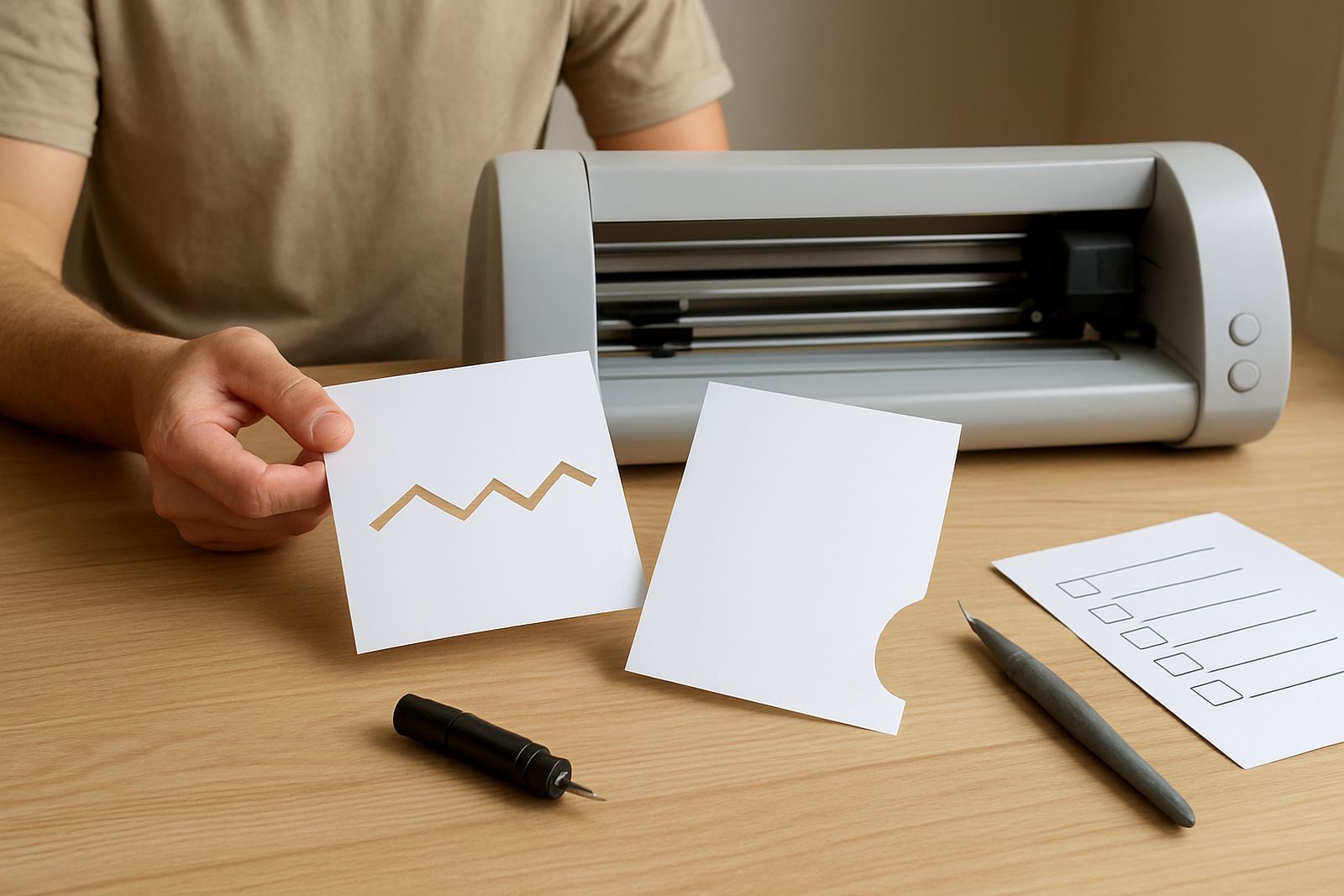
Where needed we test the machine with a standard shape and a small text sample to compare cut depth, corner fidelity and weedability. We may ask you to show the backing paper after a test cut, because that tells us a lot about blade penetration. If the machine is cutting accurately but the design still looks wrong, we check software scaling, node quality and output settings too.
- Blade depth and blade wear check
- cutter model or cutting mat condition review
- Pinch roller and feed alignment check
- Software size, offset and speed setting review
Common causes we correct
Most cut quality issues come from a small number of repeat causes. In workshop terms, we usually find the blade set too far out, pressure too high for the film thickness, or a material that is too soft for the selected speed. In humid coastal weather vinyl can also behave differently, although Johannesburg users often see more trouble from static, dust and worn mats than from moisture.
We also deal with tracking problems caused by uneven loading, bent rollers or a machine placed on a wobbly surface. If the cutter is pulling slightly to one side, the cut may look fine on short shapes but fail across a longer 600 mm or 1 m run. For small business users that means wasted sheets, slower weeding and unhappy turnaround times.
- Incorrect blade exposure for standard 45 degree or 60 degree blades
- Cut speed too fast for small lettering or detailed artwork
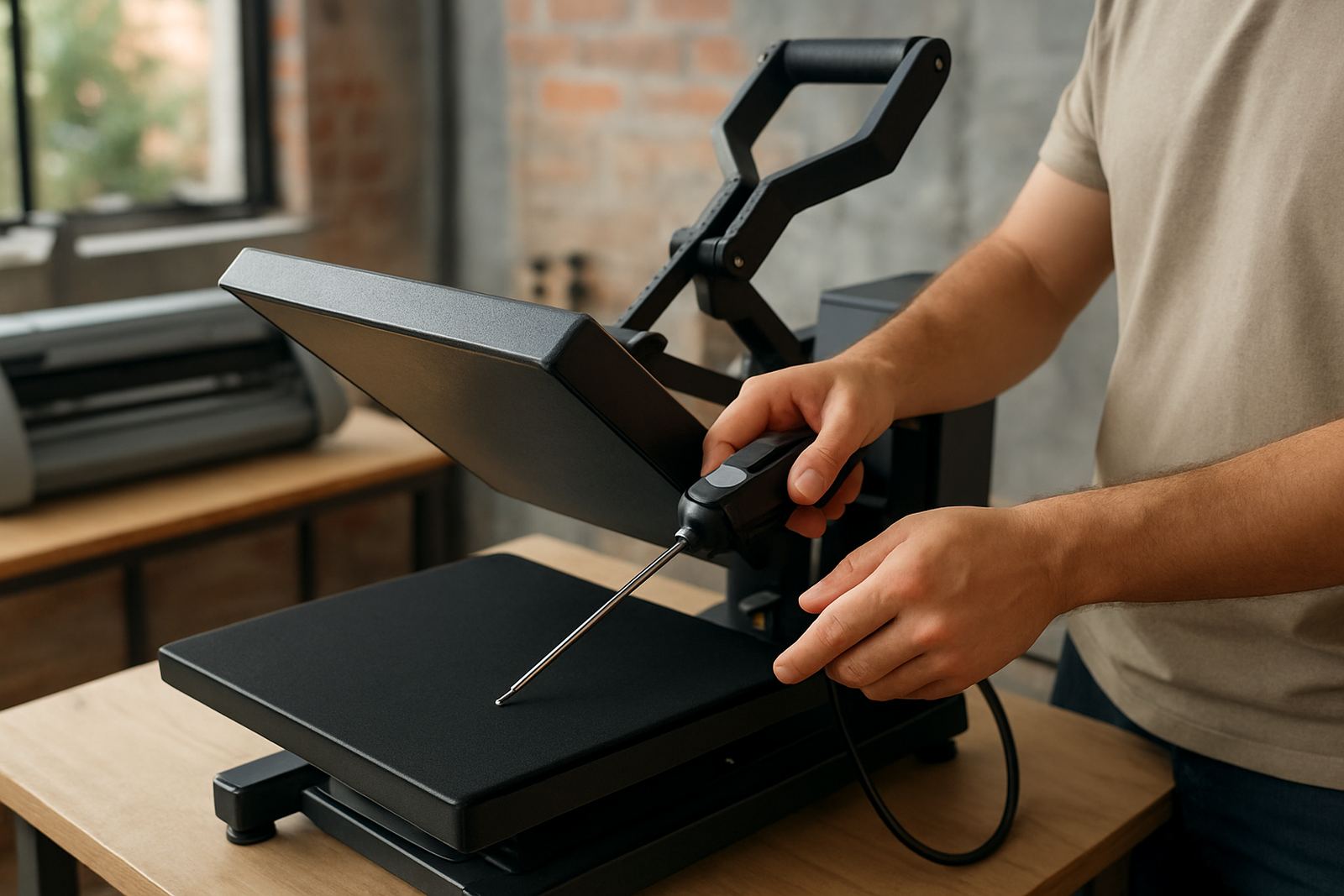
- Pressure mismatched to 80 micron, 90 micron or thicker films
- Roller slip, skewed loading or feed path contamination
What happens during the support session
Once the fault has been narrowed down, we guide you through the correction process in plain language. That may include resetting the blade depth, changing offset, reducing pressure, adjusting speed or cleaning the feed path. If the issue points to a worn part we explain what needs replacement and what can stay in service for now. We do not push parts that are not needed.
For users doing regular work from home or in a small studio, we also check how you are storing vinyl, loading the mat and sending jobs from the software. Sometimes one small workflow change prevents repeated errors. If you are cutting daily, a better routine matters as much as the machine itself, and it saves vinyl. quite a bit over a month.
- Live fault review and corrected test cut
- Blade, holder and mat condition guidance
- Speed, force and offset adjustment support
- Practical weed test on the corrected output
Turnaround and pricing approach
Most cut quality troubleshooting jobs can be handled quickly once we have the machine details and a clear description of the fault. If you are based in Kya Sand, Randburg or Sandton, we can often move faster because collection, drop-off or workshop checks are straightforward. Remote support sessions are also available nationwide, which helps users outside Gauteng keep production moving without waiting for transport.
Our pricing is based on the amount of time needed and the type of issue, not on guesswork. A basic setting correction is usually priced differently from a repeated tracking fault with multiple test runs. Where a replacement part is needed, we quote it separately so you can make the call before spending more money. That keeps the cost easier to plan for, especially for small businesses working in Rand.
- Quick settings correction for simple cut faults
- Extended diagnostic support for repeated or mixed issues
- Separate pricing for parts, if required
- Remote or in-person support depending on location and fault type
Keeping cut quality stable after the repair
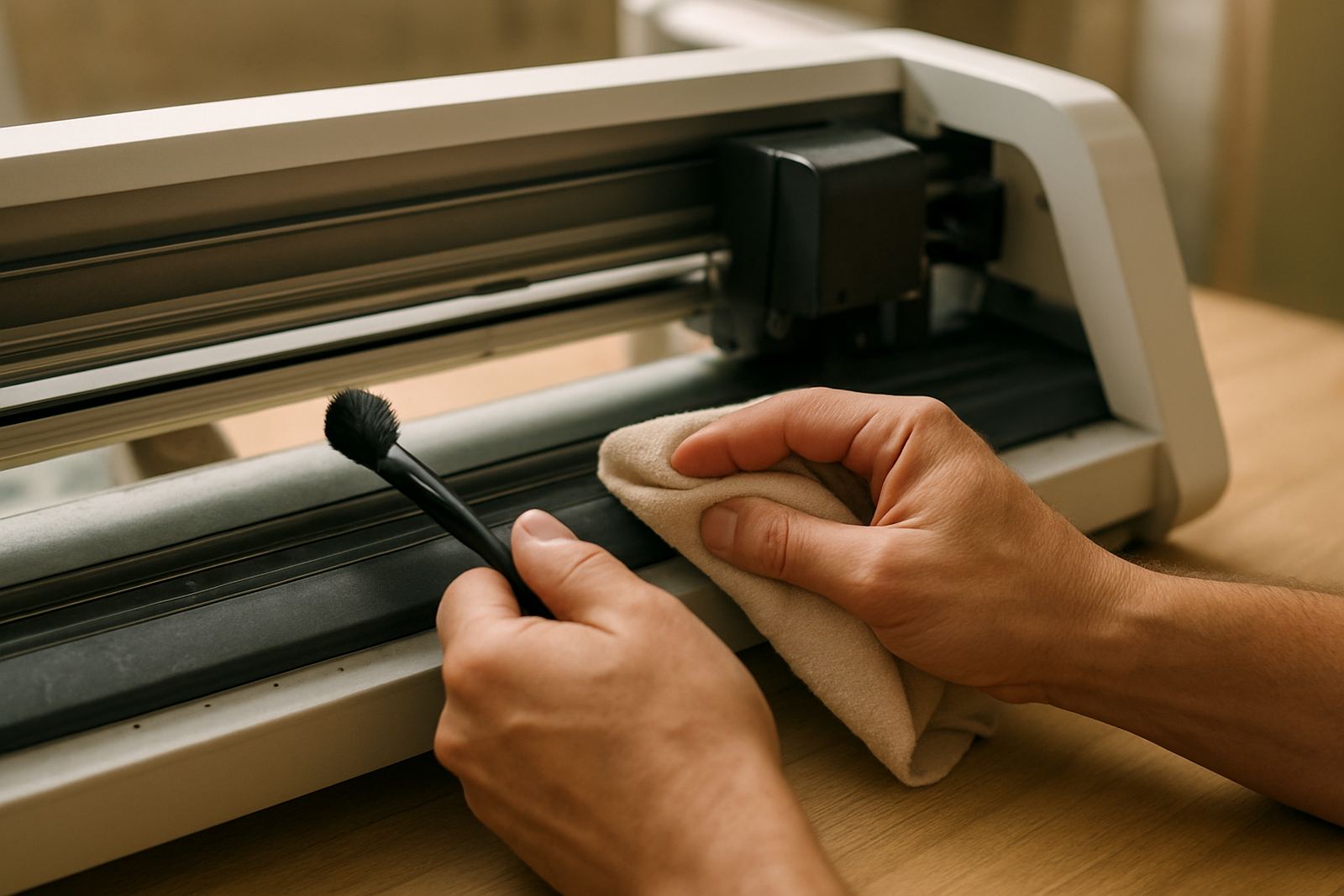
Once the machine is cutting properly again, routine maintenance makes a big difference. We usually recommend checking blade condition weekly if you cut daily, and replacing consumables before quality drops off. Mats should be cleaned or replaced when grip fades. Feed rollers and pinch areas need regular dust removal, especially in workshops where vinyl offcuts build up fast.
For active users, a light cleaning every 1 to 2 weeks is sensible, with a fuller inspection every 3 months. If you run heat transfer jobs often, keep an eye on tiny cuts and weed test a small piece before a full sheet goes through. That sort of habit helps prevent surprise failures on busy days and keeps your output more consistent.
- Weekly blade and test-cut check for daily users
- 1 to 2 weekly clean-down in dusty or high-use spaces
- 3 month inspection of rollers, mat grip and software settings
- Immediate review after blade changes, transport or power interruptions
Key facts
| Service type | Cut quality troubleshooting for desktop craft vinyl cutters |
|---|---|
| Common faults | Tearing, lifting, incomplete cuts, overcutting and tracking drift |
| Material types | Heat transfer vinyl, adhesive vinyl, stencil film and light craft media |
| Typical cutter widths | 300 mm, 450 mm and up to 600 mm desktop class machines |
| Support options | Workshop assessment in Kya Sand and remote support nationwide |
| Typical maintenance interval | Weekly checks for daily users, full inspection every 3 months |