Start With Machine Setup That Saves Time Later
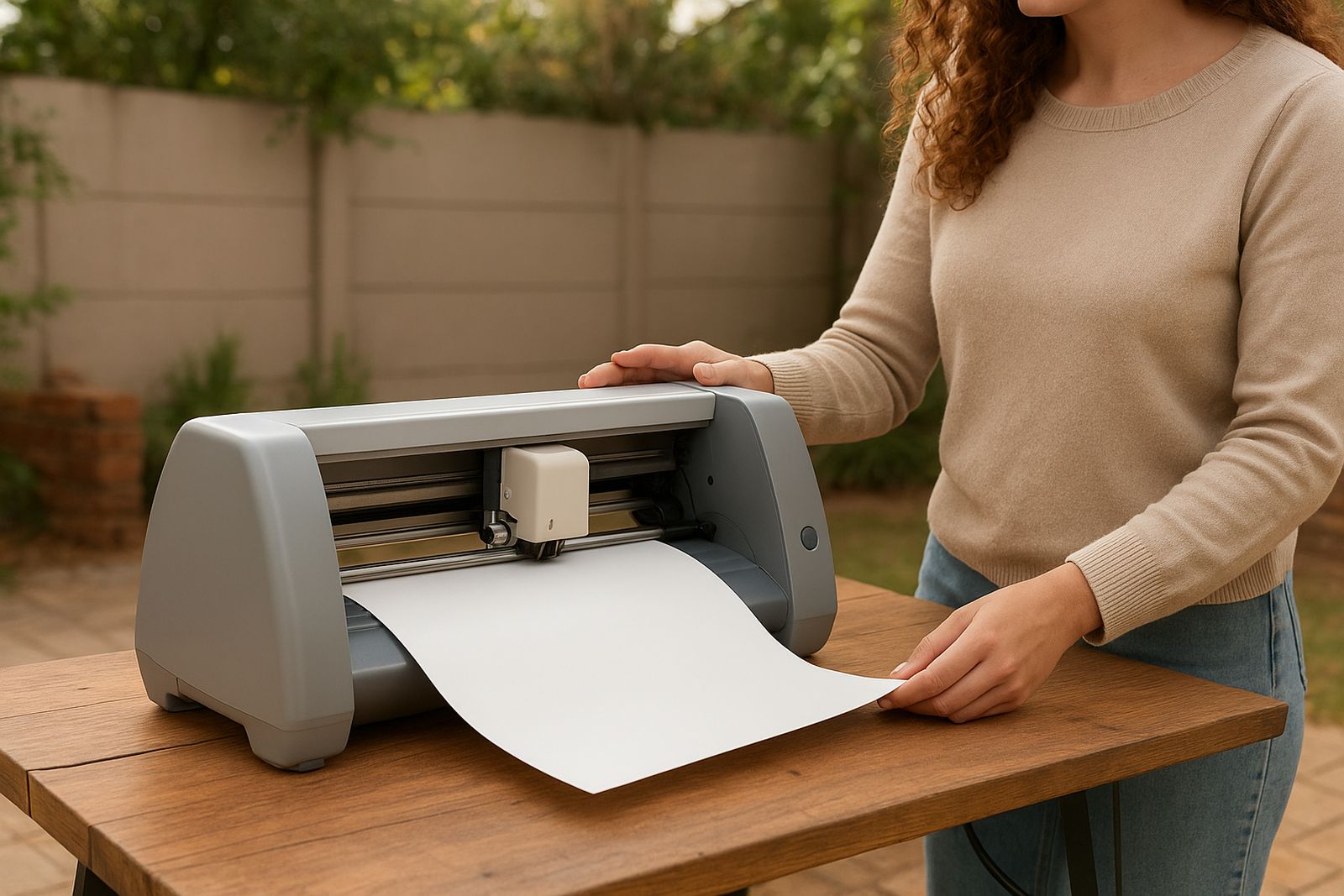
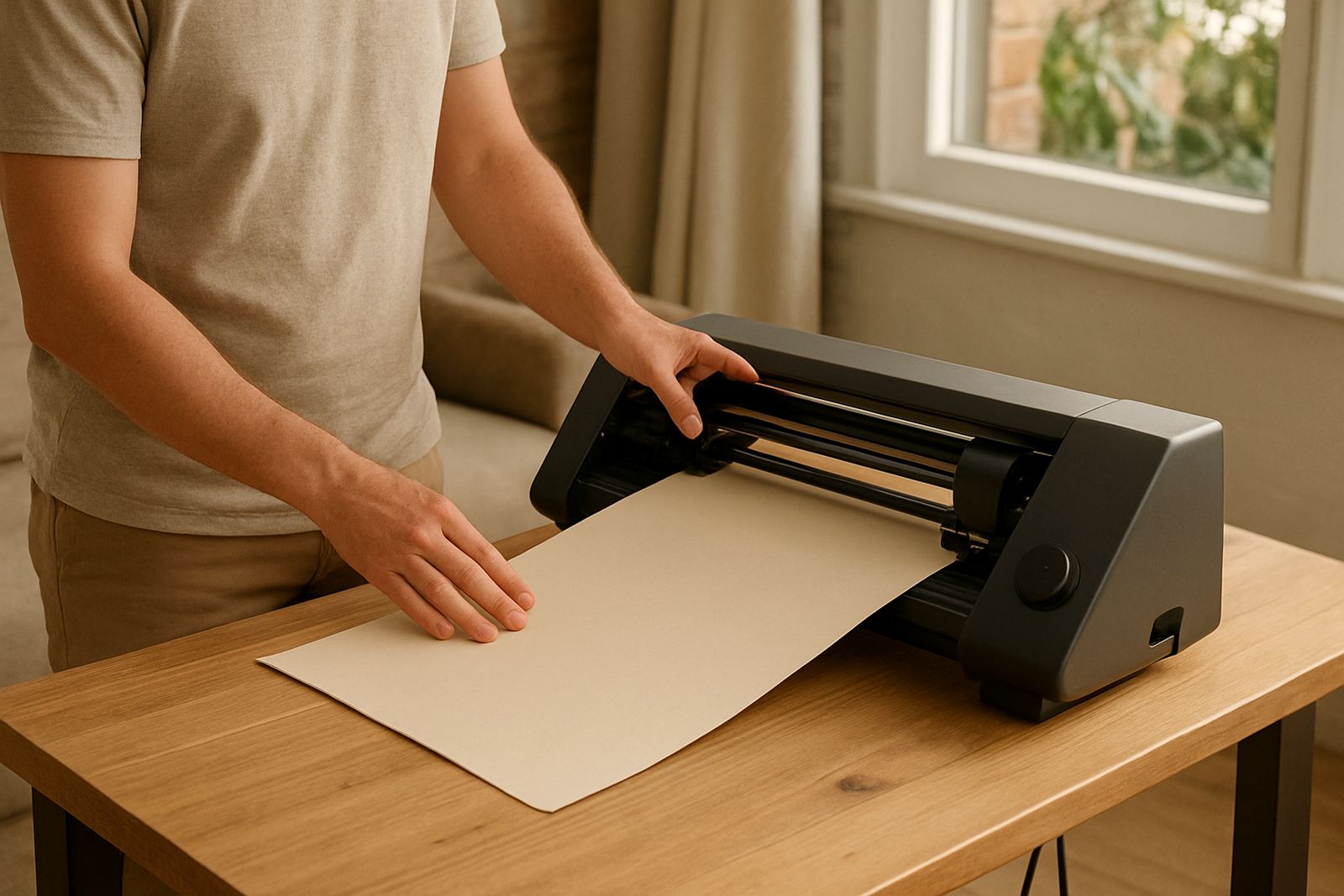
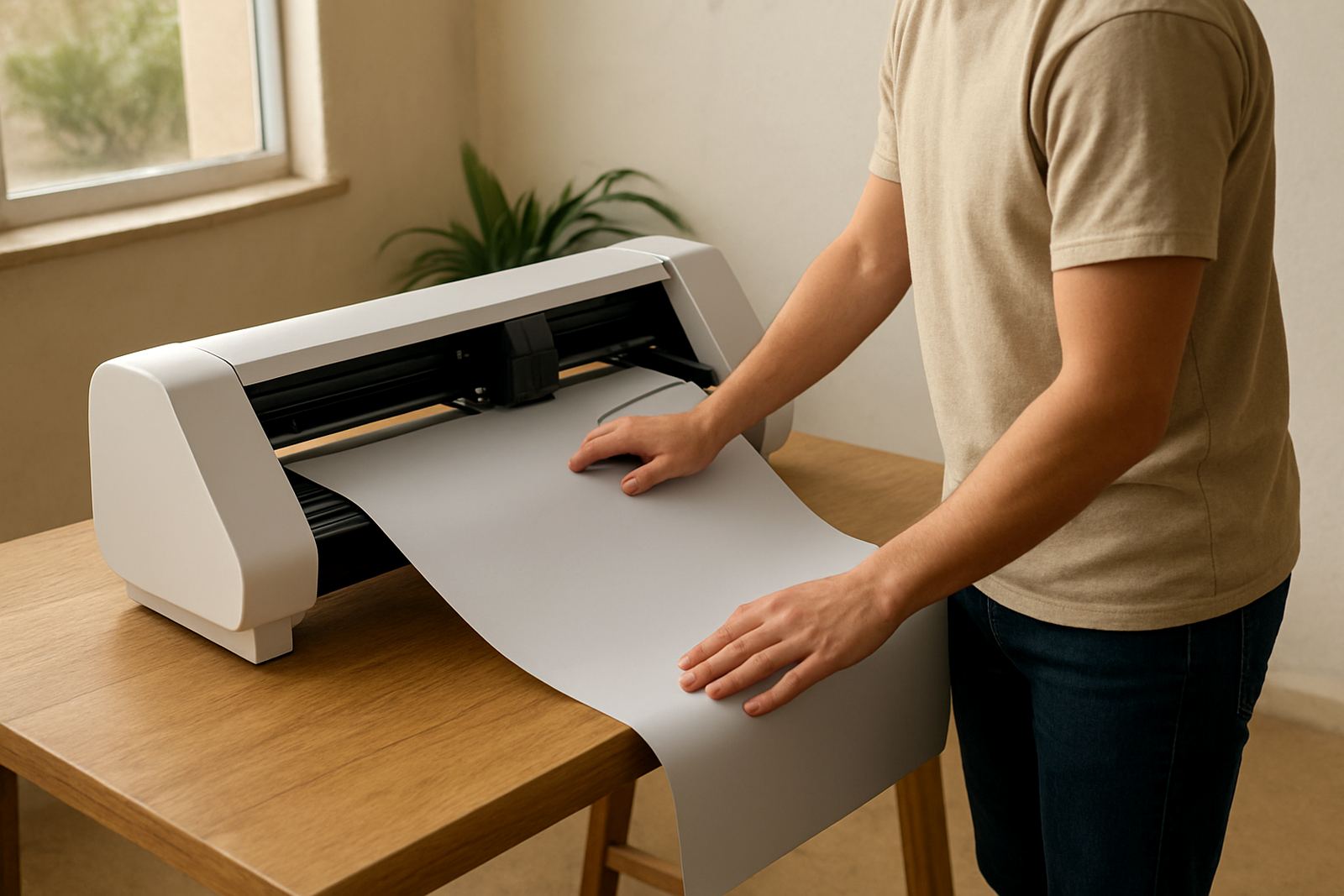
A clean first setup makes the rest of your work easier. Place the machine on a steady table, keep it away from direct dust and give it enough space at the back for the media to feed through without catching. In Johannesburg and other inland areas, static can build up quickly, so wipe the work area with a dry cloth before loading vinyl. If you are near the coast, keep rolls sealed when not in use to limit moisture exposure.
When you power up a new unit, check the carriage movement, blade holder, power cable and USB connection before you send the first job. For a fresh start, test a small square and a simple word before you move to full-size graphics. If the cutter is showing odd movement after load-shedding, switch it off at the wall for a minute and restart the full setup process. That often clears small connection issues.
- Level the machine and feed material straight.
- Confirm the blade is seated correctly and not over-extended.
- Run a small test cut before using your full design.
- Check that your software connection matches the machine settings.
Blade Calibration For Cleaner Cut Quality
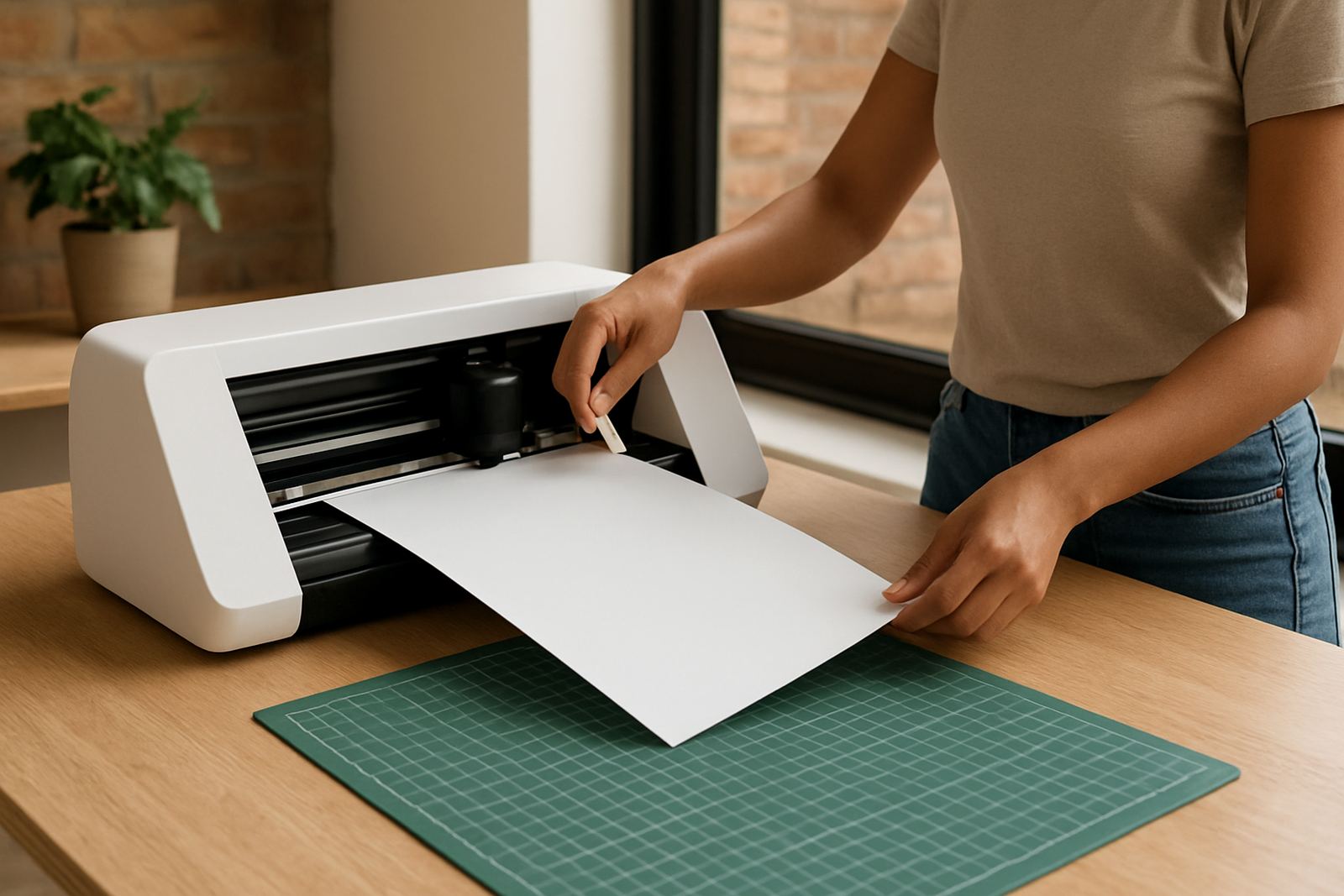
Most cut problems start with blade depth or pressure. If the blade is too far out, you will cut through the backing paper. If it is too shallow, the vinyl will not weed cleanly. A useful rule is to begin with the least blade exposure needed and increase slowly only if the test cut leaves gaps. Keep the blade holder free of dust and offcut bits too.
For standard craft vinyl and HTV, do a small corner test in the same material you plan to use for the job. Adjust speed and pressure one step at a time. If letters lift on the corners, slow the machine down slightly and check the blade angle again. If the machine is cutting well on flat lines but missing tight detail, your blade may be worn or the mat feed may be uneven.
- Use a test square and weed it immediately.
- Reduce pressure if the backing paper is marked.
- Increase pressure only when the vinyl is not cutting through.
- Replace a blunt blade before it starts ruining fine detail.
Matching Vinyl, HTV And Transfer Method
Different jobs need different materials. Wall signs, labels and décor pieces usually use adhesive vinyl, while shirts, aprons and tote bags need heat transfer vinyl. For apparel, check the fabric first. Cotton handles most standard HTV well, while some stretch fabrics need a flexible film and careful heat control. On polyester, keep the temperature lower to avoid shine or scorch marks.
Before you cut a full batch, test a small sample of the same material. This helps you check whether the cut lines weed cleanly and whether the press time works as expected. If you are working on school items, craft fair stock or short-run business orders, it is worth setting one fixed process and sticking to it so each piece comes out the same.
- Use adhesive vinyl for flat hard surfaces.
- Use HTV for garments, fabric bags and soft items.
- Test on the same fabric colour and weight.
- Keep transfer film, carrier sheet and press cloth ready before heating.
Pressing Checks For Shirts, Bags And Home Décor
A heat press should close evenly and hold steady pressure. If one side is hotter than the other, your design may lift after washing. Check the platen surface, temperature display and timer before each batch. For many standard HTV jobs, a quick pre-press removes moisture and creases from the garment, which improves bonding. In colder Pretoria mornings or humid Durban evenings, that step matters more than people think.
After pressing, let the garment cool for the correct time before peeling. Hot peel and cold peel films behave differently, so do not force it. If the image edges lift, press again with medium pressure and a clean sheet over the design. A slight delay in cooling can make a big difference, especially on layered vinyl or detailed lettering.
- Pre-press fabric for 3 to 5 seconds to remove moisture.
- Check that pressure is firm across the full platen.
- Follow the correct peel method for the film you are using.
- Repress lifted edges with a protective sheet.
When Cuts Do Not Weed Properly
Weeding trouble usually points to one of four things: blade depth, pressure, material quality or dirty rollers. If small details keep tearing, slow the machine down and check whether the blade is dragging. If the vinyl is pulling away in jagged pieces, the cut may be too deep or the film may be too soft for the selected settings. Old rolls stored in heat can also behave badly.
For long runs, clean the rollers and the cutting strip regularly, then test a short sample every few metres. This is especially useful in workshops that run during power interruptions, since a partial cut after a restart can throw off the next job. If you are unsure, stop and run a fresh test instead of wasting the whole roll.
- Check blade depth first when fine detail tears.
- Clean rollers and the cutting strip often.
- Keep a note of settings that work for each material.
- Do not keep cutting if the sample is already failing.
How We Support You In Kya Sand And Nationwide
Our team in Kya Sand, Johannesburg handles new machine setup, software connection help, workflow advice, blade calibration, heat press check, replacement parts help, routine machine cleaning, material testing and cut quality troubleshooting. We support customers across Randburg, Sandton, Midrand, Roodepoort, Pretoria East and nationwide. If you need help with a repeat issue, a remote support session can often get you back to work without a long delay.
For direct help, send a message through our contact form with a short description of the problem, the material you are using and a photo or video if possible. Include the machine model, the cut settings and whether the issue started after a power cut or software update. That gives us the details we need to point you in the right direction first time.
- Tell us what material you are cutting and the finish you want.
- Share the symptoms, such as tearing, lifting or poor connection.
- Send a clear photo of the cut edge or press result.
- Let us know your suburb so we can guide you on the best support option.