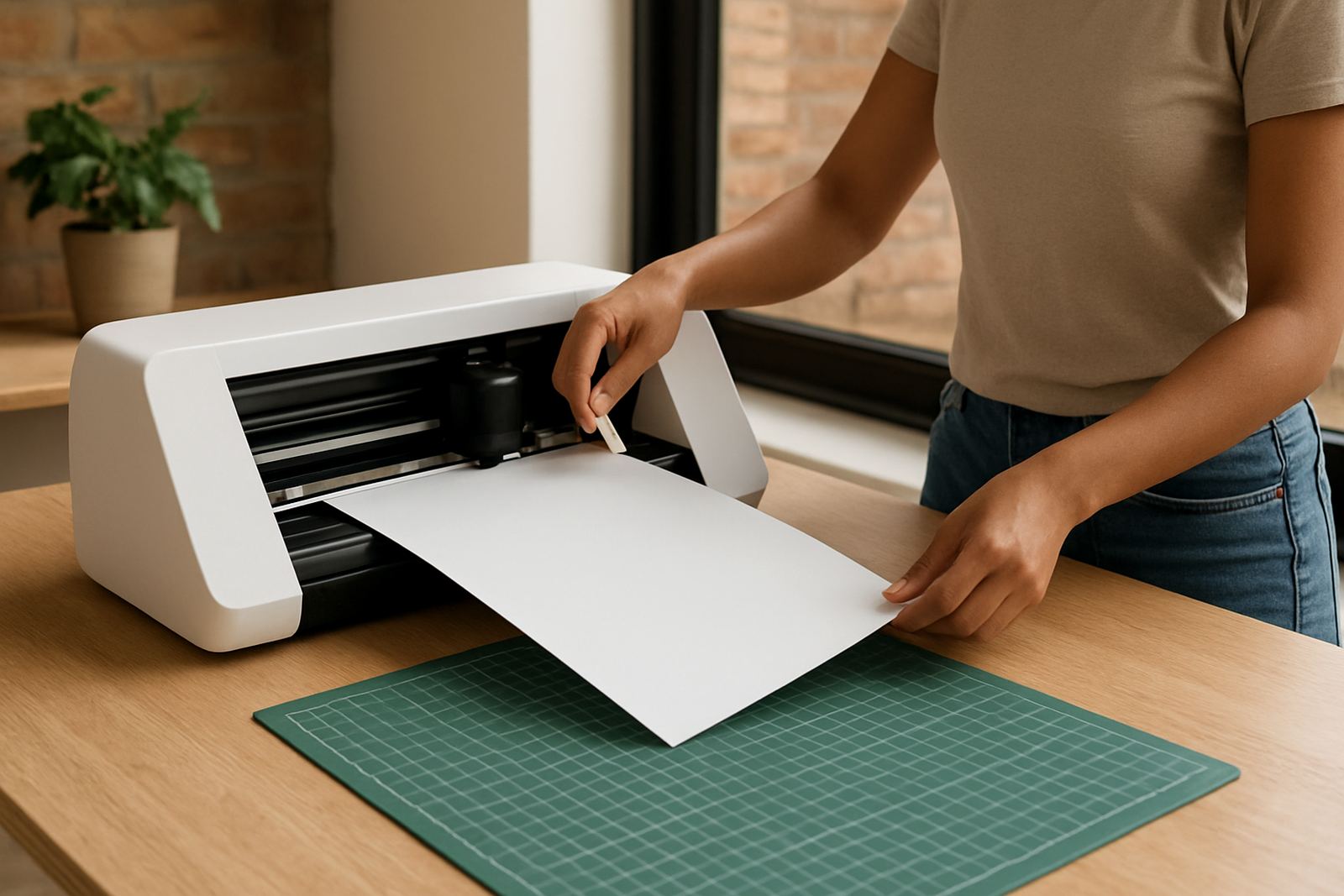
What we can help you fix
If your machine is cutting off track, your software will not connect, or your heat transfer vinyl is lifting after pressing, book support and we will help you sort it out. Our team works with hobby users and small shops every day, so the advice is practical and based on common local setup issues like power cuts, laptop compatibility and uneven work surfaces.
We can assist with first setup, blade calibration, material testing, cut quality checks, and workflow questions. If you are printing, cutting and pressing in a home studio or a small commercial space, we can talk you through the right sequence so you are not wasting vinyl or time.
- New machine setup and first test cuts
- Blade depth, pressure and offset checks
- Software connection help on Windows or Mac
- Heat press checks for timing, pressure and temperature
- Replacement parts guidance and routine cleaning
How to book a guided support session
Booking is simple. Send us your name, town, machine type and a short note on what is happening. If you can, include a photo or video of the fault so we can prepare before the call. That saves time and helps us focus on the real issue instead of guessing.
We support customers in Kya Sand, Randburg, Sandton, Midrand, Roodepoort and Pretoria East, and we also help clients nationwide by phone or remote session. If your issue needs a closer look, we will tell you what to check first and whether you should bring the unit in for hands-on assistance.
- Send a message through our contact form with your details
- Tell us whether the issue is with the cutter, software or HTV
- Share your preferred time for a call or remote session
- Send a sample file, photo or short clip if you have one
What to prepare before the call
A little preparation makes the session easier and usually shortens the fix. Please have the machine plugged in and switched on, the laptop or computer ready, and the material you are testing nearby. If you use a heat press, have your garment, vinyl and Teflon sheet or cover sheet ready as well.
We often ask for the exact machine model, the software version you are using, and the thickness or type of material. If you are unsure, just tell us what you see on screen or on the machine. A clear photo of the blade holder or carriage can help, and a quick note about recent changes such as a new laptop or a power outage can also be useful.
- Keep the cutter and computer connected before the session starts
- Have scrap vinyl or offcuts for test cuts
- Measure your heat press area so we can check the layout
- Write down any error messages or flashing lights
Common issues we see in South African workspaces
Many support calls are about the same few problems. A cutter may drag on thicker vinyl, weed poorly, or miss small details because the blade pressure is too high or the blade is worn. Sometimes the software is set correctly but the USB connection is unstable, or the design file has too many points and the machine struggles to read it.
HTV issues are often linked to heat, pressure or the garment type. In hotter, humid areas near the coast vinyl can lift if the press time is too short or the transfer is applied too soon after pressing. In Johannesburg and Pretoria, load shedding can affect your workflow, so we also help with restart steps after power interruptions and what to save before switching off. If you are not sure whether the fault is the machine or the material we will work through both, because the answer is not always obvious.
Remote help or workshop support in Kya Sand
Some problems are best handled online, while others need a bench check in Kya Sand. If your machine needs cleaning, a blade holder inspection or a parts check, we can guide you on the next step and help you decide whether to continue remotely or bring it in. For customers in nearby areas, collections and drop-offs can be arranged by appointment.
Our technical support team and workshop staff work together so you get one clear answer, not a chain of guesswork. You will speak with people who understand cutter setup, heat transfer workflow and day-to-day production pressure in a small business. That means less waiting and more doing.
Aftercare To Prevent Repeat Cutting Faults
Once the immediate issue is fixed we will tell you what to watch for next. That may mean cleaning the blade housing more often, rechecking pressure after changing vinyl, or keeping your software settings saved after updates. A small habit now can save a wasted roll later, especially if you cut often for orders.
If you need ongoing help, we can keep things moving with follow-up guidance for new material testing, workflow planning and machine care. We aim to make support straightforward, so you know what to do the next time a job starts acting up.