Start With A Clean Machine Before Every Long Job
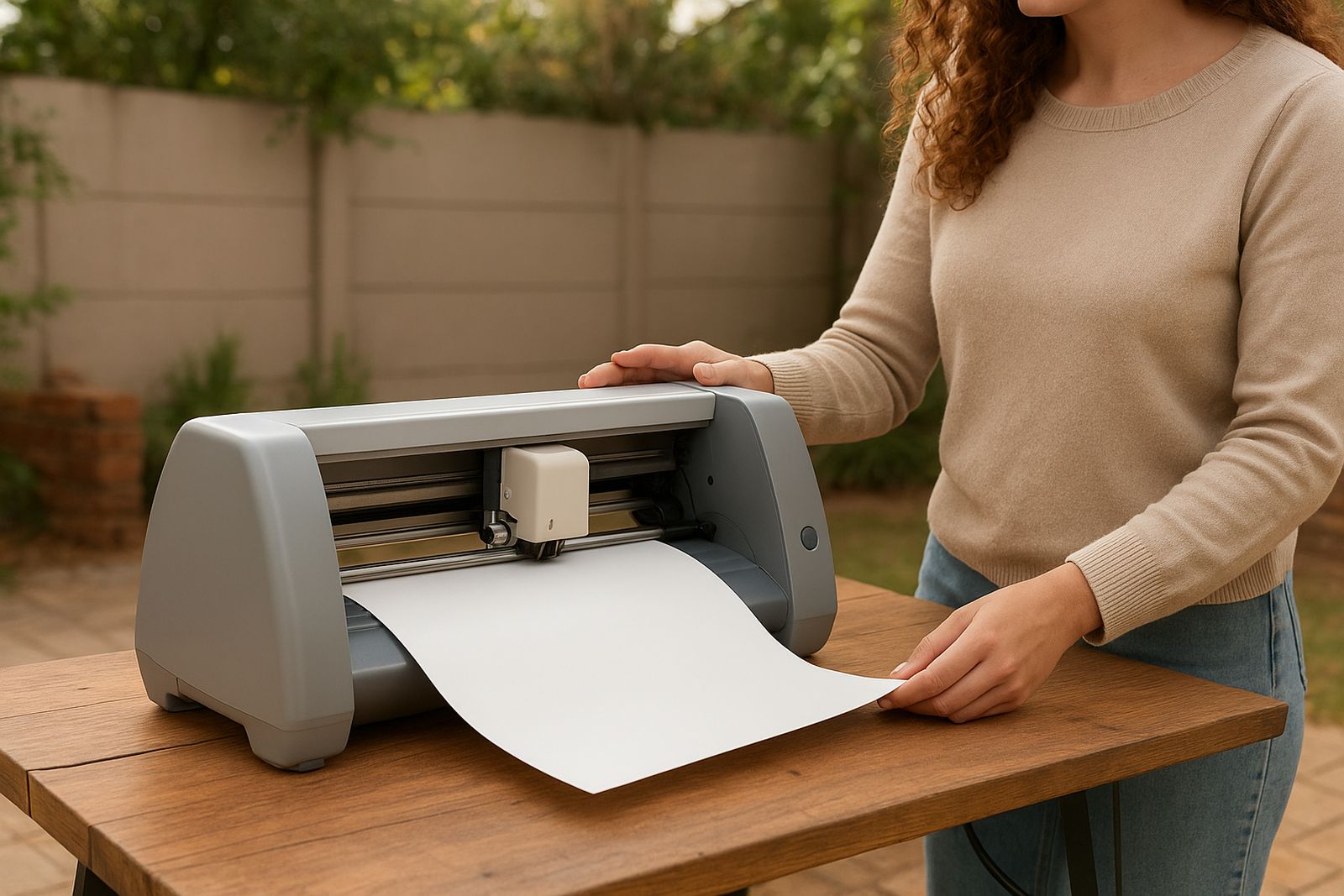
Dust, off-cuts and adhesive build up quickly in a home studio or small workshop, especially in Johannesburg where fine grime gets into moving parts. Before you begin a new roll of vinyl or a batch of heat transfer jobs, switch the machine off and unplug it. Use a soft brush or lint-free cloth to clear the cutting area, carriage path and around the feed rollers.
If you work near an open window or garage door, check for paper scraps, thread and small vinyl bits stuck under the carriage. A quick clean before each session helps the cutter track better and keeps the blade from dragging. In humid coastal areas the same routine also helps because dust and moisture can stick together and form a stubborn layer.
- Unplug before wiping any part of the cutter
- Brush away loose scraps from rollers and tracks
- Check the mat area for adhesive build-up
- Keep drinks and spray cleaners away from the machine
Blade Checks That Improve Cut Quality Fast
A dull or chipped blade is one of the most common reasons for poor cut quality. You may see ragged edges, incomplete corners or vinyl lifting when you weed. Check the blade tip under good light every few jobs. If it looks worn, replace it before it starts marking the backing paper.
Set blade depth carefully for the material you are using. Thin adhesive vinyl needs less exposure than thicker glitter or craft material. Too much blade can score the backing, while too little blade leaves gaps and makes weeding frustrating. This is especially important when you are working late during load-shedding windows and do not want to waste time on test cuts.
- Inspect the blade tip for chips or burrs
- Match blade depth to the material thickness
- Run a small test cut before full production
- Replace worn blades as soon as cut quality drops
Keep Mats Grippy Without Damaging The Surface
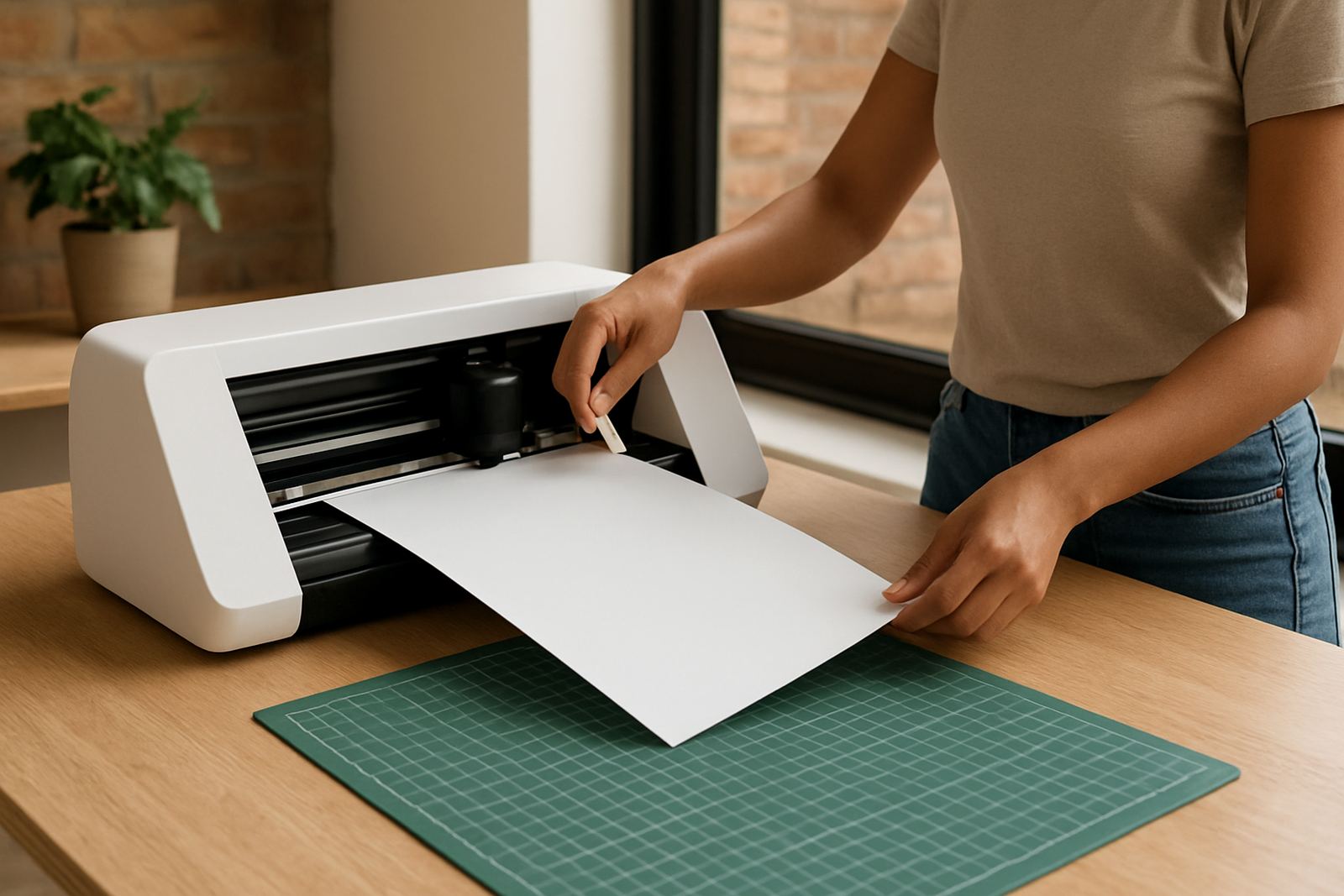
A mat that has lost grip can cause vinyl to lift or shift during cutting. That leads to skewed artwork and wasted sheets. Clean the mat lightly after use with a lint-free cloth or a mild soap solution, then leave it flat to dry. Do not scrub too hard because the adhesive layer can be damaged.
For fabric-backed or paper masks, remove fibres gently rather than picking at the surface. If the mat is too sticky, press a clean cotton cloth on it a few times to soften the tack before placing delicate material. In workshop conditions around Randburg or Roodepoort, mats often last longer if they are stored flat and covered when not in use.
- Wipe off dust and paper fibres after each session
- Store mats flat, not rolled
- Keep them away from direct sun and heat
- Replace mats that no longer hold material evenly
Heat Tools Need Even Pressure And A Careful Check
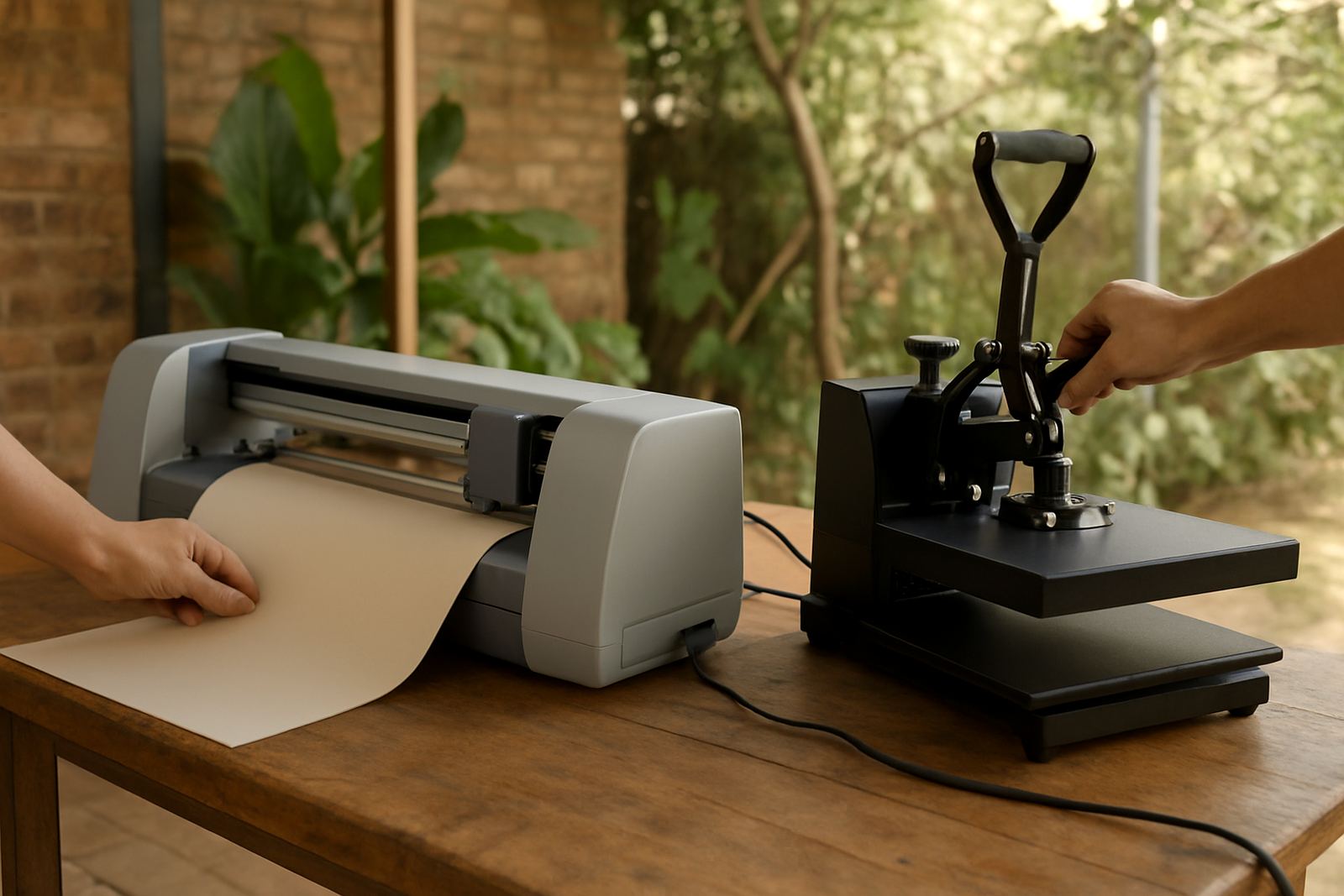
Heat tools and presses should be checked often, particularly if you work from a garage or small studio where power changes can affect performance. Make sure the surface heats evenly and the handle closes with steady pressure. Uneven heat can leave patches that do not bond properly to shirts, bags or aprons.
Before each job, test the heat across the platen with a simple patch of transfer material. If one side looks lighter or lifts after peeling, the tool may need a temperature check or a closer look at the pressure setting. In Pretoria East and Midrand, where many makers work on mixed garments and short runs, this small test can save an entire order.
- Check that heat is even across the pressing surface
- Keep the platen clean and free of glue residue
- Use the correct pressure for the transfer type
- Allow the tool to cool before wiping it down
Troubleshooting When Cuts Are Not Clean Or Straight
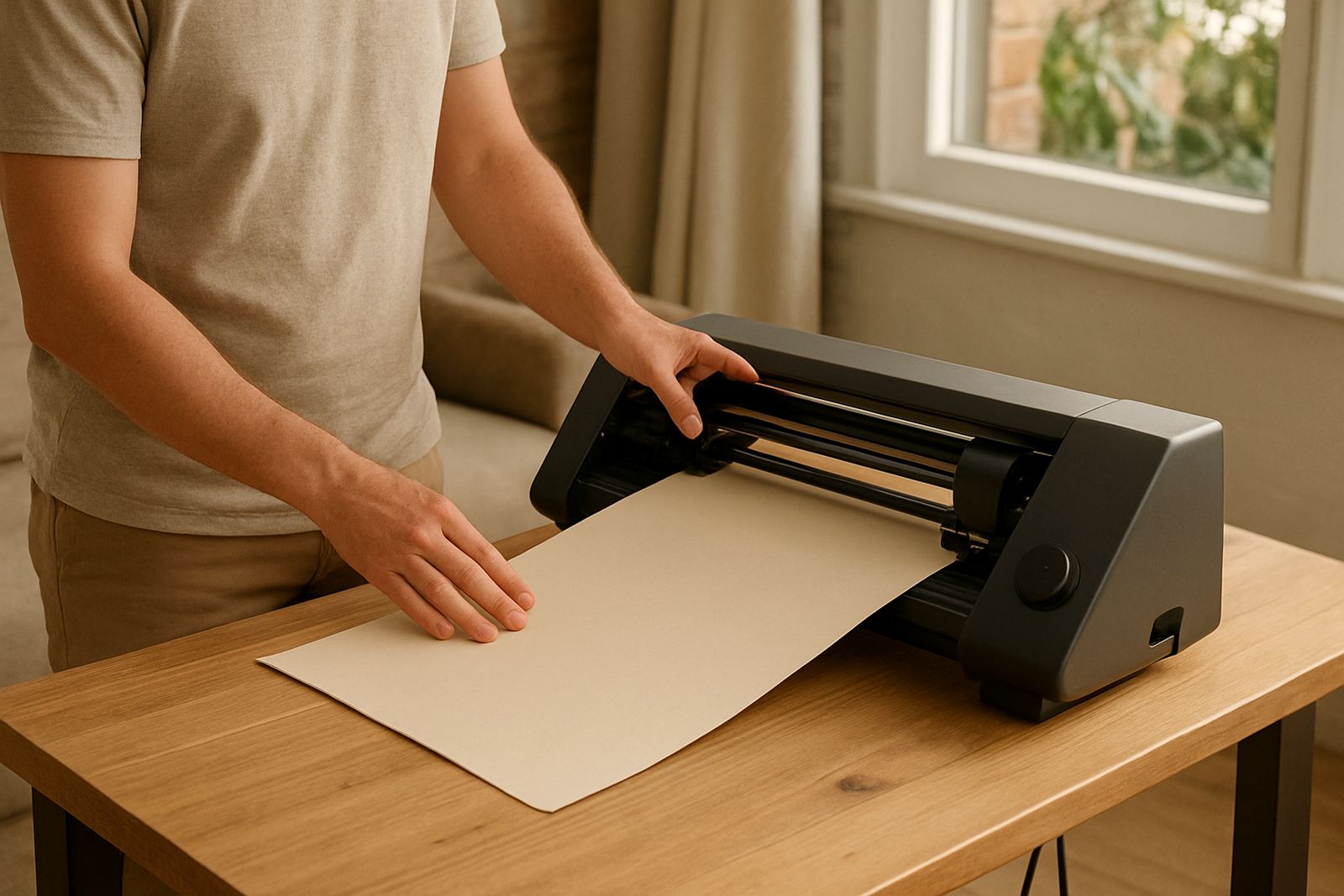
If your design starts drifting, lifting or cutting unevenly, check the simple things first. Look at the material feed, blade depth, mat grip and software connection. A loose cable or misaligned roll can cause more trouble than many people expect. Keep your workspace level and make sure the cutter is on a firm table, not a wobbly stand.
When the machine repeats a fault, note exactly when it happens. Is it on small lettering, full-width cuts or only on thicker vinyl? That detail helps with remote support and makes it easier to solve the problem quickly. If you are in Kya Sand, Sandton or further out in Pretoria, a clear description saves time and gets you back to work sooner.
- Check roll alignment and mat placement
- Confirm blade depth and holder tightness
- Test software connection and file size
- Record the fault so the same issue can be traced later
Storage Habits That Help Your Tools Last Longer
Good storage matters almost as much as cleaning. Keep blades, spare parts and heat transfer vinyl in sealed containers where dust cannot settle on them. In summer, avoid leaving rolls in direct sunlight or inside a hot vehicle. Heat can warp carrier film and make material harder to handle later.
Store the cutter where it will not pick up vibration, moisture or sudden knocks. If you are working through load-shedding, shut the machine down properly before power cuts hit, and keep sensitive items off the floor. A tidy storage routine also makes it easier to find the right colour and size when a customer sends through a last-minute order.
- Keep consumables dry and out of direct sun
- Store parts in labelled containers
- Protect machines from dust and impact
- Keep a small care kit ready with cloths, swabs and spare blades