A sensible first cutter for home and light studio work
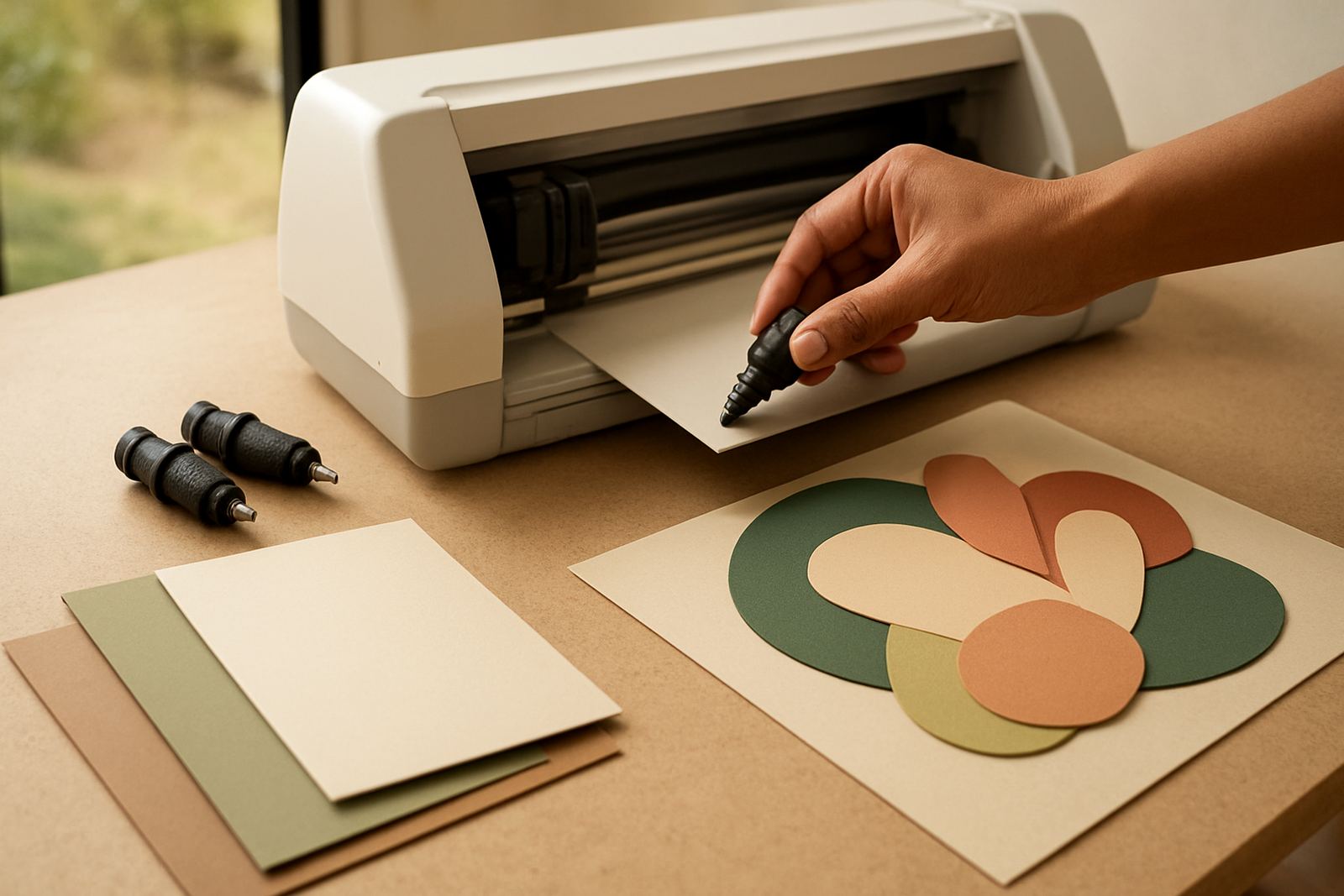
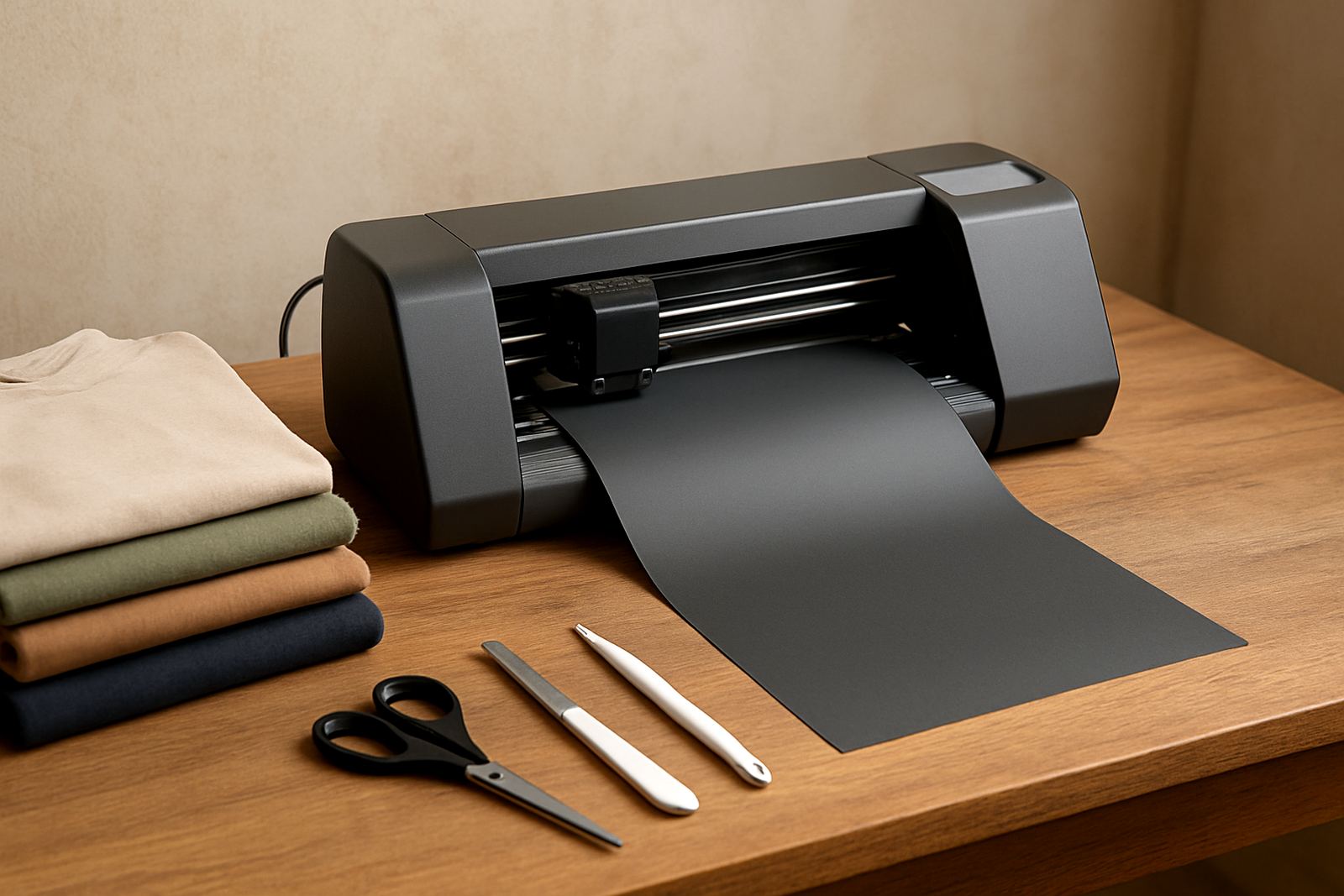
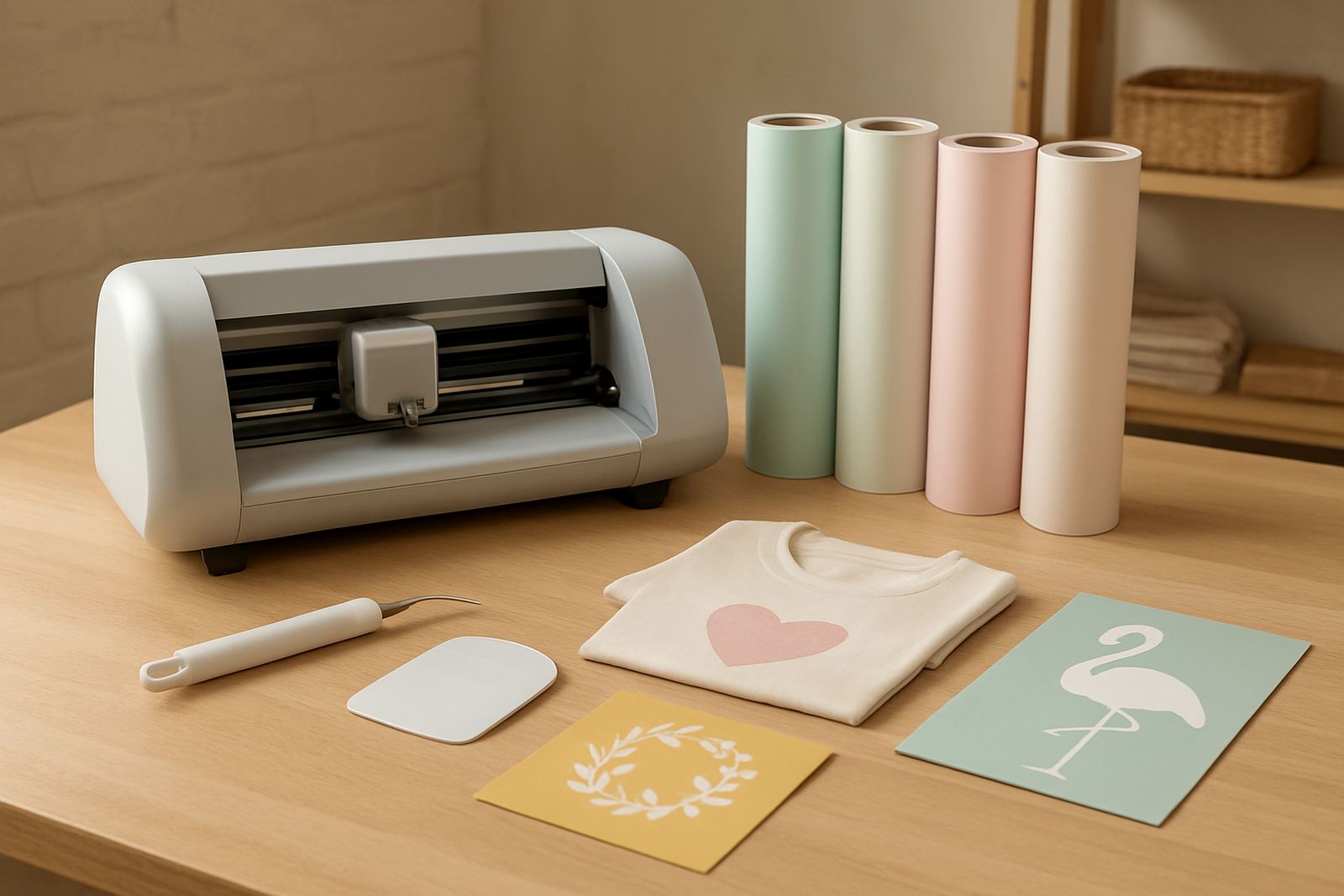
If you want to make decals, wall quotes, mug labels, school items or basic T-shirt graphics, this cutter gives you a simple way to start without taking over the whole room. It is made for short runs and smaller projects, so you can get clean results on vinyl, HTV and similar craft materials without needing a large workshop.
The Starter Vinyl Cutter suits people who want control over their own designs and do not need a big industrial machine. It is a good fit for apartments, spare rooms, school projects and small home businesses in Johannesburg, Pretoria East, Midrand, Randburg and beyond. It works well where space is limited and the work load is steady but not heavy. Setup is straightforward and the learning curve is manageable, even if you have never used a cutter before.
Key specifications and practical options
This model is built around ease of use and accurate small-format cutting. Most users choose a size that matches their work table and the width of the media they plan to use. If you mostly make labels and small signs, a narrower unit may be enough. If you cut for apparel and larger decals, go wider so you are not trimming material by hand all the time.
- Typical cutting widths: 300 mm, 600 mm or similar entry-level sizes
- Material types: adhesive vinyl, heat transfer vinyl, paper mask and light craft films
- Drive system: roller-fed desktop cutter with adjustable pinch rollers
- Connection: USB or direct data connection, depending on the model selected
- Cut control: adjustable blade pressure and speed settings for different materials
- Use case: hobby work, labels, signage samples, simple apparel jobs and craft batches
For better results, match the blade setting to the material thickness and keep the feed path clear. A clean, level table helps too, especially when you are working with longer cuts or repeat jobs.
Where this cutter makes sense
The Starter Vinyl Cutter is best for people doing small jobs with a mix of creative and practical use. It is a good choice if you are cutting personalised gifts, classroom items, office labels, kitchen jars, vinyl wall wording or simple one-colour apparel graphics. It also suits test runs before moving to larger production, because you can trial a design without wasting much material.
- Home crafters making gifts, decals and labels
- Small businesses doing low-volume HTV jobs
- Schools, clubs and community groups producing signs and branding items
- Market sellers needing a compact cutter for quick custom work
If your work includes long production days, thick reflective film or very large runs, you may need a heavier machine. For most starter users though, this model is enough to learn proper cutting habits and get paid work out the door.
Power, placement and setup notes
This is a desktop machine, so the main requirement is a stable surface, correct power and a clean work area. Use a normal indoor plug point with stable supply. In many areas around Gauteng, load-shedding means it is wise to have backup power or a safe shutdown plan if you are in the middle of a long cut. Sudden power loss can waste material and upset your layout.
Keep the cutter away from dust, damp walls and direct sunlight. Coastal humidity is less of a problem in Johannesburg, but storage still matters if you ship stock to other parts of the country. Vinyl rolls should stay dry and flat. If the machine is installed near a window or garage door, give it a little extra care because fine dust can build up on the rollers and carriage. A small slip in positioning can affect cut quality quite quickly.
When setting up the software connection, make sure the computer recognises the machine before you start a proper job. It helps to test a simple square or small logo first, then check whether the blade is cutting cleanly without lifting the backing.
Care, cleaning and servicing that keeps cuts neat
Like any light-duty cutter, this unit works best when it is kept clean and checked regularly. Wipe the rollers, check for offcuts around the blade holder and confirm that the blade is not chipped. If cuts start missing corners or the vinyl tears on small details, the pressure, blade depth or mat/feed tension may need attention.
- Clean the rollers after dusty jobs or every few weeks of regular use
- Check blade depth before each new material type
- Keep spare blades and a spare cutting strip if available
- Run a test cut before starting a large batch
- Store vinyl flat to avoid curling at the edges
VinylCutter Craft can assist with blade calibration, cut quality troubleshooting, routine machine cleaning and replacement parts help. If you are unsure about a setup or the cuts are not consistent, a remote support session can save time and material.
What to check before you order
Before buying, work through your job type, space and software needs. That makes it easier to choose the right width and avoid buying a unit that is too small for your work. If you plan to cut HTV for T-shirts, check the garments you will print on and whether you need a wider roll width for names, logos or layered work. If you are mainly doing labels, smaller formats may be fine.
- What width you need for your most common jobs
- Whether your computer setup supports the connection method
- What materials you will cut most often, and their thickness
- How much table space you have for feeding and unloading vinyl
- Whether you need setup help, training or workflow guidance
It is also worth checking spare blade availability and the type of software support you may need. A little planning here saves a lot of frustration later, especially if you are setting up at home after hours.
Support from Kya Sand to your workshop
VinylCutter Craft supports customers from Kya Sand, Randburg, Sandton, Midrand, Roodepoort and Pretoria East, with craft cutters supplied nationwide. We assist with new machine setup, software connection help, heat press checks, material testing and troubleshooting when your cuts are not coming out as expected. That kind of support matters when you are trying to finish orders on time and keep waste down.
Our team includes Thabo Maseko, Ayesha Daniels, Sipho Nkosi, Hlamalani Netshitenzhe, Ruan Smit and Nokuthula Zungu, so you have sales, technical and training support from people who understand day-to-day craft production. If you need help choosing the right starter cutter for your work, send a message through our contact form and we will talk through the options with you.
Key facts
| Product type | Entry-level desktop craft vinyl cutter |
|---|---|
| Recommended use | Labels, decals, home décor and simple HTV jobs |
| Material compatibility | Adhesive vinyl, HTV and light craft films |
| Typical width options | 300 mm, 600 mm or similar starter sizes |
| Connection | USB or direct data connection, model dependent |
| Support | Setup, blade calibration, testing, remote help and troubleshooting |