Small footprint, practical output
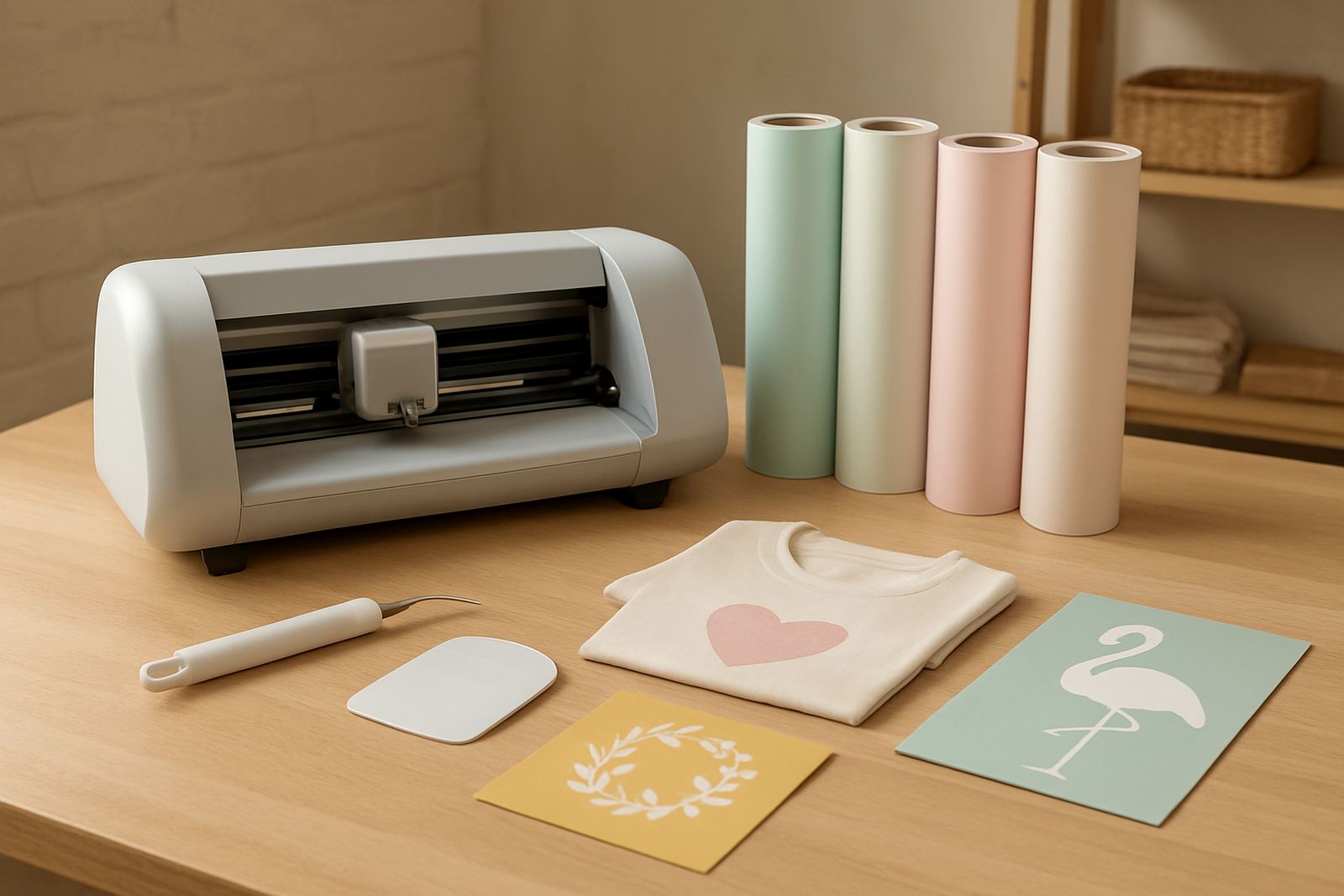
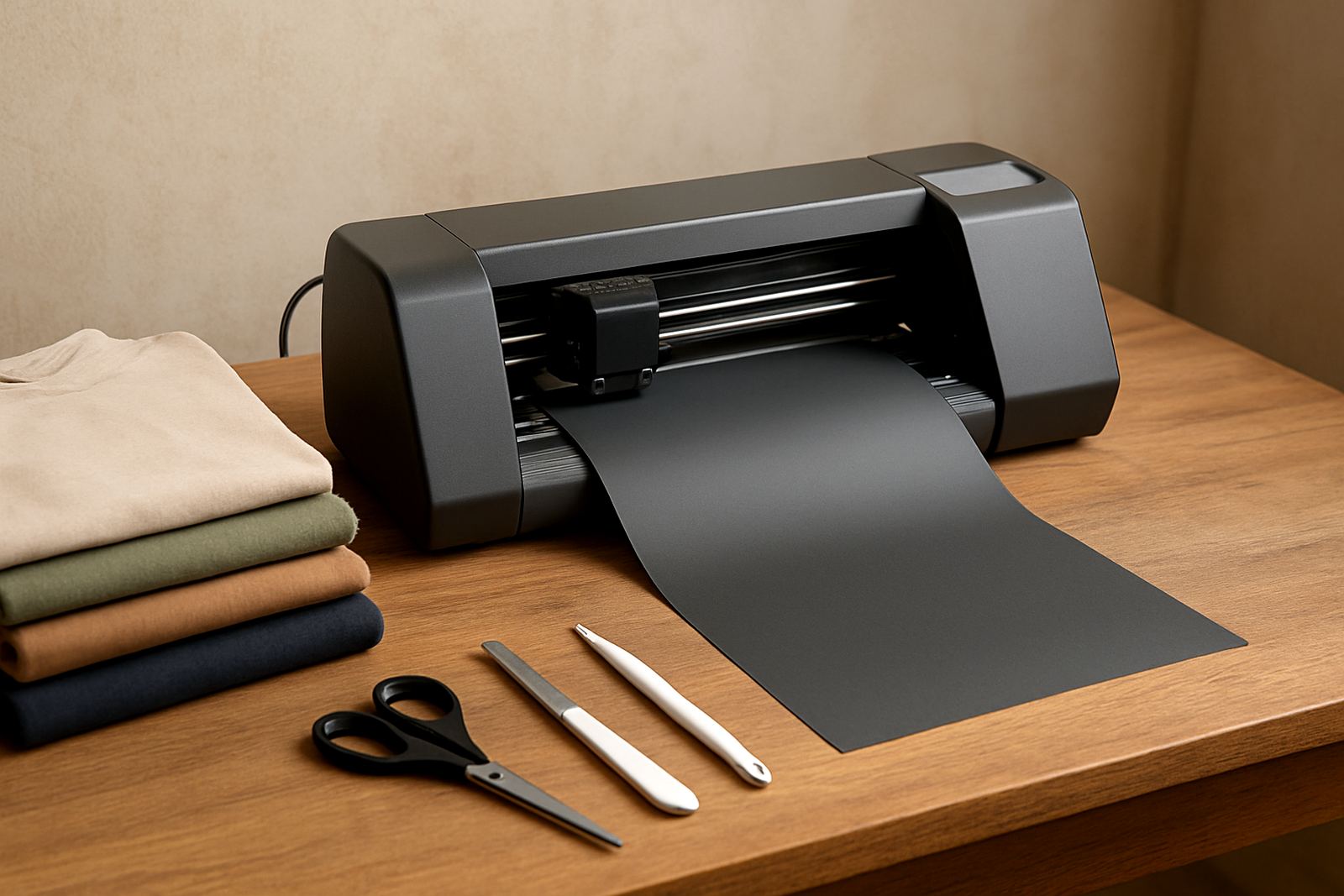
This machine is made for users who need a tidy setup and dependable cutting on everyday HTV work. It sits comfortably on a work table, packing table or light-duty production bench, so it is a good fit for apartments, spare rooms, school craft spaces and shop counters where every metre counts. For many users in Johannesburg, Pretoria East and Randburg, the main appeal is simple: you can set up quickly, cut neatly and pack away without needing a dedicated production room.
It handles the kind of work that comes in batches, not factory volumes. That includes names and numbers for sport shirts, club wear, basic logos, boutique labels and seasonal items. If you make samples for customers in Sandton or Midrand, or you run a side hustle after hours, this style of cutter gives you enough speed for short runs without complicating the process.
- Suitable for HTV, stencil film, paper-backed craft vinyl and similar light media
- Compact body for worktops, shelves and small studios
- Best for short runs, sample work and personalised items
- Easy to move between home, workshop and training space
Sizes and options to match your work
Compact cutters are usually chosen for their smaller cutting width and easier handling. This model is best for users who work with T-shirts, tote bags, caps, babywear and narrow design panels. If you mostly cut A4 and A3-sized artwork, you will appreciate the lower material waste and simpler layout planning. For wider jobs, you may need to tile the design or step up to a larger machine.
When comparing options, look at the cutting width, the type of stand or base you want, and whether you need an entry-level setup or a package with training and starter material. Some buyers only need the machine, while others want a full first-run kit with blades, mats and HTV rolls. Thabo and the team often help customers choose the right fit for their monthly workload, so you are not overbuying for work you may not do yet.
- Compact cutting width for apparel graphics and labels
- Works well for one-colour vinyl and simple layered artwork
- Good choice for beginners who want room to learn
- Useful for users who need low waste on smaller designs
Where this cutter suits best
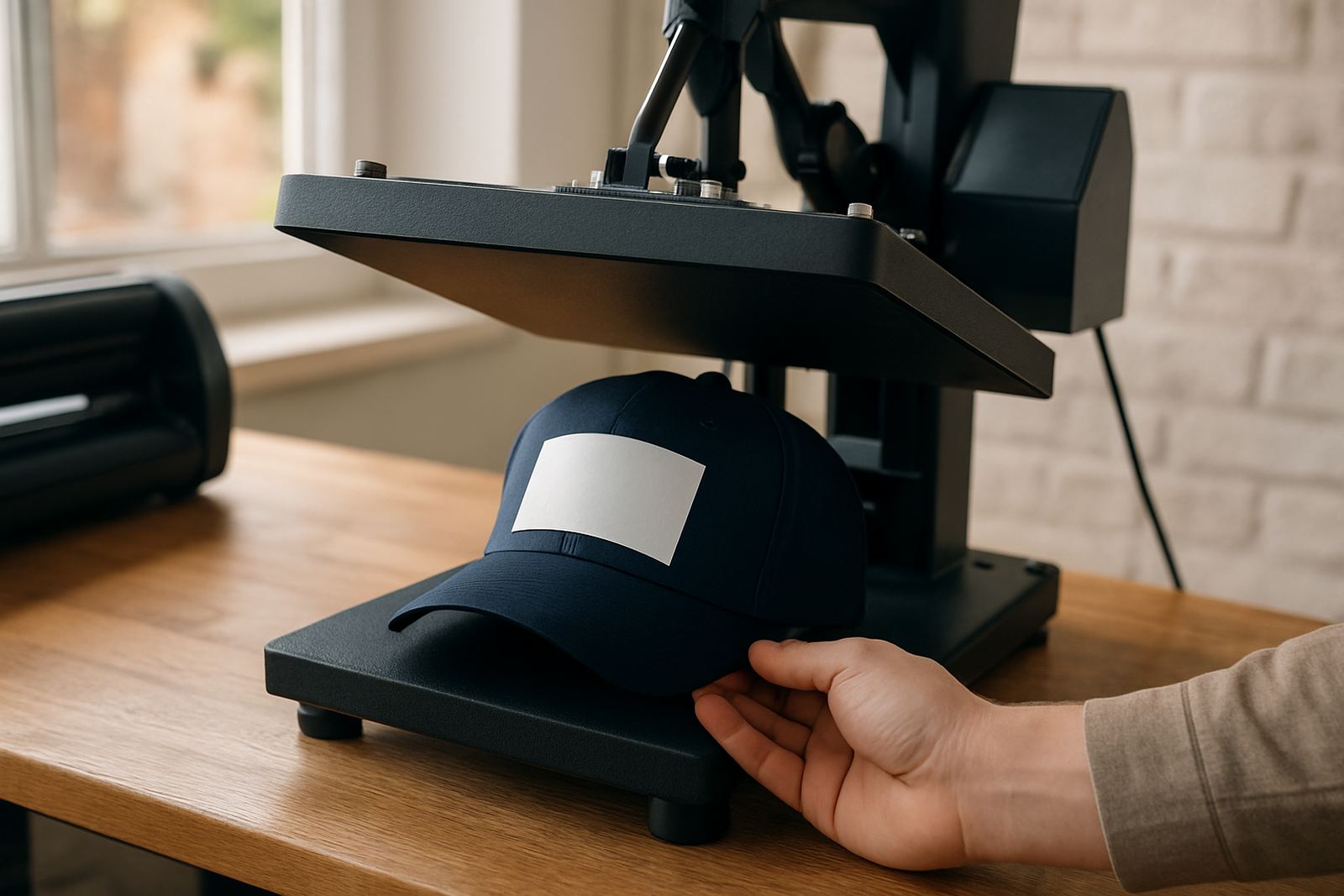
This cutter is a strong match for home-based businesses, craft resellers, school fundraising projects and small garment decorators. It is also handy for sign makers who need a second machine for smaller jobs, proof cuts or urgent orders. In a shop where the heat press is used daily, a compact cutter keeps the workflow moving without tying up the main production area.
Because it is sized for light commercial use, it suits places where power supply and ventilation are already part of the plan. In areas affected by load-shedding, many users pair the machine with a UPS or inverter so they can finish a cut and avoid wasted material when the power drops. In coastal areas with humidity, like if you supply customers travelling from Durban or the east coast, storing vinyl flat and dry matters as much as the cutter itself. It helps to keep dust off the feed area too, especially in open workshops.
- Home studios and spare-room workspaces
- Small garment businesses and school uniform decorators
- Craft stalls, market sellers and online order makers
- Back-up cutter for busy print and signage shops
Installation, power and setup basics
Setup is usually straightforward, but it still pays to check the work area before the machine arrives. You need a level surface, enough room for vinyl to feed in and out cleanly, and a nearby power point that can handle regular use. The machine does not need gas, compressed air or a heavy electrical feed. For most locations in Kya Sand, Roodepoort or Pretoria East, a normal indoor plug point is enough, although you should still protect the unit from power surges. A small missing detail at setup can cause wasted material later, so take your time with the first run.
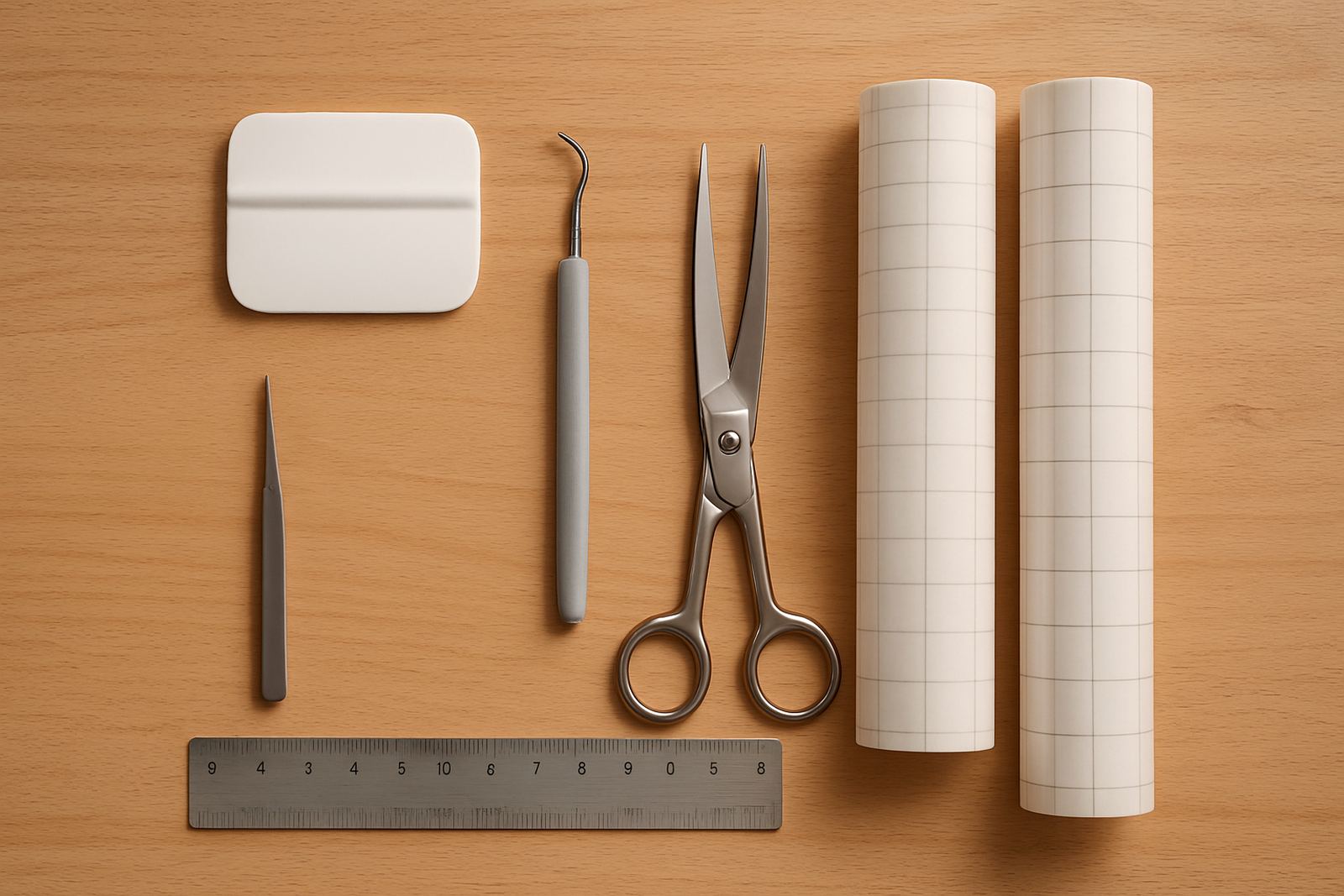
Proper installation also includes software connection help, blade calibration and a first material test. If you are new to cutting HTV, ask for a guided setup so the blade pressure and speed are set for your chosen film. That makes the first job easier and saves vinyl. The team can assist by remote support session or workshop visit depending on where you are and what you need.
- Needs a level table and clear feed space
- Works on normal indoor power, no gas or air line required
- Surge protection is recommended in load-shedding areas
- Initial blade and cut testing should be done before full production
Care, cleaning and routine servicing
Like any cutting machine, this unit lasts longer when it is kept clean and set correctly. Dust, scraps and adhesive residue can affect cut quality, so routine cleaning should be part of the week not a once-off task. Wipe the rollers, clear loose offcuts and check that the blade holder moves freely. If you cut daily, a quick end-of-day clean is worth the few minutes it takes.
For better results, keep a simple service routine: check blade wear, test cut corners, inspect the pinch rollers and confirm that the software settings still match your material. If the cutter starts to pull, chatter or miss fine detail, it may need blade calibration or a settings adjustment. The technical team can help with cut quality troubleshooting, replacement parts help and routine machine cleaning advice, and that support is useful for users who do not want to guess when something feels off.
- Clean dust and vinyl scraps after regular use
- Check blades and rollers before bigger jobs
- Store the machine away from damp and direct sun
- Use the correct settings for each HTV type
What to verify before ordering your cutter
Before ordering, confirm what kind of work you want to do and how often you plan to cut. If you are making one-off gifts, the entry setup may be enough. If you are handling weekly apparel orders, you may want spare blades, starter HTV and setup support from the start. It also helps to check your available space, your power backup plan and whether you need training for a second staff member or helper.
You should also confirm the media sizes you use most, the software compatibility you need and whether you want help with the first heat press check after cutting. If your workshop moves between Kya Sand, Sandton and Midrand jobs, portability matters. Ask what is included with the machine, what is extra and whether there are recommended parts to keep on hand. That way you avoid delays when a job comes in on short notice.
- Confirm your usual design size and monthly volume
- Check available table space and power backup
- Ask about blade spares, starter media and setup help
- Make sure software and file formats suit your workflow
Key facts
| Cutting type | Desktop vinyl cutter for heat transfer vinyl and light craft vinyl |
|---|---|
| Typical use | Short apparel runs, labels, names, numbers and small graphics |
| Footprint | Compact worktop size for small studios and home businesses |
| Power needs | Standard indoor mains power, surge protection advised |
| Support | New machine setup, blade calibration, software connection help and remote support |
| Care | Routine cleaning, blade checks and periodic cut testing recommended |