Sensor-assisted contour cutting for printed jobs
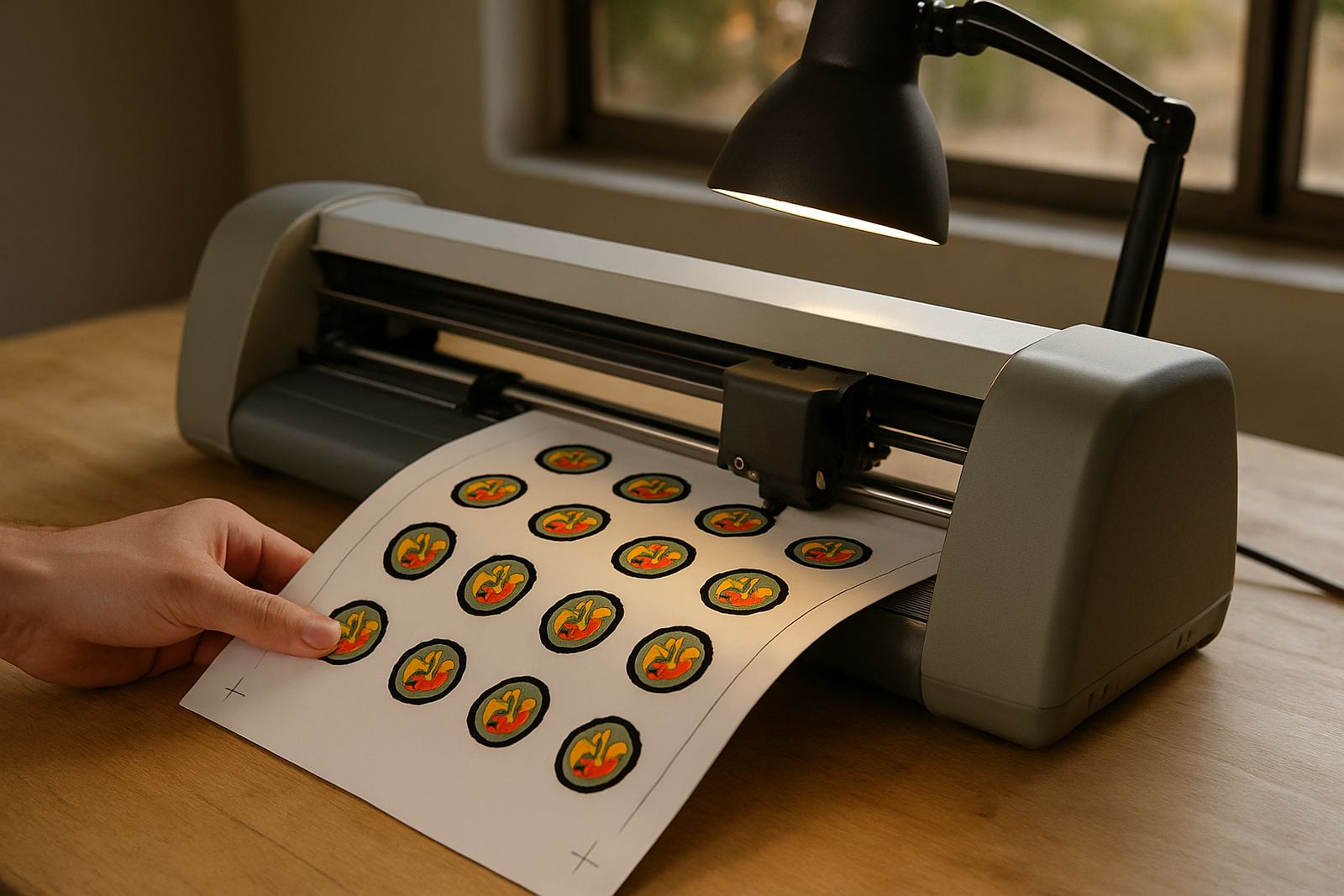
This cutter reads registration marks on printed material, then follows the print line with better accuracy than a manual cut path. It is well suited to short-run sticker work, custom labels, planner stickers and decals for packaging, because you can print first and cut second with less trimming by hand. For anyone doing repeat jobs in a small workshop the time saving is real, and the finish looks cleaner too.
It handles common craft media such as adhesive vinyl, printed sticker sheet stock and heat transfer film for simple garment work. If you are cutting mixed artwork, small text or detailed shapes, the sensor helps keep the blade on track even when the sheet has slight movement or the print sits a touch off centre.
Sizes and options that suit small production
We supply desktop-format smart sensor cutters for compact work areas, countertop setups and portable use at markets or training sessions. Typical cutting widths range from about 330 mm to 600 mm, with usable material widths depending on the roller set and feed path. Smaller units suit crafters in flats, spare rooms and home studios, while the wider option is better for sign, label and T-shirt work with larger sheets.
- Cutting width options from 330 mm to 600 mm
- Compatible with sheet-fed printed work and roll-fed vinyl
- Adjustable blade pressure for lighter films and thicker media
- Sensor registration support for contour jobs
- Desktop footprint for tight workspaces
If you need a machine for regular daily use, ask about the duty cycle and feed stability. A stable cutter saves material, especially when you are doing batches for a school event, a church fundraiser or small retail orders.
Where this cutter fits best
This model suits small businesses that need repeatable cutting without moving up to a full workshop machine. It works well for custom apparel studios, print-and-cut label makers, home décor sellers and event suppliers. If you sell through markets in Johannesburg, courier nationwide or work from a shared studio, the footprint and power needs are easy to manage.
It is also a practical choice for designers who want to cut prototypes before larger runs. You can test decal sizes, wall lettering, product labels and packaging samples, then adjust the artwork before sending a job to print again. That reduces waste and keeps turnaround times under control, even when orders come in late on a Friday.
- Custom apparel and HTV layouts
- Printed stickers and labels
- Window decals and small signage
- Home décor wording, stencils and sample packs
- Craft batches for schools, churches and events
Installation, power and workspace needs
Setup is straightforward. The cutter needs a level table, enough side clearance for media feed, and a stable power supply. Most desktop units run from standard 220 V mains power, so no special electrical work is required, but a surge protector is a good idea in areas with load-shedding and voltage swings. If you use a desktop computer or laptop for design work, keep both machines on the same safe power point where possible.
There is no gas requirement. For a clean install, place the machine away from direct dust, open windows with coastal humidity, and any area where vinyl offcuts can blow into the carriage. A simple dust cover helps if the cutter is stored overnight. During setup we can help with new machine setup, software connection help and workflow help by remote support session or on-site where arranged.
Care, blade checks and routine servicing
Like any precision cutter, this one performs best when the blade, pinch rollers and carriage path are kept clean. Trimmed vinyl bits, backing paper dust and adhesive residue can affect cut depth and registration tracking. Wipe the rollers regularly, check blade wear and keep the platen free of debris. A small issue now can turn into a lot of wasted sheet stock later, so it pays to stay ahead of it.
- Do blade calibration after changing material type
- Run a small test cut before every new batch
- Keep the sensor window clean for printed work
- Check roller grip if sheets start drifting
- Book routine machine cleaning when cuts begin to lift or snag
Our support team can assist with blade calibration, cut quality troubleshooting, replacement parts help and heat press check where your workflow includes HTV. If the machine starts missing marks or cutting too deep, that is usually fixable with a proper check, not a replacement.
What to confirm before you order
Before placing an order, check the largest artwork you plan to cut, the type of media you use most often and whether you need print-and-cut support every day or only now and then. It also helps to confirm your software file format, your laptop connection options and how much space you have for rolls, sheets and finished stock. If you work from Kya Sand, Randburg, Sandton, Midrand, Roodepoort or Pretoria East, consider courier access and whether you need training on first use.
Please also confirm the following: blade type, maximum media thickness, registration mark compatibility, and whether you want add-on parts for finer work. For mixed use, a machine with steadier feed rollers and easier calibration can save time across different jobs. If you are unsure, send us your application details and we will match the cutter to your material and output needs.
Key facts
| Type | Desktop smart sensor cutter for printed contour work |
|---|---|
| Cutting width | Approx. 330 mm to 600 mm options |
| Media | Adhesive vinyl, printed sticker stock, HTV and similar craft media |
| Power | 220 V mains power, standard SA outlet |
| Function | Registration mark reading for contour cutting |
| Support | New machine setup, calibration, remote support and workflow help |