Precise cutting for scrapbook pages, titles and cut-outs
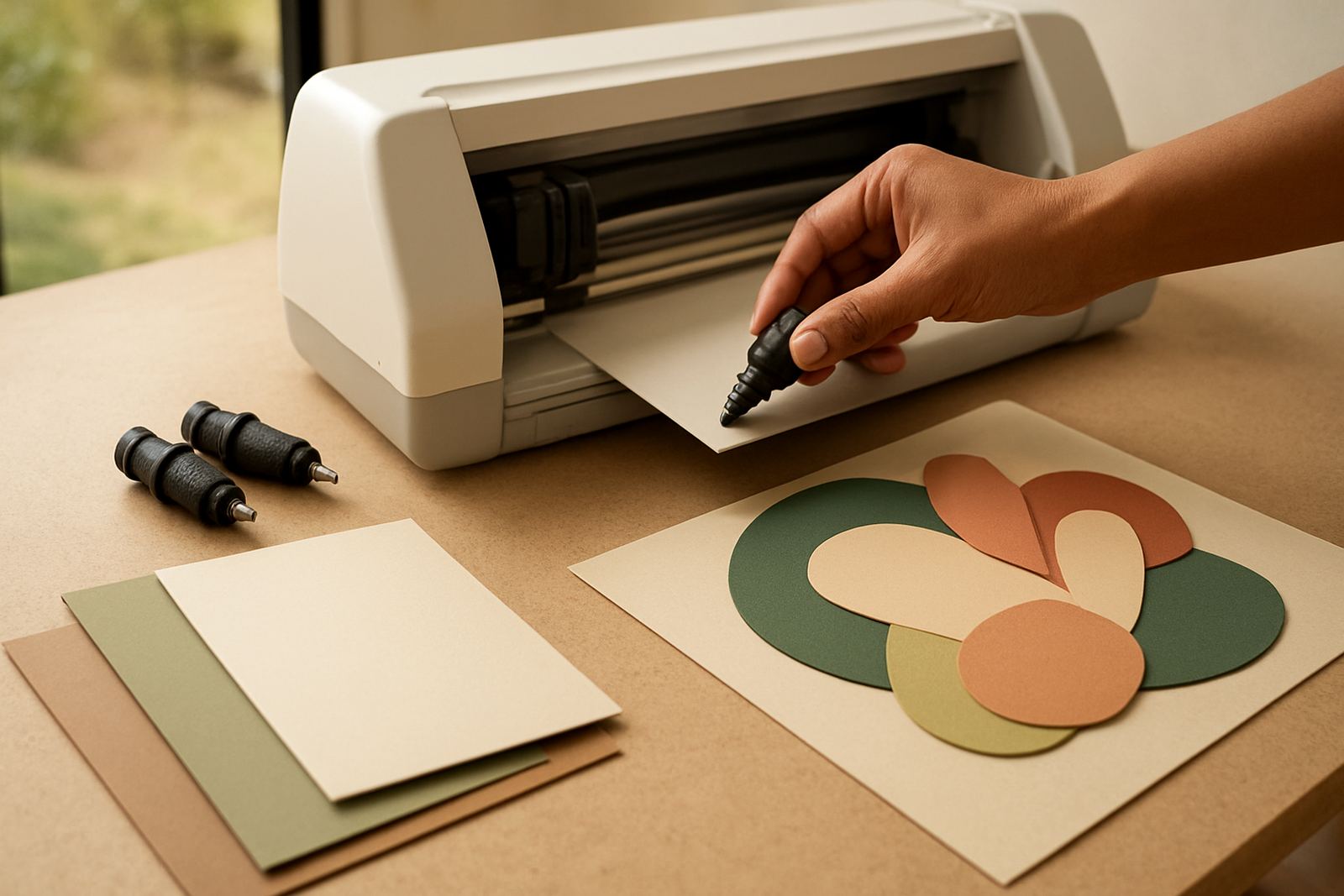
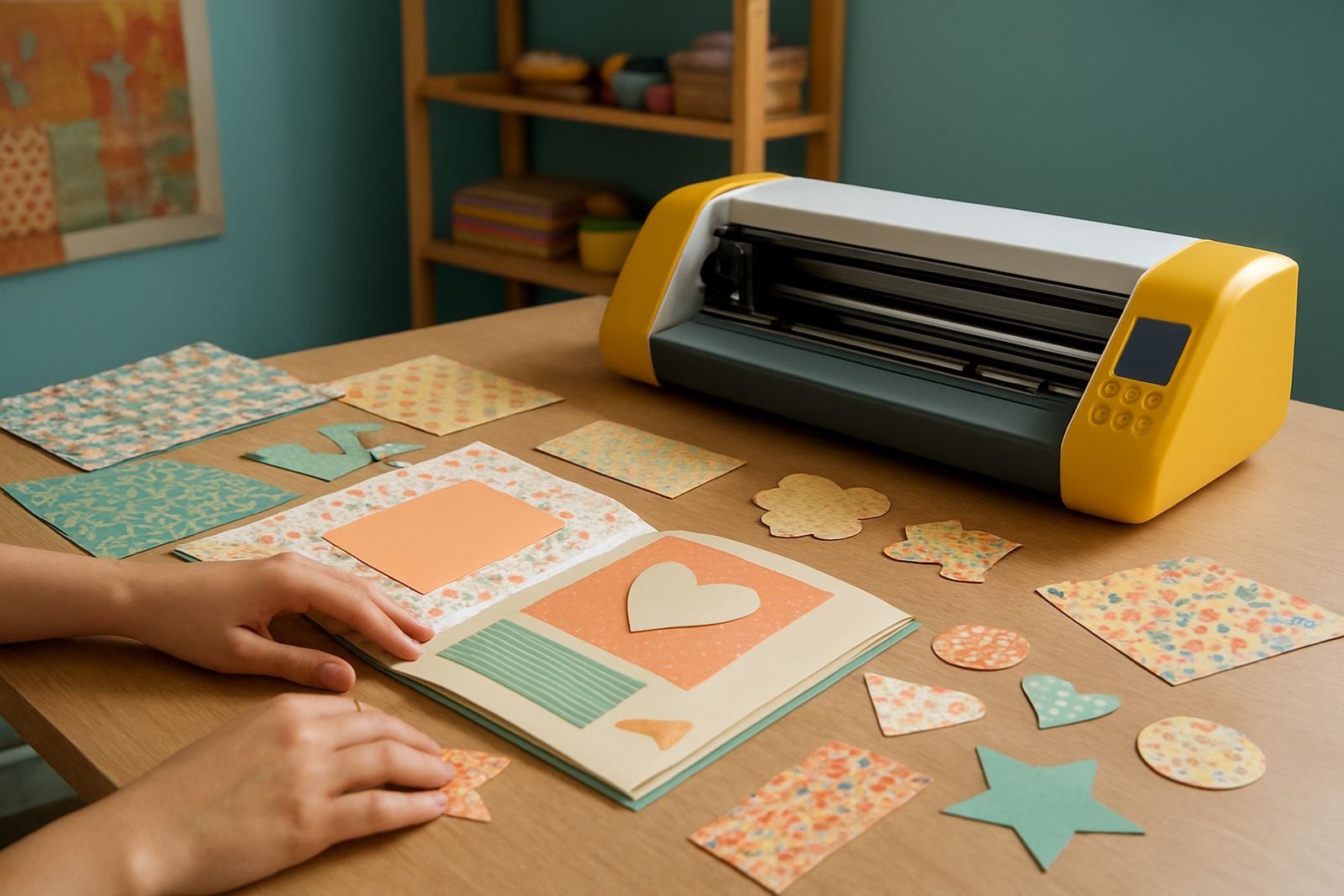
This machine is built for crafters who want tidy results on themed pages, name titles, borders and decorative cut-outs. It handles common scrapbook materials such as paper, cardstock, self-adhesive vinyl, HTV carrier-backed projects and light specialty sheets, giving you control over fine detail and small lettering. If you work on baby books, school projects, wedding albums or memory boxes, it helps keep repeated shapes the same size from page to page.
The Scrapbook Shape Cutter is best used on a stable table in a dust-free room, with enough space to feed material in straight and to unload finished pieces without bending them. For most Johannesburg and Pretoria homes, a corner study or spare room works well, while crafters in coastal areas like Durban or Gqeberha should keep the unit covered when not in use because humidity can affect paper and adhesive media. It is a practical choice for users who want accurate work without a large workshop footprint.
- Suitable for scrapbook shapes, lettering, tags, borders and simple icons
- Works well on paper, cardstock, vinyl and select light craft films
- Good for hobby users, school projects and small custom orders
- Compact enough for a home studio or a small retail counter
Size options and working area choices
Different crafters need different cutting widths, so this product is usually offered in desktop formats that suit common page sizes and smaller production runs. A smaller cutter is handy for A4 sized work, while a wider model gives you more room for layered designs, long names, planner stickers and larger vinyl motifs. When choosing, think about the biggest sheet you use most often, not just the biggest project you might do once in a while.
For scrapbook use, a clean cut area matters more than raw speed. You want enough width for full page borders and enough length to run several pieces in one session. If you are making items for markets in Randburg, Sandton or Midrand, a wider bed can save time when you are preparing stock in batches. If your work is mostly albums, cards and labels, a smaller unit may be easier to store and move between rooms.
- Desktop format for easy placement in a home or studio setting
- Available in practical widths for A4 and wider craft media
- Helpful for batch cutting repeated shapes and lettering
- Space for accurate feeding and consistent alignment
Where it fits in your craft setup
This cutter suits scrapbookers who need more control than hand-cutting can give, but do not want a heavy industrial machine. It is also useful for teachers, stationery makers and side hustles that produce personalised gifts. If you cut themed shapes for birthdays, school projects, craft fairs or church events, the machine helps keep your output neat and professional looking.
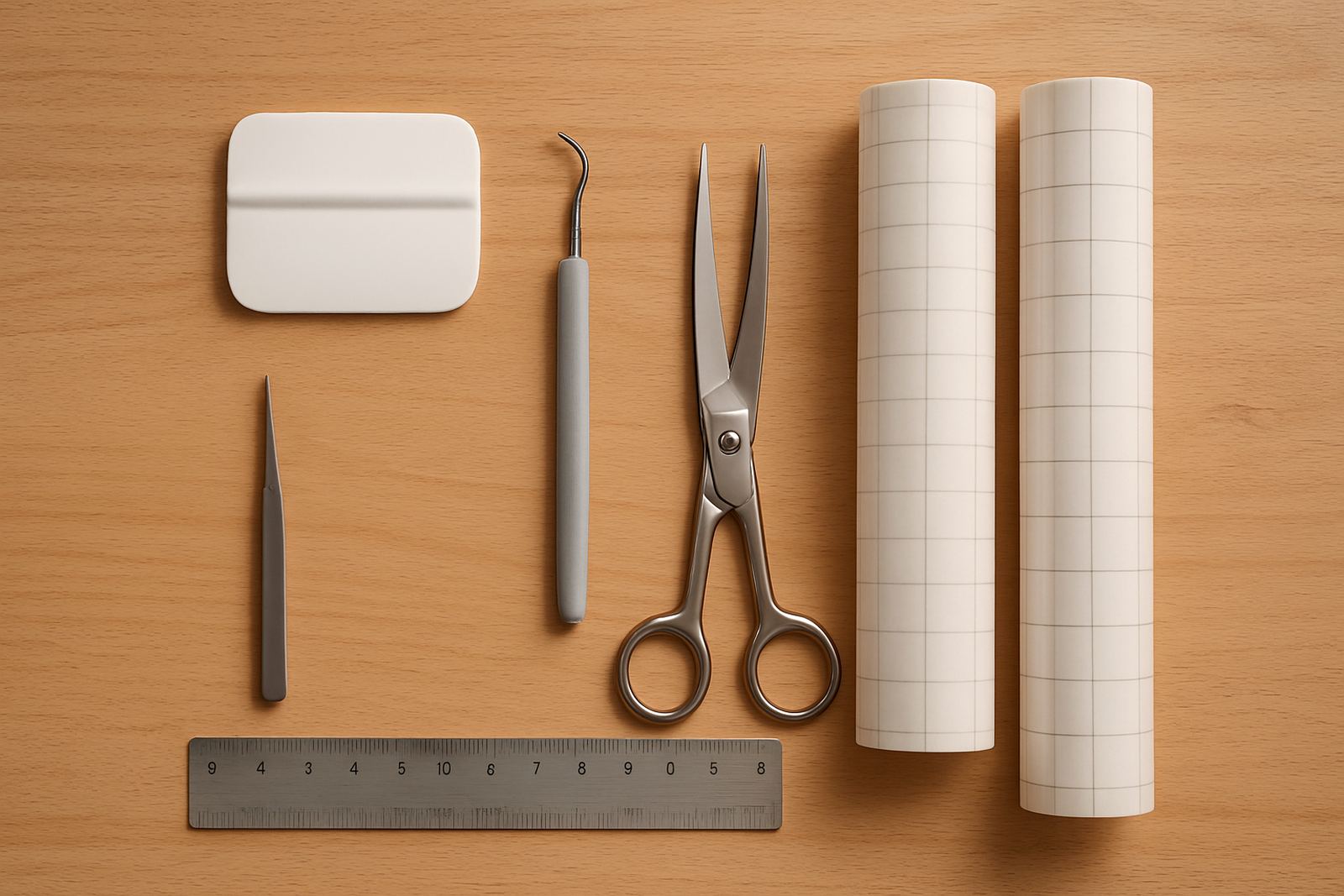
It can sit alongside a heat press, printer and weeding tools, or simply form the centre of a small craft table setup. In Gauteng suburbs like Roodepoort, Pretoria East and Kya Sand, many users keep a small stock of paper, vinyl and blades close by so they can switch jobs quickly. Load-shedding is worth planning for too, so a UPS or inverter backup can help you finish a cut job safely if power drops mid-run.
- Ideal for scrapbookers, card makers and personalised gift sellers
- Works in home studios, classrooms and small retail spaces
- Pairs well with a heat press and basic finishing tools
- Useful for local markets, online orders and made-to-order projects
Installation, power use and workspace needs
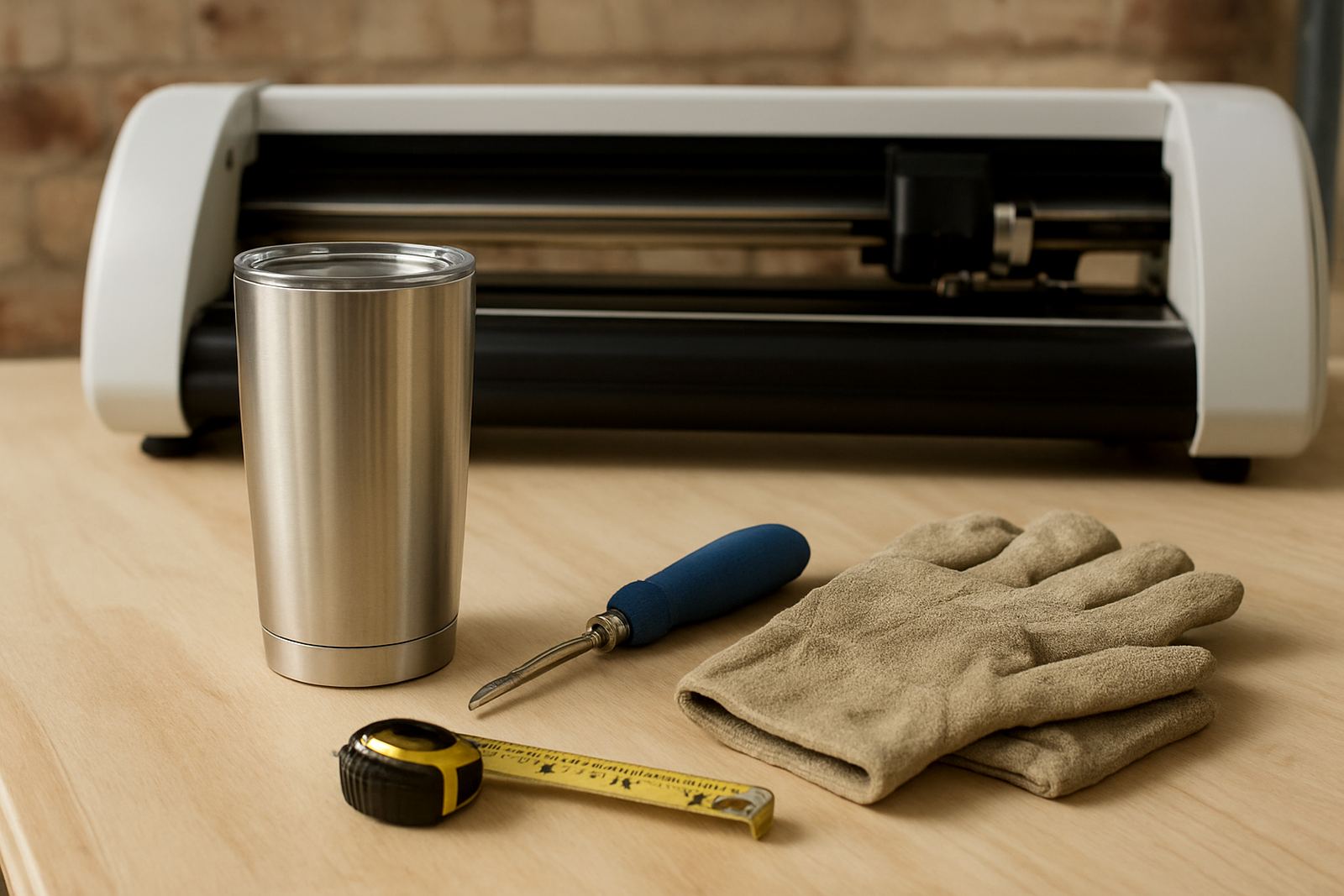
Setup is straightforward, but the cutter should be placed on a firm, level surface with enough room at the front and back for material handling. Keep it away from direct sun, open windows and damp walls. No gas is needed. Power requirements are low compared with larger workshop machines, and a standard South African household socket is usually enough, though you should still protect the unit with a surge protector if you are in an area with frequent interruptions.
When connecting the machine, make sure your laptop or computer has the correct connection option and enough free ports for daily use. Software setup should be checked before the first job, especially if you are cutting from a small office in Johannesburg or working from a home studio with shared equipment. If your space is in a retail centre or a shared workshop, leave clear access for cable routing and keep cutting mats, blades and rolls in labelled storage to avoid mix-ups.
- Requires a stable table and clear infeed and outfeed space
- Runs on standard electrical power, no gas needed
- Surge protection is recommended for load-shedding areas
- Keep away from moisture, dust build-up and direct sunlight
Care, blade checks and servicing habits
Good cutting starts with clean parts and the right blade pressure. Wipe away paper dust after use, check the blade housing for buildup, and inspect the cutting strip regularly. If you work with glitter cardstock or heavier vinyl, the blade may need more frequent checking. Dull blades can cause ragged edges, missed corners and tearing, which wastes material and slows you down.
A basic servicing routine helps the machine last longer. Keep it on a dust-free cloth when idle, avoid forcing thick media through the cutter and store spare blades in a dry container. In coastal areas, a little extra care with humidity goes a long way, especially if you keep media near an open door or garage. If the cut starts drifting or letters are not closing properly, it is usually worth checking the blade depth, mat grip and feed alignment before assuming there is a bigger fault.
- Clean dust and scraps after each session
- Check blade sharpness and pressure settings regularly
- Store media flat and dry to prevent curling
- Use routine servicing if cut quality changes
What to check before ordering your label cutter
Before ordering, check the widest sheet or roll you plan to cut, the material thickness you use most, and whether your computer setup matches the machine connection. It also helps to know if you need a unit mainly for scrapbook paper or for mixed media that includes vinyl and HTV. If you sell finished items, think about your normal monthly volume so the cutter size suits your workload instead of only your hobby use.
You should also confirm what support you may need after delivery. Some users only need help with blade calibration, while others want workflow advice, remote support sessions or material testing before taking on paid orders. If you are based in Kya Sand, Randburg, Sandton, Midrand, Roodepoort or Pretoria East, local support makes it easier to sort out setup questions quickly. For nationwide customers, clear ordering details save time and help make sure the right cutter lands on your table the first time.
- Confirm the media sizes you use most often
- Check whether you need paper only or mixed material support
- Match the machine connection to your computer
- Ask about setup help, calibration and replacement parts
Key facts
| Product type | Desktop scrapbook shape cutter |
|---|---|
| Typical media | Paper, cardstock, vinyl and light craft films |
| Working format | Compact desktop unit with A4 and wider options |
| Power need | Standard electrical supply, no gas |
| Best use | Scrapbooking, titles, embellishments and small custom cuts |
| Support | Setup help, calibration, testing, troubleshooting and remote support |