A neat cutting solution for tags, labels and short runs
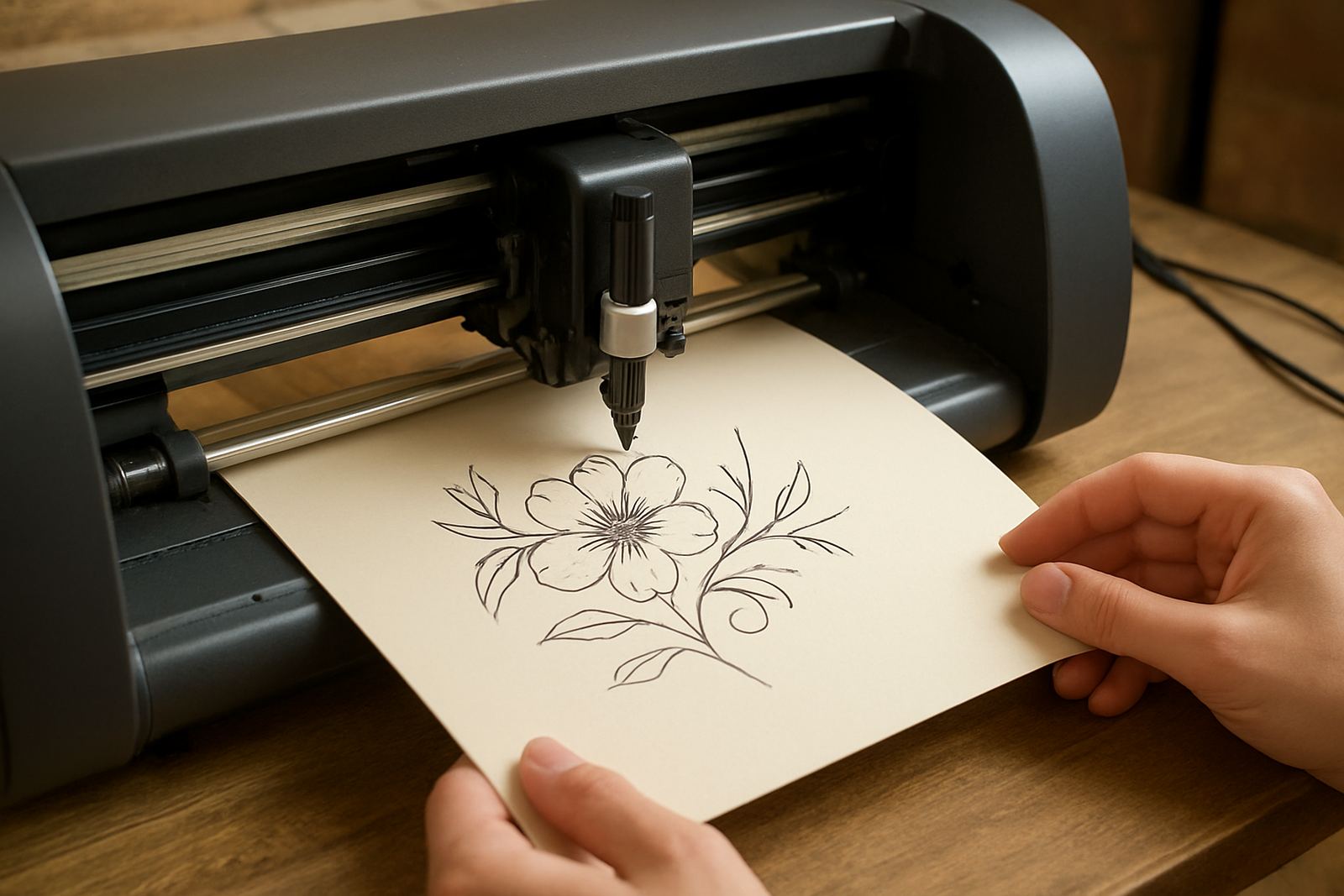
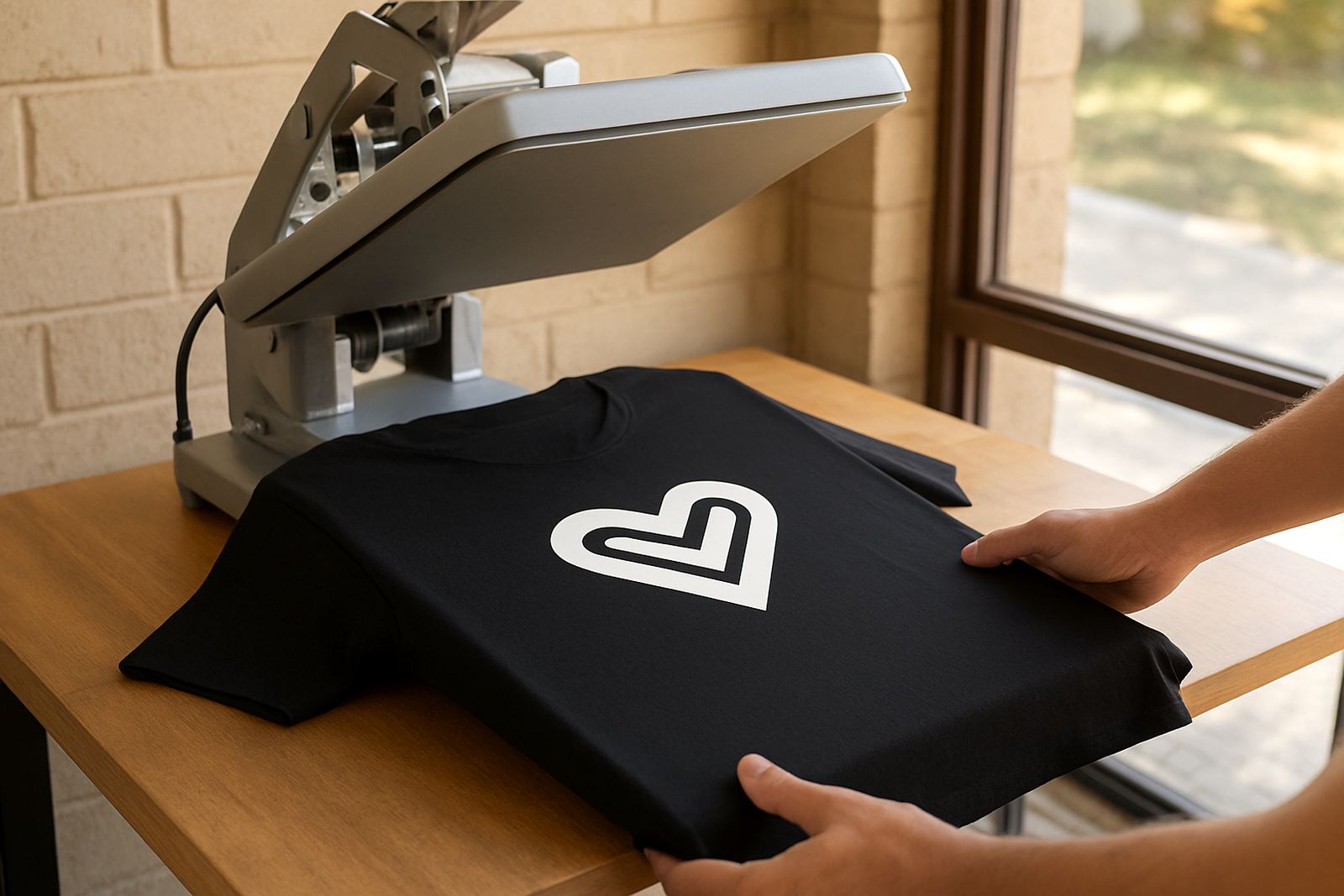
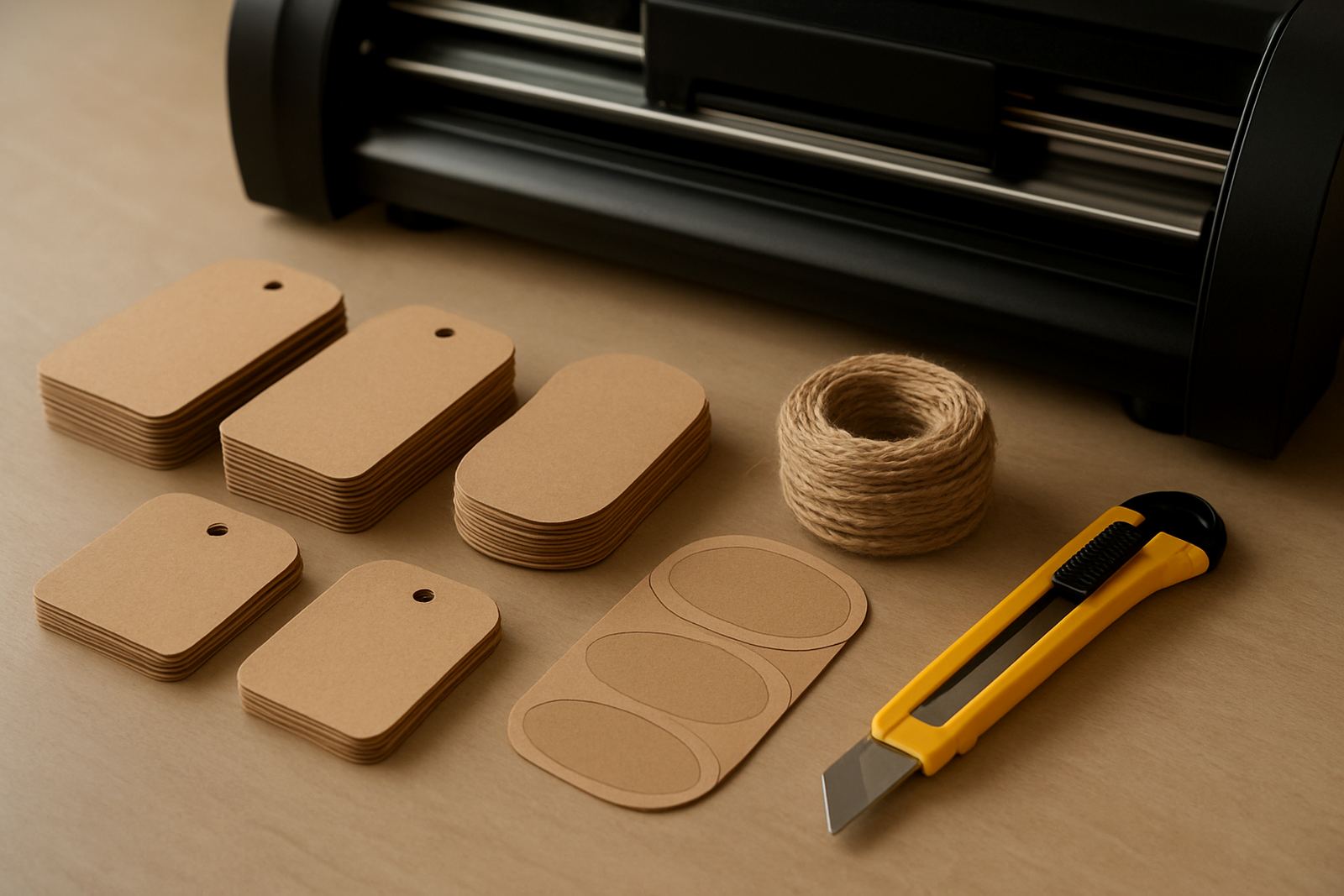
This machine is built for light to medium craft work where accuracy matters more than sheer volume. It cuts adhesive vinyl, card stock, label stock and selected heat transfer vinyl so you can produce product tags, jar labels, price strips and display pieces with a consistent finish. For small shops in Kya Sand, Randburg, Sandton and nearby areas, it is a practical way to keep branding in house and turn around small jobs fast.
It is also useful for home businesses that need to make 20 tags today and 50 labels tomorrow. The cutter handles simple lettering, shapes and repeated batches without much setup once the blade depth and pressure are set correctly. That makes it a solid choice for crafters, kitchen producers and gift packers who need reliable output and dont want waste.
- Good for labels, tags, stickers and simple retail sign pieces
- Suitable for low to moderate daily use
- Compact enough for a small work table or packing bench
Sizes and options that suit different workrooms
Label and tag cutters are usually chosen by the media width they can accept and the size of the jobs you plan to run. A smaller format is fine for pantry labels and swing tags, while a wider unit gives you more room for A4 sized sheets, longer runs and mixed layouts. If you are working from a home workshop in Midrand or a small shop in Pretoria East, the right width can save a lot of trimming later.
When ordering, look at the cutting width, the maximum media thickness and whether the machine supports roll feeding, sheet feeding or both. Some users need a steady feed for repeated tag batches, while others prefer sheet loading for label sheets and card. If you do custom gift hampers, table decor or branded packaging, a wider bed usually gives better flexibility, even if the jobs are small.
- Common cut widths suit small labels through to full sheet layouts
- Check whether the machine takes rolls, sheets or both
- Ask about the minimum and maximum media thickness before you order
Where this cutter works best in day to day use
This product fits neatly into the kind of work many South African makers do every week. It is useful for pantry and freezer labels, boutique retail tagging, candle labels, soap labels, office files, school project work and short run packaging inserts. For shops that want a tidy shelf presentation, the cutter helps keep sizes, fonts and spacing consistent from batch to batch.
It also works well for seasonal demand. Think Easter gift boxes, festive food hampers, wedding favours or market stall signage. In coastal areas like Durban or Port Elizabeth, storage conditions matter because humidity can affect adhesive stock, so it helps to keep vinyl in sealed containers. That simple step reduces curling and cut issues, especally during wet weather.
- Retail counters, craft rooms and packing stations
- Food labels, jar labels and pantry organisation
- Market stalls, gift businesses and short run promo work
Power, connection and setup in local workspaces
Most desktop cutters run from standard mains power and connect to a computer by USB or similar data cable. They do not need gas, compressed air or special extraction in normal use. That makes them easier to place in an office, studio or home workspace where power points are limited and load-shedding planning matters. If you are in Johannesburg or Tshwane, it is still wise to pair the machine with a stable power backup solution so you do not lose a job midway through a cut.
Setup is usually straightforward, but proper first-time installation saves time later. The machine should sit on a level surface with enough space behind it for material feed and enough room at the front for finished pieces. After connection, test the cutter with a small label file, check blade depth and confirm that the design is tracking square. If the first few cuts are too deep or too light, the blade calibration will need a quick adjustment.
- Standard mains power, no gas required
- USB or direct computer connection on most units
- Allow clear space for feed, output and test cuts
Care, cleaning and servicing that keep cuts clean
Like any precision machine, this cutter performs better when it is kept clean and checked often. Dust, adhesive backing and small paper fibres can build up around the blade holder and rollers. A routine wipe-down and light cleaning after use helps prevent drag marks and uneven feeding. For businesses in Roodepoort or Sandton working several days a week, that small habit can save you from spoiled material and misaligned tags.
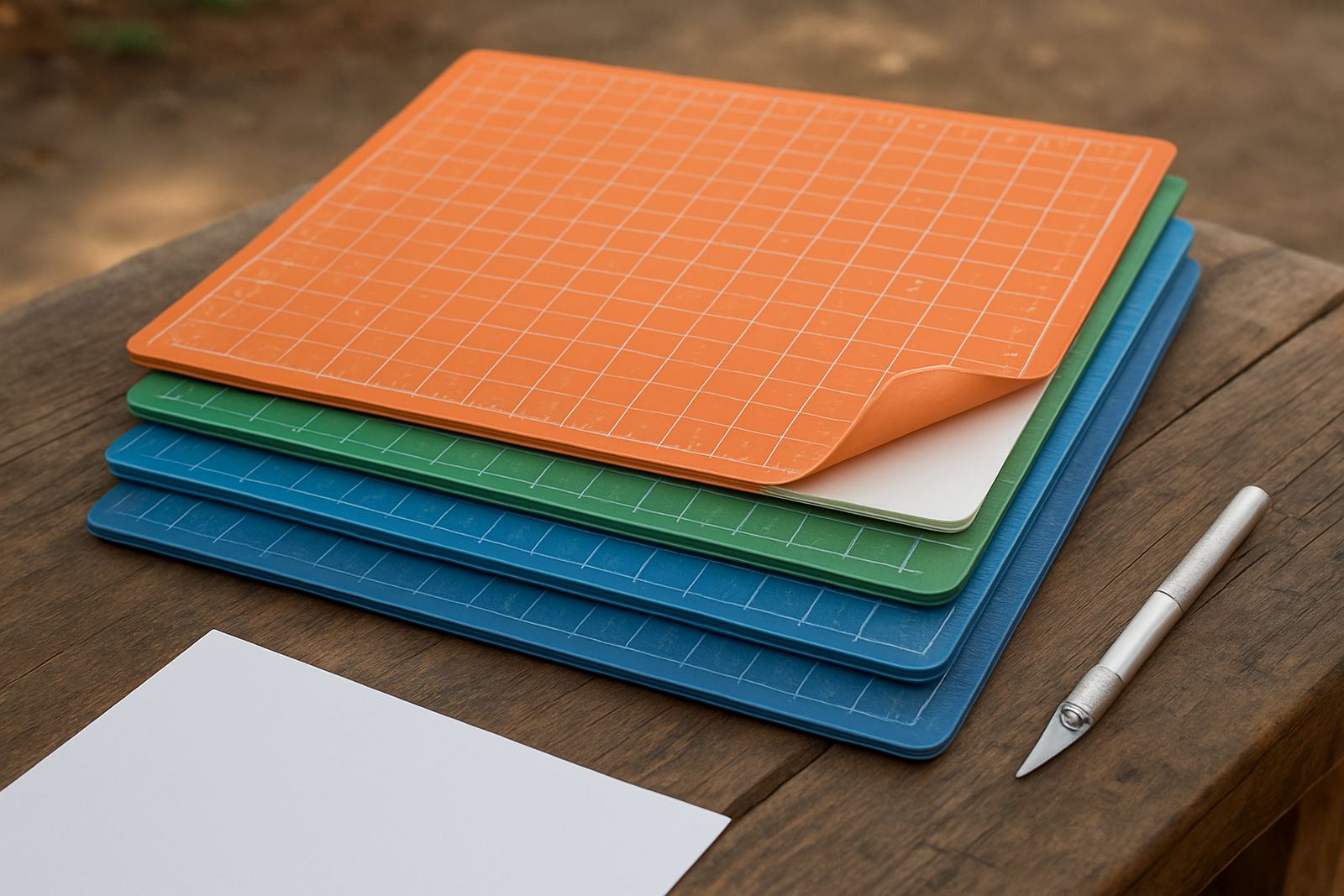
Blade condition matters too. A blunt blade tears instead of cuts cleanly, especially on thinner label stock. Check the blade depth regularly, keep spare blades nearby and test on offcuts before you run a full sheet. Routine servicing should also include roller inspection, belt checks if applicable, and a look at the cutting strip. If a job starts drifting or the corners are not closing properly, dont keep pushing through it, fix the cause first.
- Clean rollers and blade area often
- Replace worn blades before they damage material
- Test on offcuts after any setting change or service
What to check before ordering your label cutter
Before ordering, check the kind of material you want to cut most often. Some users focus on adhesive labels, while others need card tags, heat transfer film or mixed craft stock. You should also confirm the width of your most common sheets or rolls, the software connection method and whether the machine can handle fine text for small packaging labels. If you are producing product tags for a retail shelf, legibility at small sizes is just as important as cut speed.
It helps to ask about blade compatibility, stand or tray options, and whether the unit comes with basic setup guidance. If you are starting from scratch, consider whether you need help with software connection, blade calibration or material testing. A quick check at the start often prevents wasted material later. For many customers, the right cutter is not the biggest one, its the one that matches the actual job list.
- Match the machine width to your common sheet or roll size
- Check software connection and blade compatibility
- Confirm support for calibration, testing and first setup
Support for Johannesburg and nationwide orders
VinylCutter Craft supports makers, small shops and workshop teams from Kya Sand, Johannesburg, and supplies craft cutters nationwide. The team can assist with new machine setup, blade calibration, material testing, software connection help, cut quality troubleshooting, heat press check, routine machine cleaning, replacement parts help, remote support session and workflow help. That support is useful when you are under pressure to finish a batch before a market day or store refill.
If you need advice on a label and tag cutter for your business, you can contact the team on our contact form. The aim is simple: help you choose the right machine, get it running correctly and keep it doing clean work over time. Practical support matters, especially when you are juggling orders, packing and everyday business admin.
- Base in Kya Sand, Johannesburg
- Service areas include Randburg, Sandton, Midrand, Roodepoort and Pretoria East
- Nationwide supply for craft users and small businesses
Key facts
| Machine type | Desktop craft cutter for labels, tags and light retail presentation work |
|---|---|
| Typical materials | Adhesive vinyl, label stock, card stock and selected HTV |
| Media handling | Sheet or roll feed depending on model and setup |
| Power requirement | Standard mains power, no gas required |
| Connection | Computer link via USB or similar direct data connection |
| Best use | Product tags, pantry labels, small batch packaging and simple signage |