Clean cardstock cuts for detailed craft work
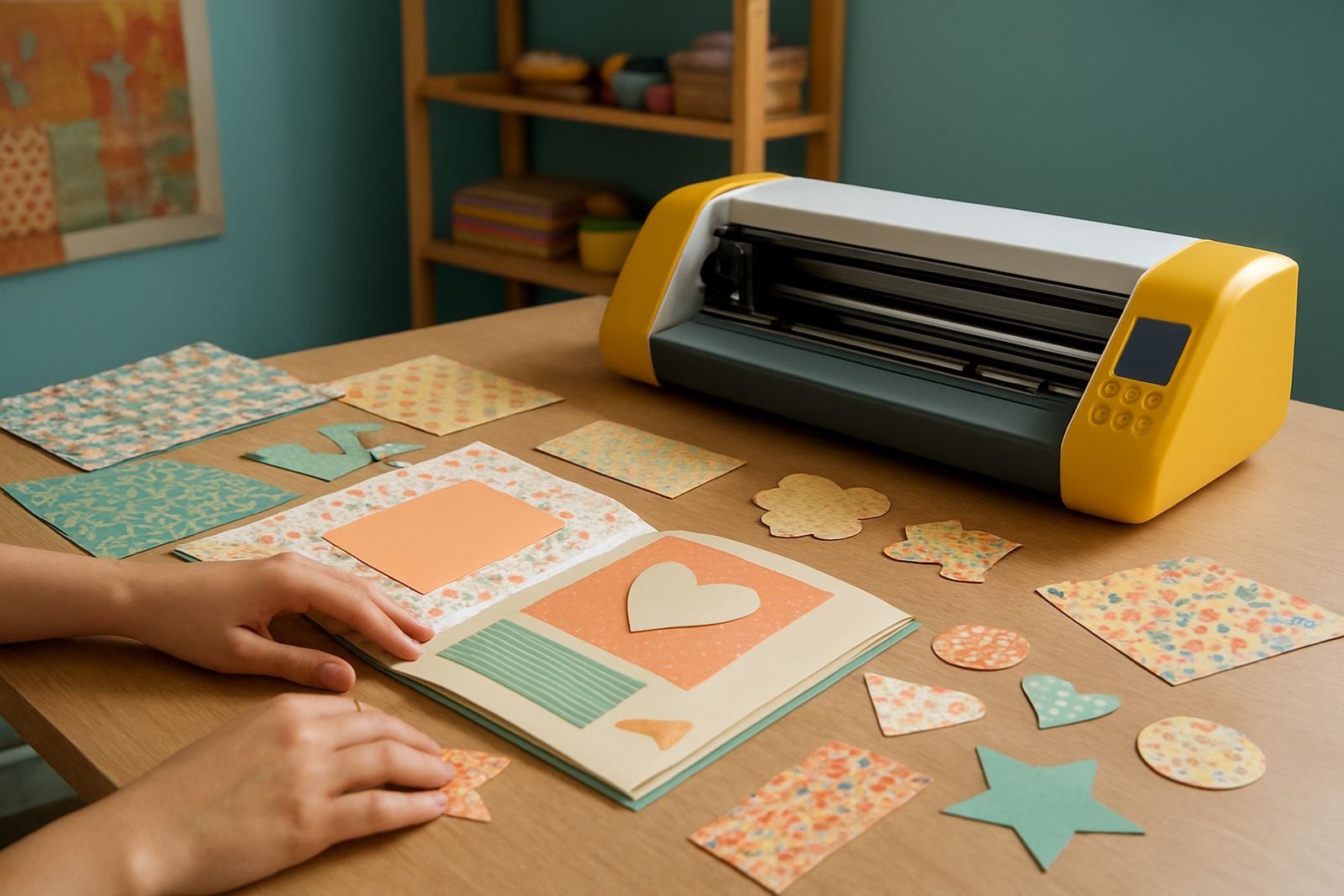
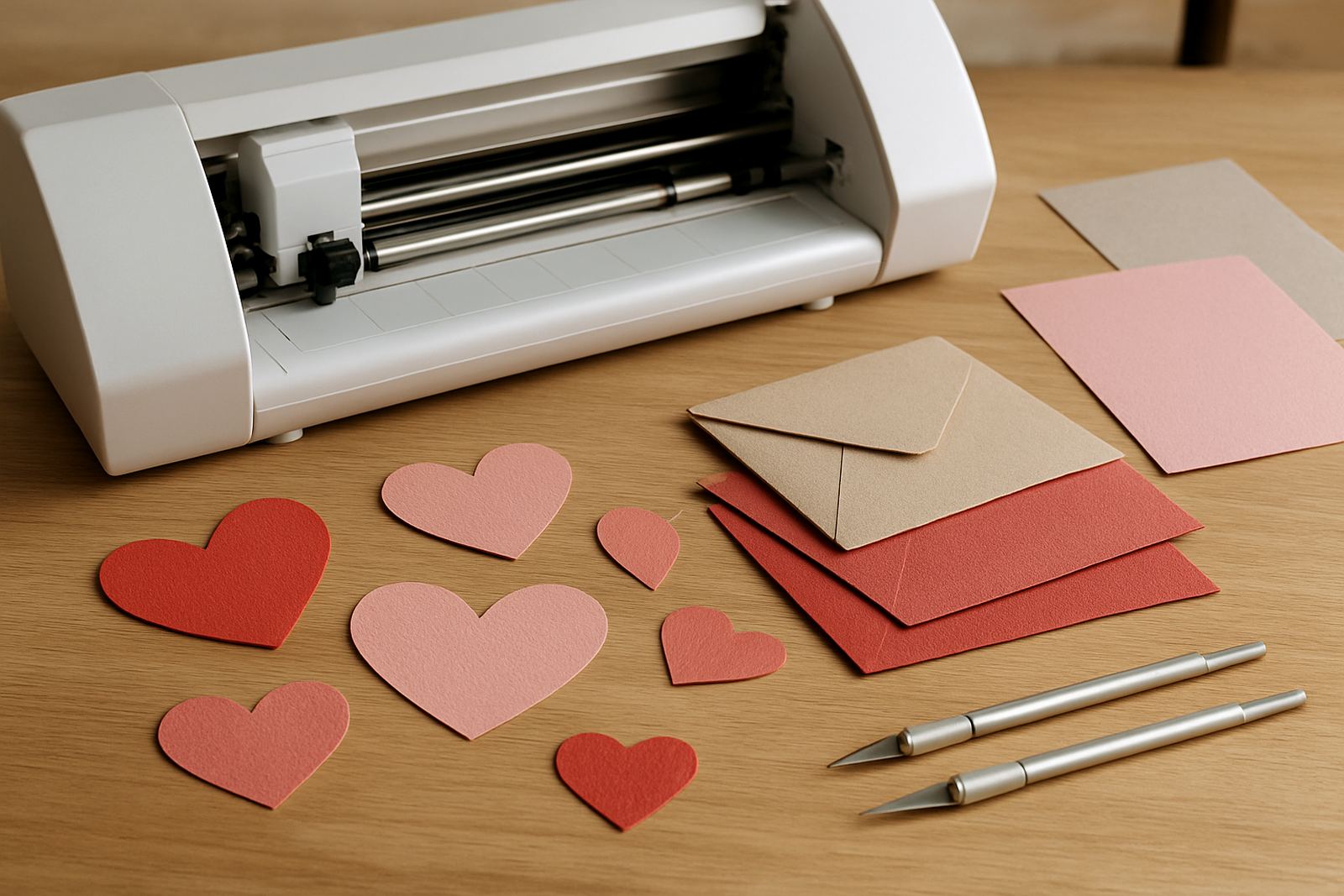
This cutter is made for paper, cardstock and light craft board, giving you tidy edges for invitations, tags, gift boxes, stencils and layered decorations. It handles intricate outlines better than hand cutting, and it helps keep a small batch looking the same from the first piece to the last.
For crafters in Johannesburg, Pretoria East, Randburg, Sandton and beyond, it is a practical choice where you need controlled cutting in a home studio, classroom, shop or small production room. It is not for heavy board or industrial sign work, but for paper craft it does the job well, and keeps waste down.
What you get and the size options to consider
Choose a cutting width that matches the biggest material you use most often. Many customers start with a compact desktop unit for A4 and A3 work, then move to a wider carriage when they begin cutting larger sheets or nested layouts. If your business focuses on invites and tags, a smaller format may be enough, but if you plan to do signage-style paper pieces or bigger templates, allow for extra width.
Before ordering, think about the cutting mat size, the maximum paper thickness you want to use, and whether you need a machine that can work from standard sheets or roll-fed material. For a studio in Kya Sand or Midrand, bench space matters too, so measure the area and leave room for loading paper, trimming and storage.
- Desktop footprint for home or shop counter use
- Interchangeable blade settings for paper and cardstock
- Cutting width matched to your sheet size and design style
Where it suits best in South African craft work
This cutter suits invitation studios, small print rooms, school craft departments, market sellers and side-hustle businesses that make personalised paper goods. It is also handy for event work where you may need a few dozen place cards or favour tags on short notice. In coastal areas, keep paper sealed and dry because humidity can curl stock, especially in summer.
If your area is affected by load-shedding, plan for safe shutdowns and a stable working routine. Paper cutting jobs are best done on a clean table with good lighting, and with enough time to test your setting before you cut the full run. A little prep saves a lot of rework.
- Invitation and wedding stationery studios
- Gift packaging, tags and label makers
- Teachers, hobbyists and small craft sellers
Setup, power and space on site
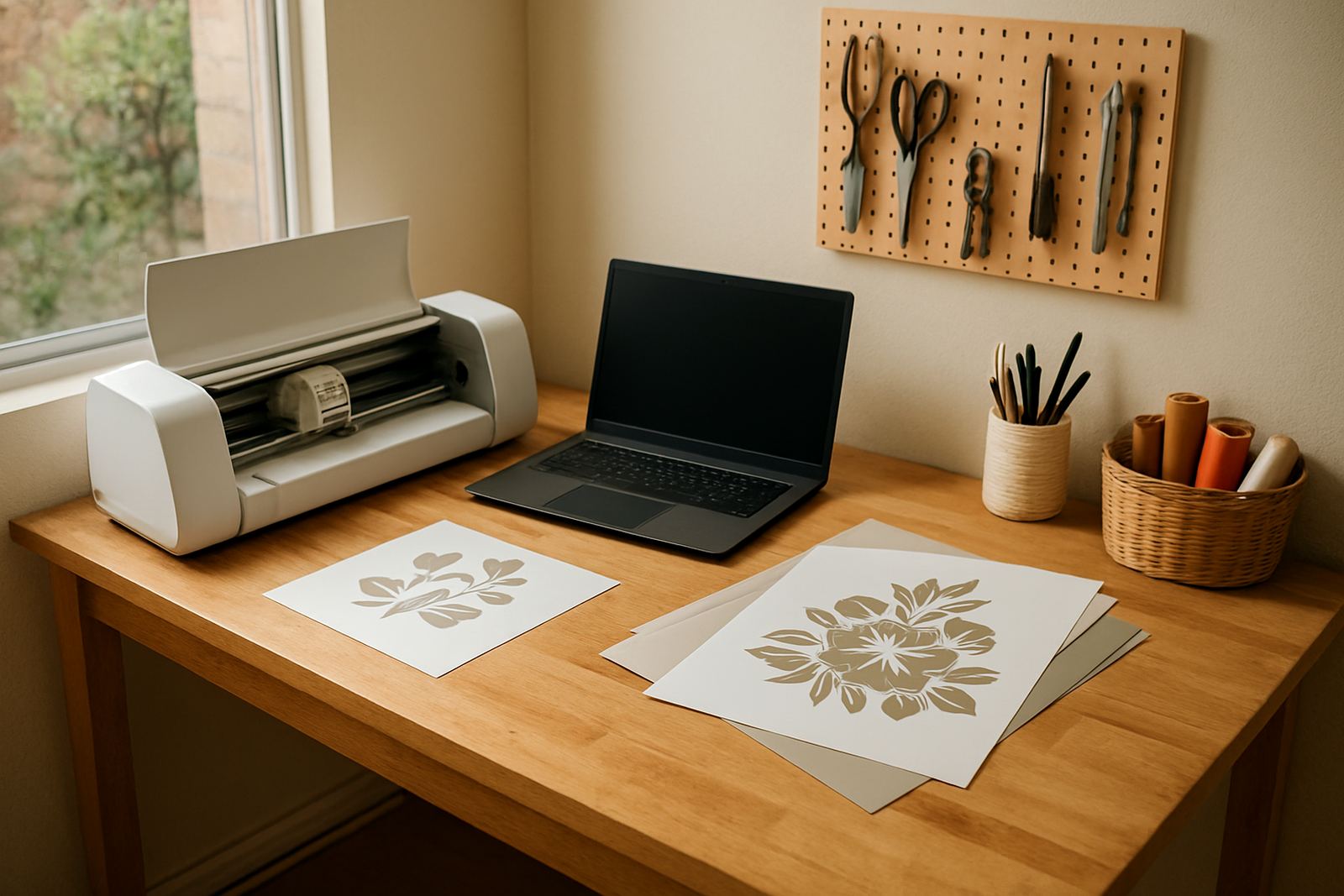
These cutters are generally used on standard indoor power, with a regular plug-in setup and no gas requirement. Put the machine on a level surface, away from dust, open windows and direct sun. If the room is shared with a heat press or printer, leave enough space so paper does not pick up moisture or curl before cutting. A slightly tired mat can cause feeding issues, so keep your working area tidy, not crowded.
When installing, check the blade carriage, rollers and mat alignment before the first job. If you are connecting to design software for the first time, make sure the computer meets the basic requirements and that the cutter driver is matched properly. Our team can help with new machine setup, software connection help and workflow help for users in Gauteng and nationwide.
Keeping cuts neat over time
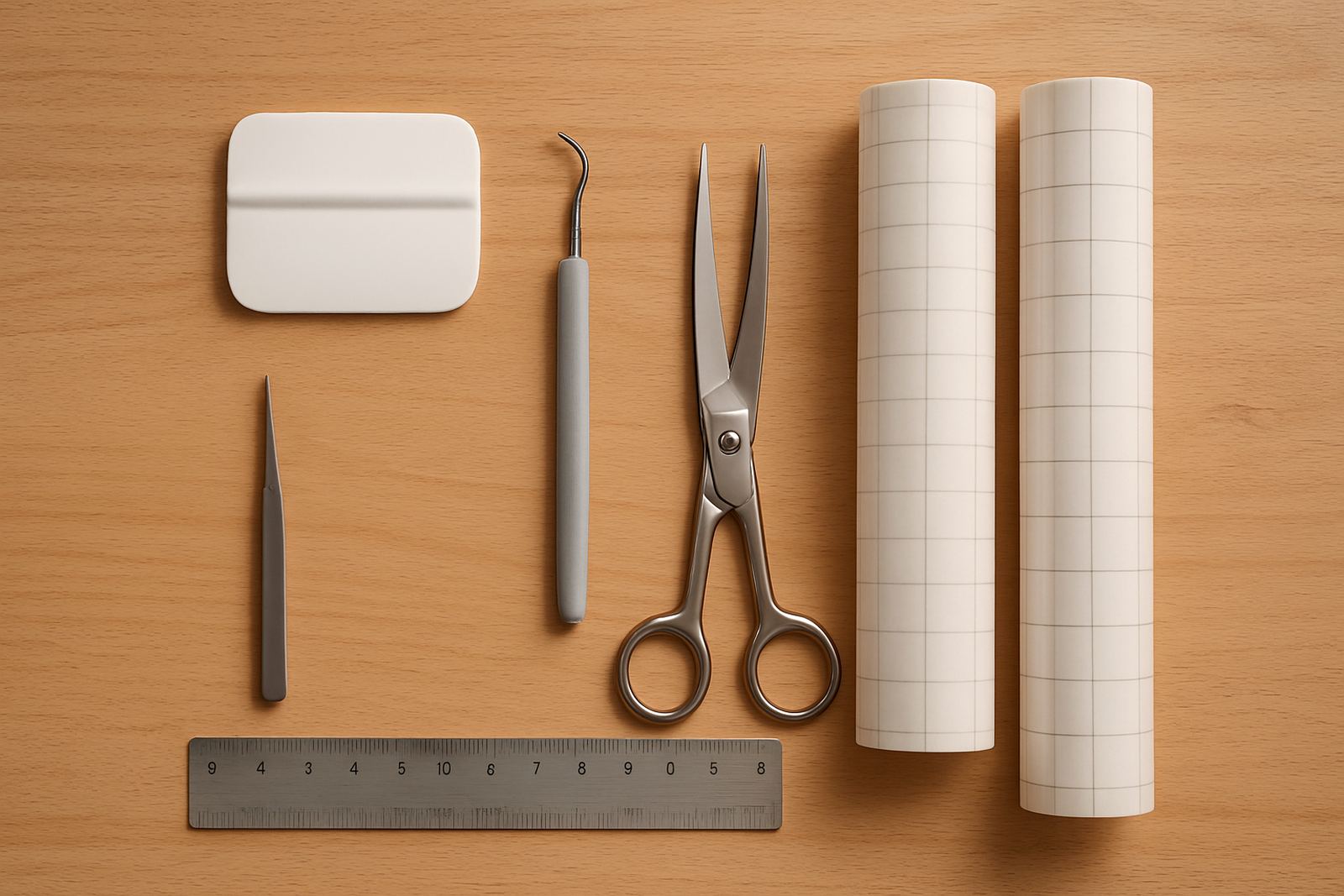
Regular care makes a big difference to cut quality. Clean dust from the rollers, wipe the mat after use, and replace blades once edges begin to drag or tear. For paper and cardstock, a dull blade often shows up as rough corners or lifting at the ends of the cut. If a job starts looking uneven, check blade depth before blaming the file.
We also recommend routine checks on feed pressure and test cuts after any blade change. If the cutter is used daily, a monthly cleaning schedule works well, and heavy users may need more frequent servicing. In humid areas near the coast, store blades and mats in a dry place to avoid stickiness and poor tracking.
- Blade calibration for cleaner corners and sharper detail
- Routine machine cleaning to reduce dust build-up
- Replacement parts help when a roller, mat or blade carrier needs attention
What to check before you order
Start with the paper weight you plan to cut, because not every cardstock grade behaves the same. If you are using textured paper, metallic stock or double-sided printed sheets, test a sample first. Also confirm the smallest detail your designs include, since fine script and tiny cutouts need a steadier machine and a sharper blade.
It helps to ask about support after delivery, because many first-time buyers need a quick call or remote session to get the best results. We assist with cut quality troubleshooting, heat press check for related craft work, and remote support session options if you need help getting started. If you are in Sandton, Roodepoort, Pretoria East or nearby, collection and guidance can be arranged from our Kya Sand base.
- Check your paper weight, texture and sheet size
- Ask whether you need a standard or wider cutting format
- Confirm support for setup, calibration and first-job testing
Key facts
| Cutting material | Paper, cardstock and light craft board |
|---|---|
| Use case | Invitations, tags, layered paper art and labels |
| Power need | Standard indoor electrical supply, no gas required |
| Setup support | New machine setup, software connection help and workflow help |
| Care | Blade calibration, routine cleaning and replacement parts help |
| Support area | Nationwide, with local support from Kya Sand, Johannesburg |