Built for paid work, not just weekend making
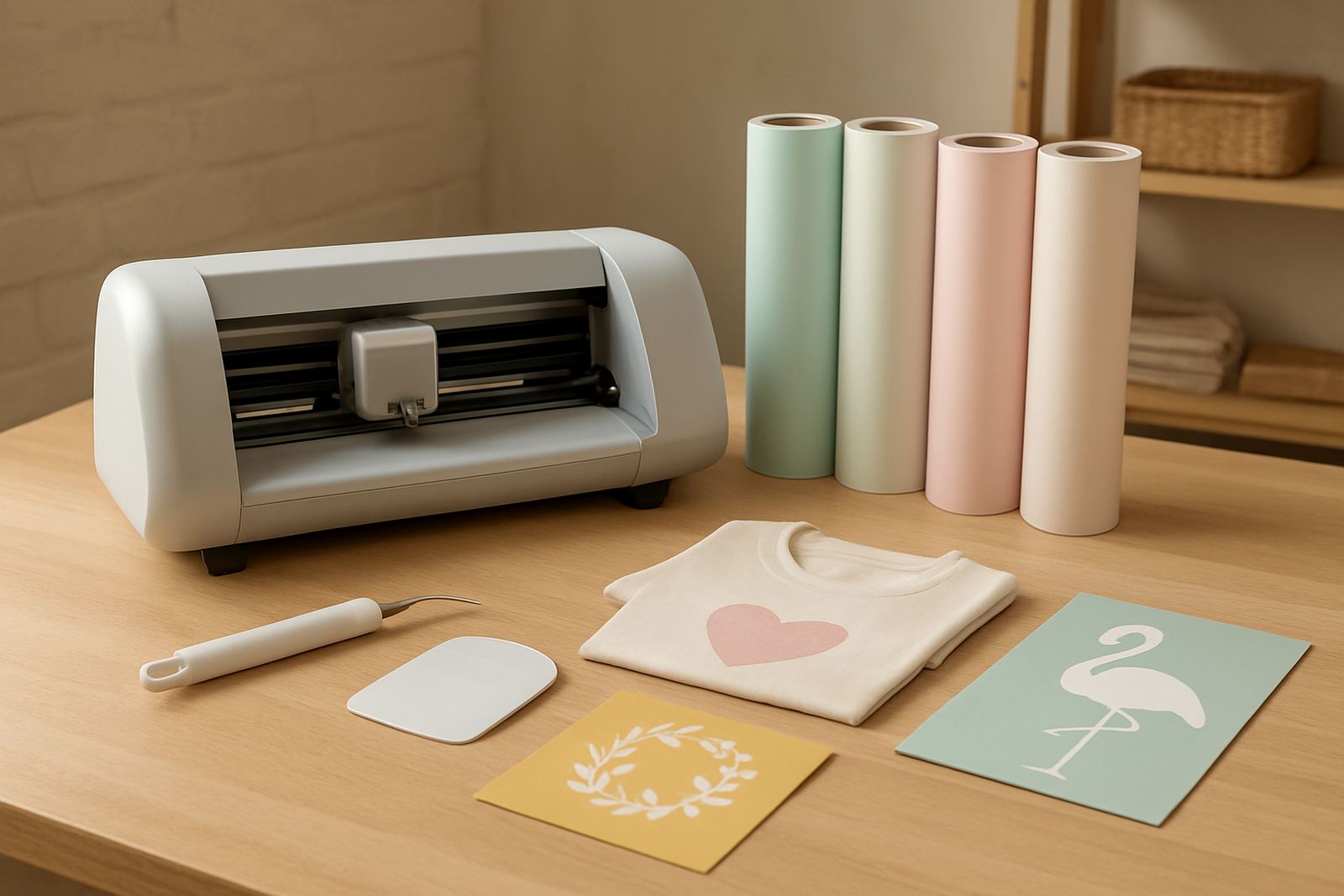
The Small Business Cutter is a higher-duty craft cutter for people turning ideas into saleable items. It is suitable for vinyl lettering, label work, simple signage, heat transfer vinyl for T shirts and bags, and custom pieces for markets, schools and local orders. If you are producing a few items a week or a few dozen a day, this type of machine gives you cleaner cuts and better consistency than a basic hobby unit.
It is a practical choice for operators in Johannesburg, Pretoria East, Randburg, Sandton, Midrand and Roodepoort, as well as smaller towns where a home workshop or spare room handles the order flow. The machine is compact enough for a table setup, but strong enough for repeat work without constant adjustment. That matters when you are doing school event orders, church shirts or branded gift items and you need the same result every time, not almost the same.
Sizes and options that suit South African orders
Most small business cutters are chosen by the width of material they can handle and the way they feed the vinyl. For paid work, a wider cutting path gives you more freedom with decals, wording and layered graphics. It also helps when you buy material in standard rolls and want to waste less off-cuts.
- Working width options commonly suit 30 cm to 60 cm material
- Cutting force is generally suited to sign vinyl and heat transfer vinyl
- Speed settings allow slower detail work or faster batch cutting
- USB connection is common for direct computer use
- Stand or table mounting depends on the workshop space
For custom apparel, a machine that handles HTV well is often more valuable than one with extra bells and whistles. If you make name labels, small logos and one colour graphics, a medium width cutter is usually enough. If you plan to cut larger wording for shop windows or vehicle side panels, ask for the bigger format option so you do not box yourself in later. A little more width now can save rework when your orders grow.
Where this cutter works best
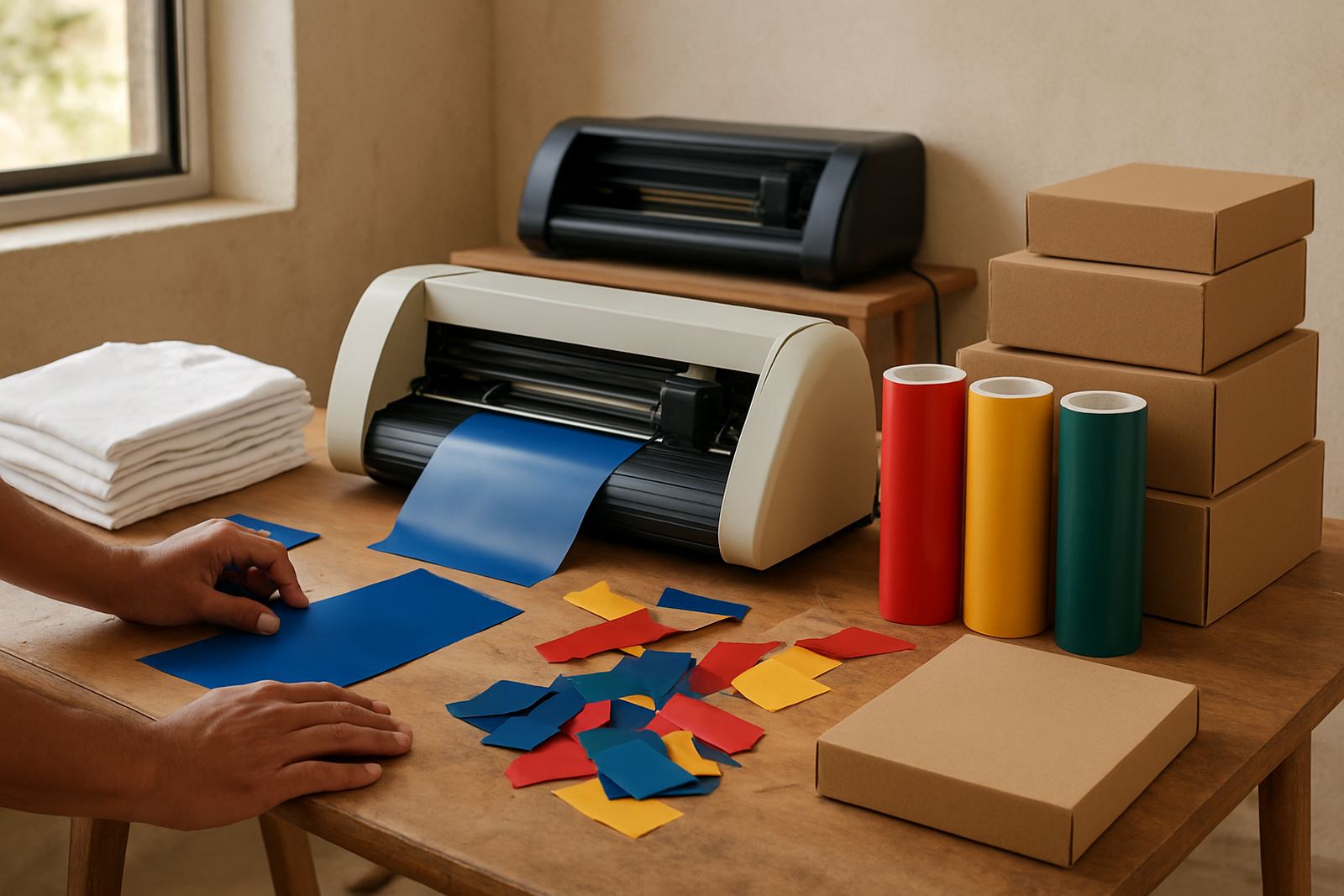
This product suits small businesses that want clean output without a large industrial footprint. It works well in home studios, back rooms, print corners and shared maker spaces where noise, space and power use need to be kept sensible. It is a good fit for people doing personalised gifts, craft stall stock, startup branding and short run custom apparel.
Because Johannesburg weather can swing between dry winter air and summer storms, a cutter like this should be kept in a dust-free room away from open windows. On the coast or in humid areas, store vinyl flat and keep rolls sealed so the material does not curl or pick up moisture. If your area gets load-shedding, plan for a surge protector and shut the machine down properly rather than pulling the plug mid job. That small habit helps the machine last longer and keeps the software connection from getting upset.
- Home business with one person working after hours
- Small shop doing personalised items for walk-in customers
- School, club or team orders with repeated names and numbers
- Gift makers producing decals, mugs and apparel transfer work
Setup, power use and day one checks
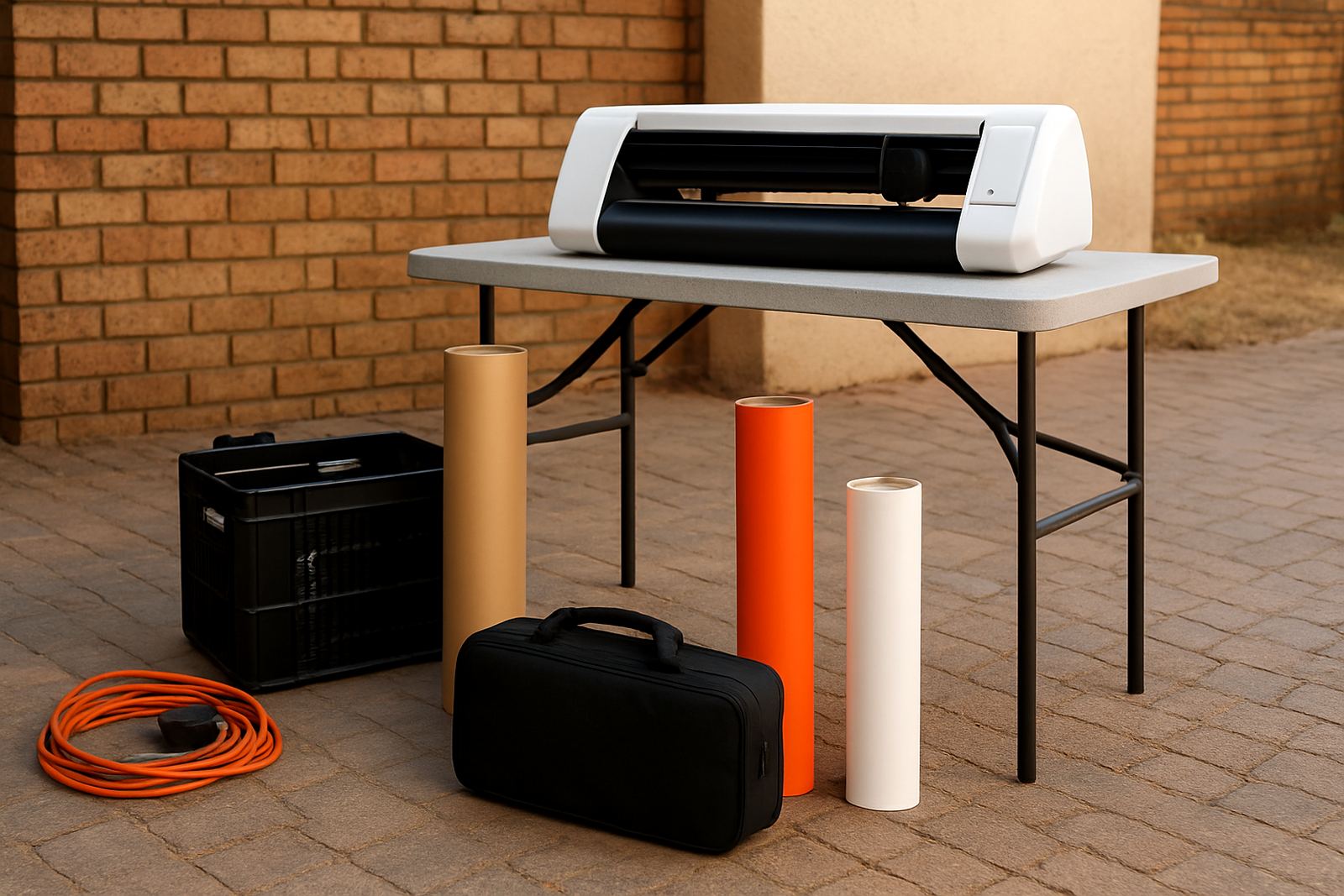
Installation is normally straightforward. The cutter needs a steady flat surface, a computer connection and enough room for the vinyl to feed in and out without catching. You do not need gas and there is no special plumbing. Standard mains power is usually enough, although a surge protector is strongly recommended in areas where voltage dips or switching surges happen. If you work from a small workshop, make sure the machine sits where the cable run stays tidy and people are not brushing past the feed path.
New users often need help with software connection, blade calibration and the first test cut. That first setup matters because a blade that is set too deep can score the backing paper, while a blade that is too shallow will leave corners lifting. A proper material test on sign vinyl and HTV saves a lot of wasted stock. We also suggest checking cut pressure on your main material before accepting paid work, especially if you are running a mixed workflow with thin lettering and fuller shapes. It sounds small but it avoids a lot of grief later.
Care, servicing and keeping cut quality steady
A small business cutter needs regular care if it is going to earn its keep. Keep the carriage track clean, brush out vinyl dust and scraps, and check the blade holder for build-up. If the machine starts dragging or leaving tiny tags on corners, it may need blade calibration or a fresh blade rather than a whole new unit. Rollers should stay clean so the vinyl feeds straight, and the pinch pressure should be checked when you switch between thin and thicker media.
Routine machine cleaning is a simple habit that protects your work rate. Once a week is enough for many small operations, but busier shops may clean more often. If you are cutting HTV, make sure the sheet is not warped by heat or stored too close to sunny windows. For users close to the coast, a dry cloth wipe helps reduce moisture related issues. If the cut starts drifting or the edges look fuzzy, call for support before the job pile gets bigger. It is cheaper than wasting 20 metres of stock.
- Clean rollers and feed area after dusty jobs
- Check blade depth before each new material type
- Store spare blades and cutting strips in a dry place
- Keep firmware and software settings noted for repeat orders
What to check before you order
Before ordering, check the material widths you use most, the type of products you make and how often you expect to run the machine. A cutter for 10 name decals a week will have different needs from one used daily for shirt orders and promo items. Also check whether your computer connection is ready, because some workshops need a specific port or software setup before the machine can be used properly.
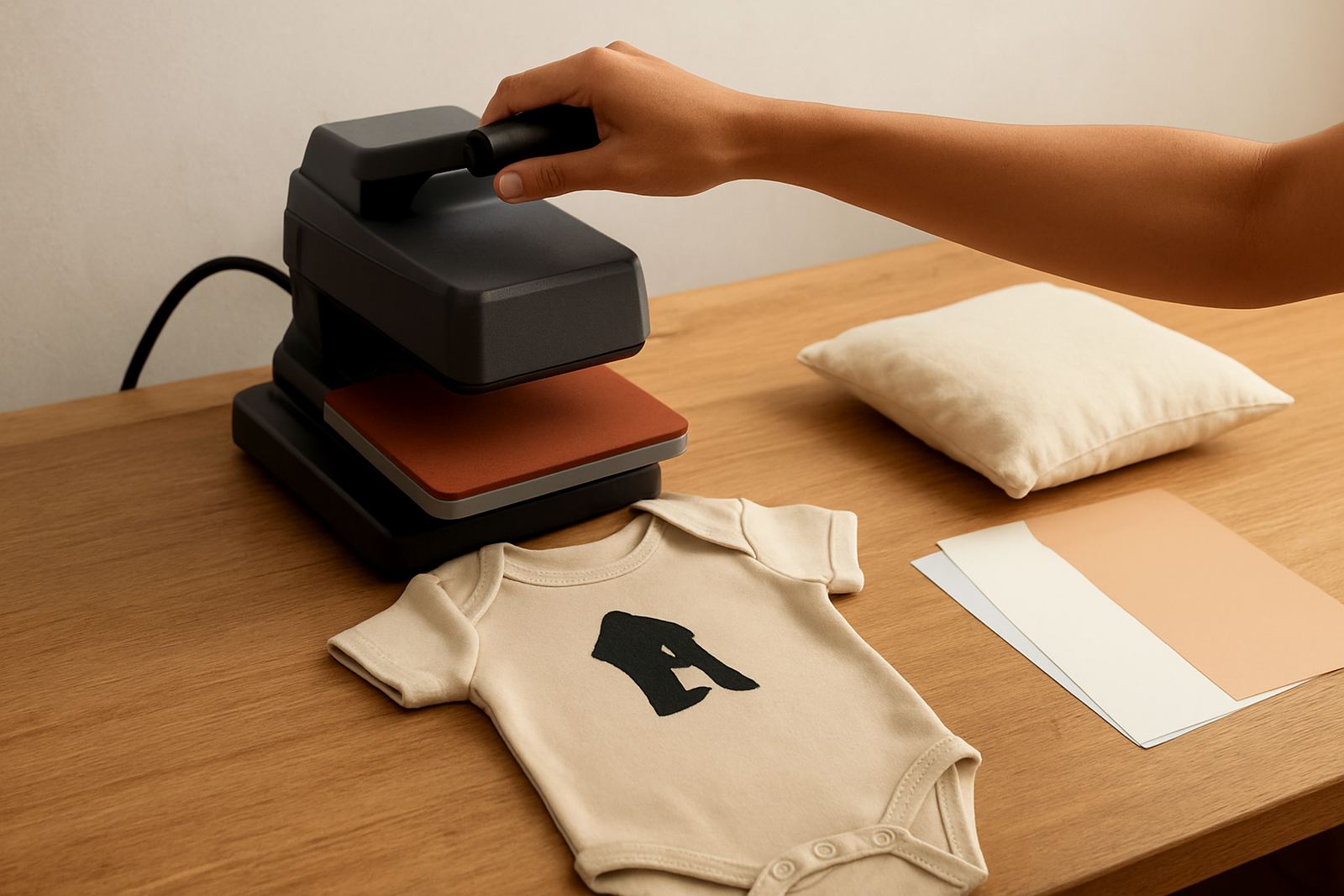
It also helps to confirm where the machine will sit, who will operate it and whether you want training for a team member. If you are new to vinyl cutting, ask about workflow help, cut quality troubleshooting and a remote support session after setup. If you are already running a heat press, it makes sense to test the cutter and press together so the transfer process is matched from the start. In our experience, buyers who ask the right questions upfront spend less time redoing jobs and more time selling them.
- Confirm the width of material you want to cut
- Check your workspace size and power point location
- List the products you plan to make most often
- Ask about setup help and replacement parts support
- Make sure your software and computer connection are ready
Local support from Kya Sand to nationwide users
VinylCutter Craft is based in Kya Sand, Johannesburg and supports cutters nationwide, with help available for customers in Kya Sand, Randburg, Sandton, Midrand, Roodepoort and Pretoria East. Our team includes Thabo Maseko, Ayesha Daniels, Sipho Nkosi, Hlamalani Netshitenzhe, Ruan Smit and Nokuthula Zungu, so you are dealing with people who understand sales, setup, training and after-sales care. If your machine needs blade calibration, material testing, software connection help or a heat press check, we can guide you through it.
For small businesses, that local support can make a real difference when a deadline is close and the machine is behaving badly. Whether you need new machine setup, remote support or help with routine cleaning and parts, the aim is to keep your cutter earning. If you are growing from hobby work into paid orders, this is the kind of machine that helps you take the next step without making the process complicated.
Key facts
| Product type | Higher-duty desktop craft cutter for small business use |
|---|---|
| Material compatibility | Sign vinyl, heat transfer vinyl and similar craft materials |
| Working width | Common options suit approximately 30 cm to 60 cm material |
| Connection | USB computer connection for cutting software use |
| Power needs | Standard mains power with surge protection recommended |
| Support | Setup, calibration, troubleshooting and remote support available |