Built For Home Craft Work That Needs Clean Results
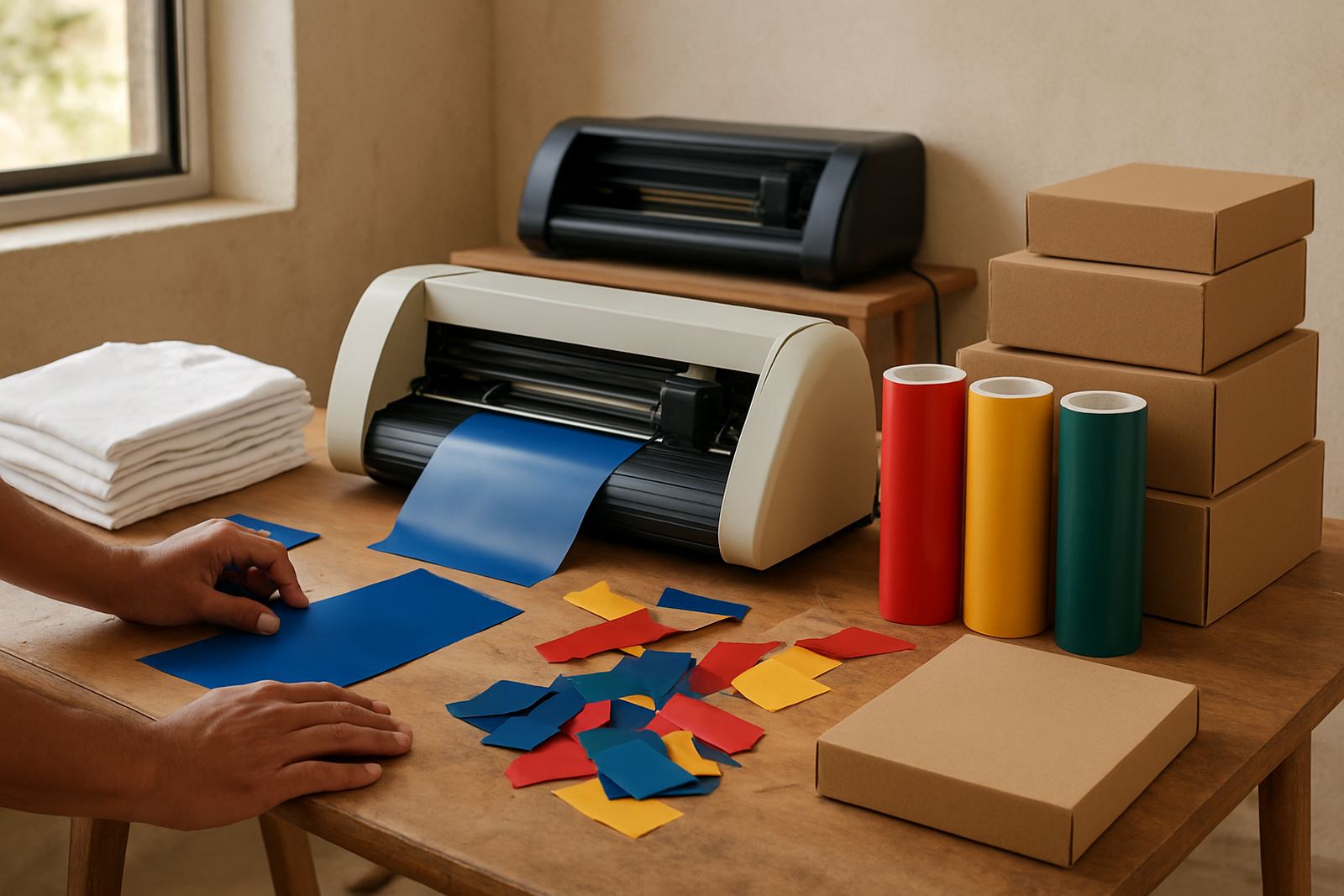
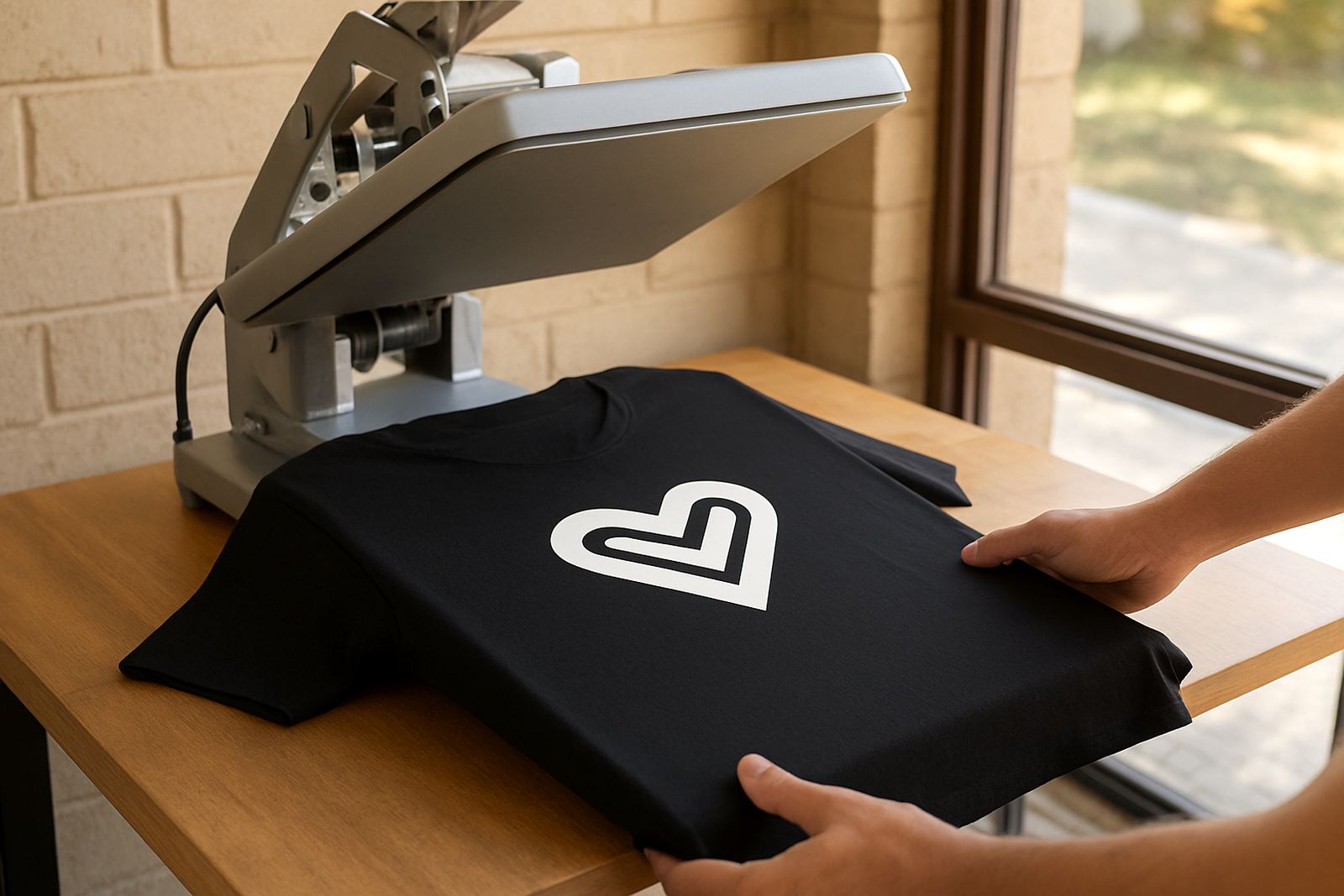
The Home Studio Cutter is made for everyday craft work where you need tidy edges, consistent pressure and a machine that is easy to understand. It handles small runs well, from birthday decals and school labels to heat transfer vinyl for shirts, bags and aprons. The carriage tracks smoothly so you can repeat shapes with less waste, which matters when material is not cheap and you are working from home in Randburg, Midrand or Pretoria East.
This unit is a good fit for people who want more control than hand cutting, but do not need an industrial setup. It is also useful for side hustles that start in a spare room, garage or small craft area. If you work around family time or load-shedding schedules, the simple controls and quick start-up help you get through jobs without a lot of fuss.
- Neat cutting for adhesive vinyl and HTV
- Simple controls for new and experienced crafters
- Compact enough for a home work area
Sizes And Options That Match Different Making Needs
Different makers need different working widths, so the Home Studio Cutter is usually chosen in a size that matches the most common sheet or roll you use. Smaller widths suit labels, decals and craft pieces, while wider formats help with larger lettering, wall quotes and garment graphics. If you mostly cut A4 and A3 material, a narrow to medium unit can be the practical choice. If you want more room for signs and longer names, go wider so you are not forced to split artwork too often.
When choosing an option, think about the jobs you do most often and the space you have available. A machine that is too large can crowd a small room, while one that is too narrow may slow you down. If you work with multiple colours, check whether the cutter gives you reliable pinch roller movement and enough loading space for your usual material widths.
- Narrow models for labels and small decals
- Medium models for apparel graphics and home décor
- Wider models for larger signs and longer vinyl runs
Where It Suits Best In South African Homes And Studios
This cutter suits home crafters, school supply makers, market sellers and small businesses that produce items in batches. It works well for vinyl wall words, jar labels, custom stickers, event décor, t-shirt names and basic branding for local deliveries. For creators in coastal areas such as Durban or Gqeberha, keep the machine and materials dry because humidity can affect adhesive and HTV handling. In hotter inland areas, store rolls flat or upright in a cool room so they stay true and do not curl too much.
It also suits shared work spaces where noise needs to stay low. The unit is practical for evening work after load-shedding, especially when you want a machine that is not demanding to set up each time. If your business serves walk-in customers in Kya Sand, Sandton or Roodepoort, it can handle the kind of repeat jobs that need to be turned around quickly.
- Home studios and spare rooms
- Small shops taking custom orders
- Workshop corners with limited space
Installation, Power Use And Everyday Setup
Installation is straightforward, but the cutter still needs a stable table and enough space for material feed at the front and back. Keep the surface level so the vinyl moves in a straight line. Most home units like this run from standard mains power and do not need gas, water or special building work. If you use a small inverter or backup supply during load-shedding, check that the output is suitable for your machine and computer connection before you start a long job.
For best results, place the cutter close to your computer or compatible control device and make sure cables are not stretched across the floor. Keep a mat or clean covering under the machine if you are working on wood or painted surfaces. When setting up for the first time, test feed the material before cutting the full design. That small step saves time and avoids wasting vinyl.
- Needs a firm level table or counter
- Standard electrical supply, no gas required
- Space needed for material feed and output
Care, Servicing And What To Keep On The Machine
Like any cutting tool, the Home Studio Cutter works best when it is kept clean and checked often. Dust, scrap vinyl and tiny offcuts can build up around the blade area and pinch rollers. Wipe the machine after use, remove waste from the cutting path and keep the blade holder in good condition. If cuts start to look ragged or the machine drags on fine detail, the blade may need adjustment, or the cutting strip may need attention.
Routine care is simple, but regular use still benefits from occasional servicing. That includes blade calibration, material testing, software connection help and cut quality troubleshooting when a project is not coming out as expected. If you use heat transfer vinyl as well, it is worth checking your heat press settings and pressure too because poor heat application can make a good cut look like a bad one. Small machines last longer when they are not forced through heavy material it was never meant for.
- Clean out vinyl dust and scrap regularly
- Check blade pressure before each new material type
- Keep spare blades and basic parts on hand
What To Check Before You Order
Before placing an order, check the cutter width, the type of material you plan to use, and whether your current software setup will connect properly. It also helps to confirm your typical design size. A maker doing baby grows and school labels will need something different from someone producing shop decals or larger iron-on lettering. Ask what parts are included, what warranty support is available and whether local training or remote support sessions are offered after delivery.
If you are in Johannesburg or nearby areas like Midrand, Randburg and Pretoria East, it is worth confirming how you want the machine delivered and unpacked, especially if you need quick setup for an order with a deadline. Check the condition of your workspace, make sure you have enough room to open rolls and trim waste, and keep your most used materials close by so the machine stays productive from day one.
- Confirm cutting width and material compatibility
- Check software connection and computer requirements
- Ask about setup help, calibration and spare parts
Key facts
| Cutting type | Table top craft vinyl cutter |
|---|---|
| Best for | Vinyl decals, HTV, labels and small signage |
| Typical width options | 300 mm, 600 mm and 720 mm |
| Material compatibility | Adhesive vinyl, heat transfer vinyl and light craft films |
| Power needs | Standard mains power, no gas required |
| Support | New machine setup, blade calibration, remote support and workflow help |