A sensible starter bundle for first jobs
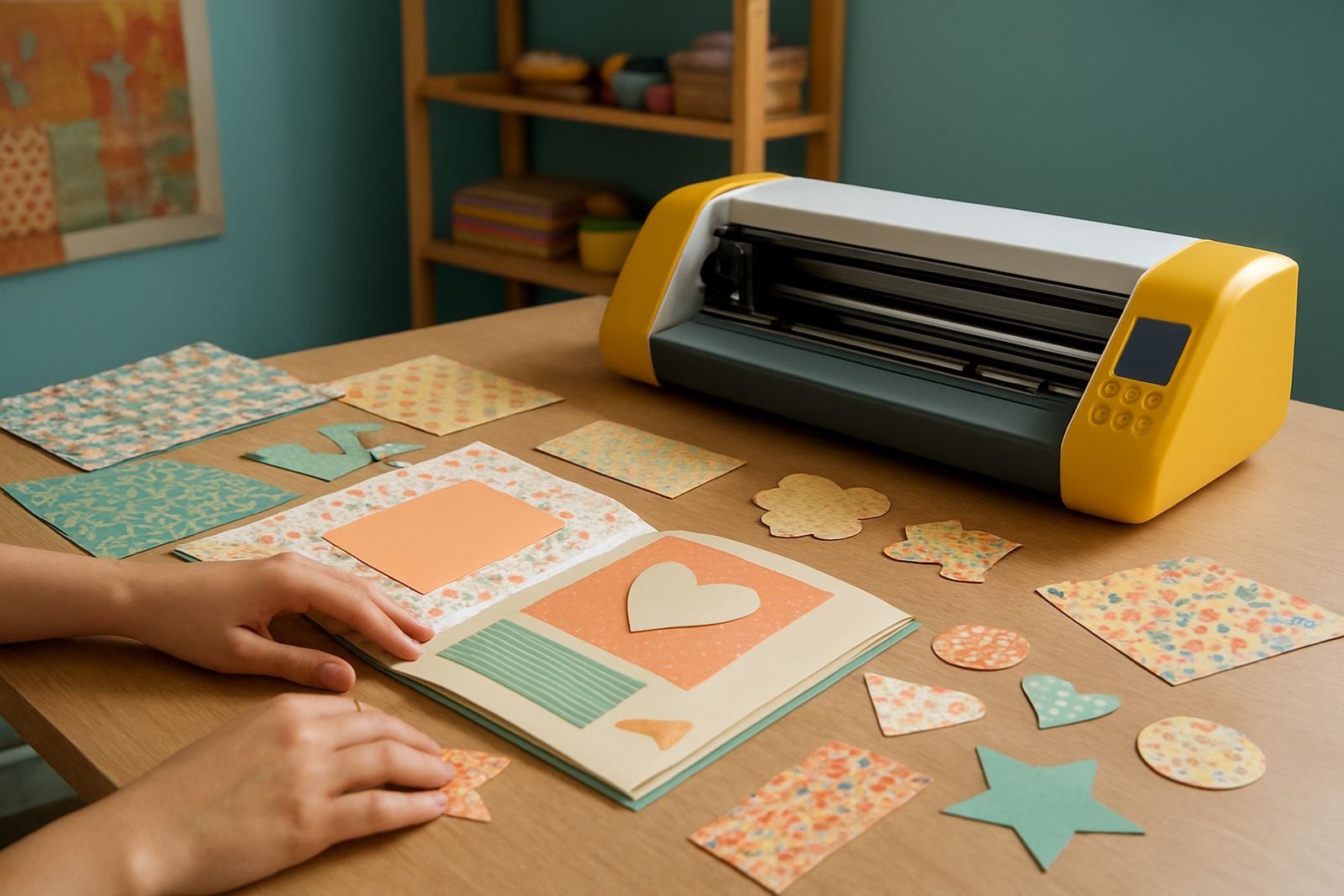
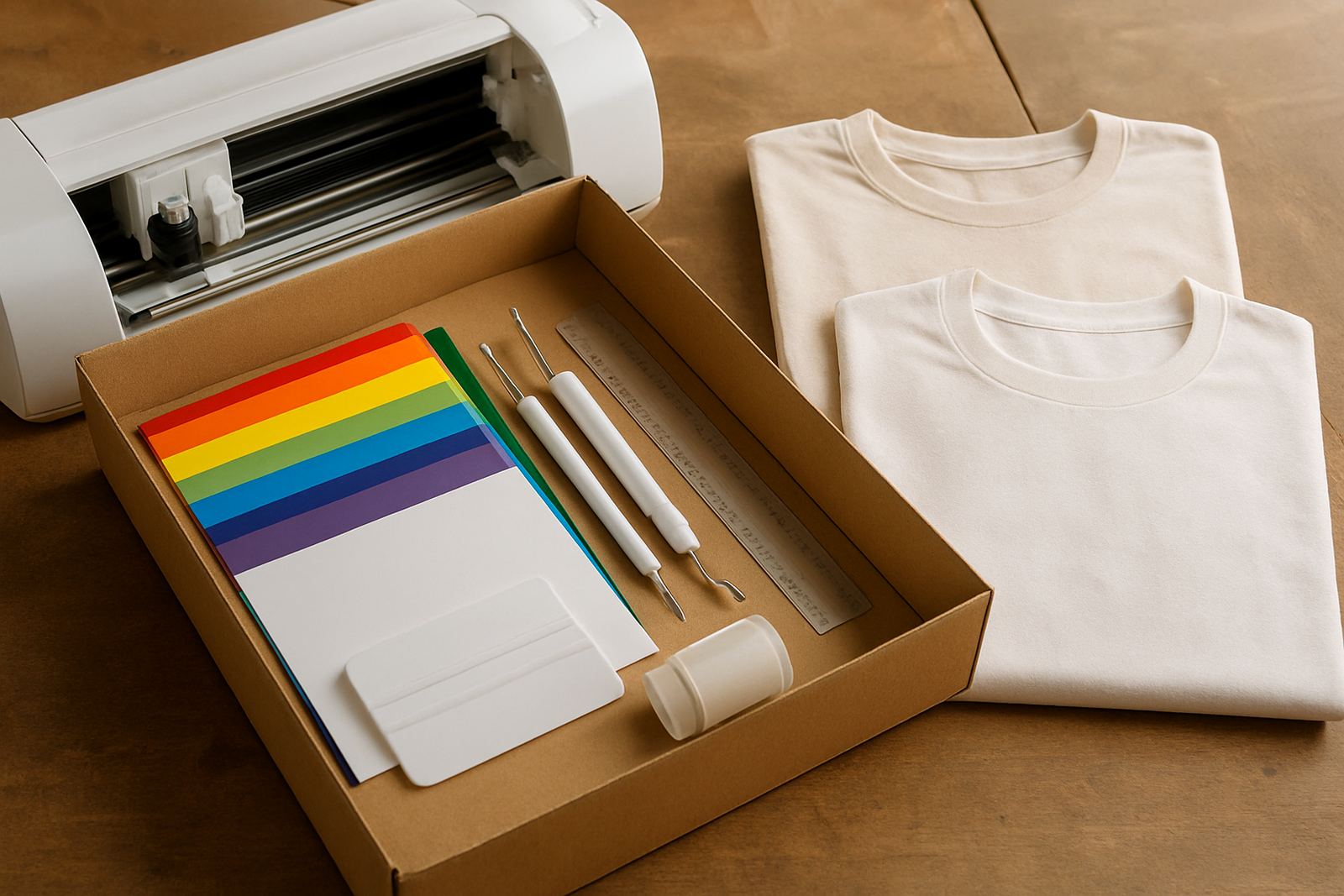
This kit is put together for new users who want to start making usable items straight away, without buying each part separately. You get a compact craft cutter for shaping HTV, starter rolls for sample work, and the hand tools needed for weeding and handling small pieces. For many homes and small studios in Johannesburg, Randburg, Sandton, Midrand and Pretoria East, that makes setup easier and keeps the first purchase within a workable budget.
The bundle suits branded T shirts, school items, baby grows, tote bags, aprons and light décor pieces. It is also practical for side-hustles that need short runs and repeat jobs, not heavy industrial output. If you are testing a market at local markets or taking small custom orders from home, this package gives you enough to begin properly without overbuying.
- Desktop craft cutter for vinyl cutting
- Starter heat transfer vinyl in mixed basic colours
- Weeding and handling tools for detailed work
- Simple beginner-friendly bundle for first production runs
What is included in the kit
The exact contents can vary slightly depending on the selected package, but the starter format usually includes the cutter, a blade holder, a cutting mat, starter HTV rolls or sheets, a scraper or squeegee and weeding tools. Some options also include a small software guide or setup support notes. If you are buying for a school project, home workshop or a small shop counter, it helps to choose the package that matches the kind of work you will actually do.
Ask for confirmation on blade type, mat size and the amount of HTV supplied before ordering. That matters because one kit may suit simple lettering while another is better for layered designs or slightly bigger graphics. The aim is to avoid buying twice, especially if you are working from a compact space in Kya Sand or sharing a room with other equipment.
- Cutter unit, power cable and standard accessories
- Entry level HTV starter pack for test cuts
- Basic hand tools for lifting and positioning vinyl
- Optional training or remote support session
Size, cutting detail and everyday output
Desktop craft cutters are best for small to medium design work. A common entry setup handles vinyl widths suitable for names, logos, numbers and simple graphics. The useful cutting area is usually matched to standard A4 sized jobs or wider rolls depending on the model you choose, so check the actual media width and maximum cut length before you place an order.
For detail work, blade calibration and mat grip matter more than headline size. Thin lettering, school crests and multi part designs all need accurate tracking, so the machine should be set up before you start production. If your work includes repeated names or batches of identical items, a cleaner cut saves time at the weeding stage and gives better edges after pressing.
- Best for small logos, names and simple artwork
- Suitable for light commercial work and hobby use
- Check maximum media width before ordering
- Choose a model that supports fine blade adjustment
Where this starter kit works well
This product suits a range of modest production settings, from a home room to a small workshop counter. It is a good fit for apparel customisation, sports names and numbers, gift items, nursery items and basic signage on textile surfaces. For sellers working in Gauteng or sending courier parcels nationwide, the compact machine size makes packing and storage simpler.
It also works well for people who need to learn the process step by step. The cutter, HTV and hand tools let you practice cutting, weeding and pressing without relying on a large industrial setup. If you plan to make items for market stalls in Roodepoort or a small order book in Midrand, this is a practical place to start, and it keeps the learning curve manageable.
- Home studios and spare rooms
- Small print and craft businesses
- Market sellers and side-hustle setups
- School, club and church clothing projects
Setup, power and pressing requirements
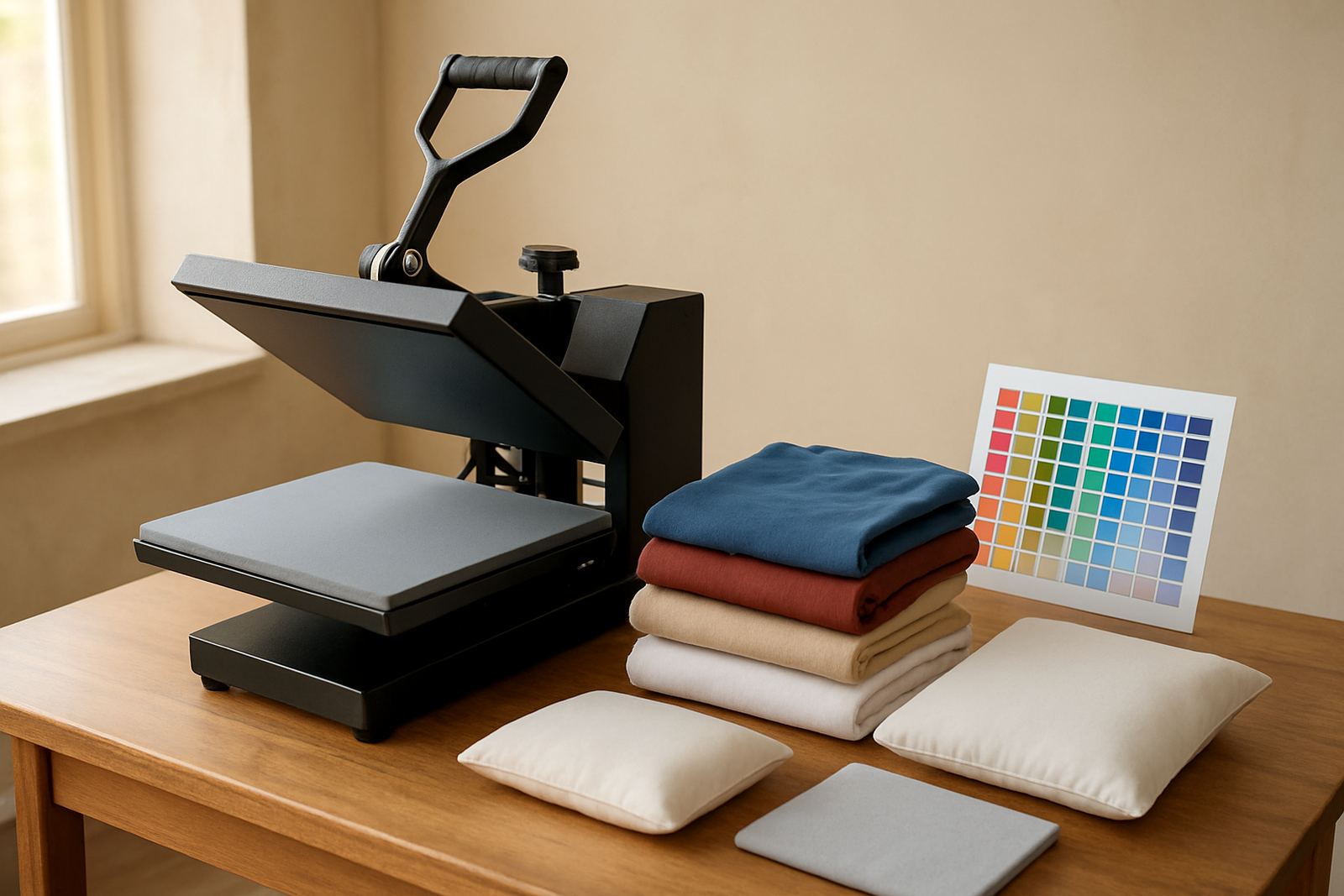
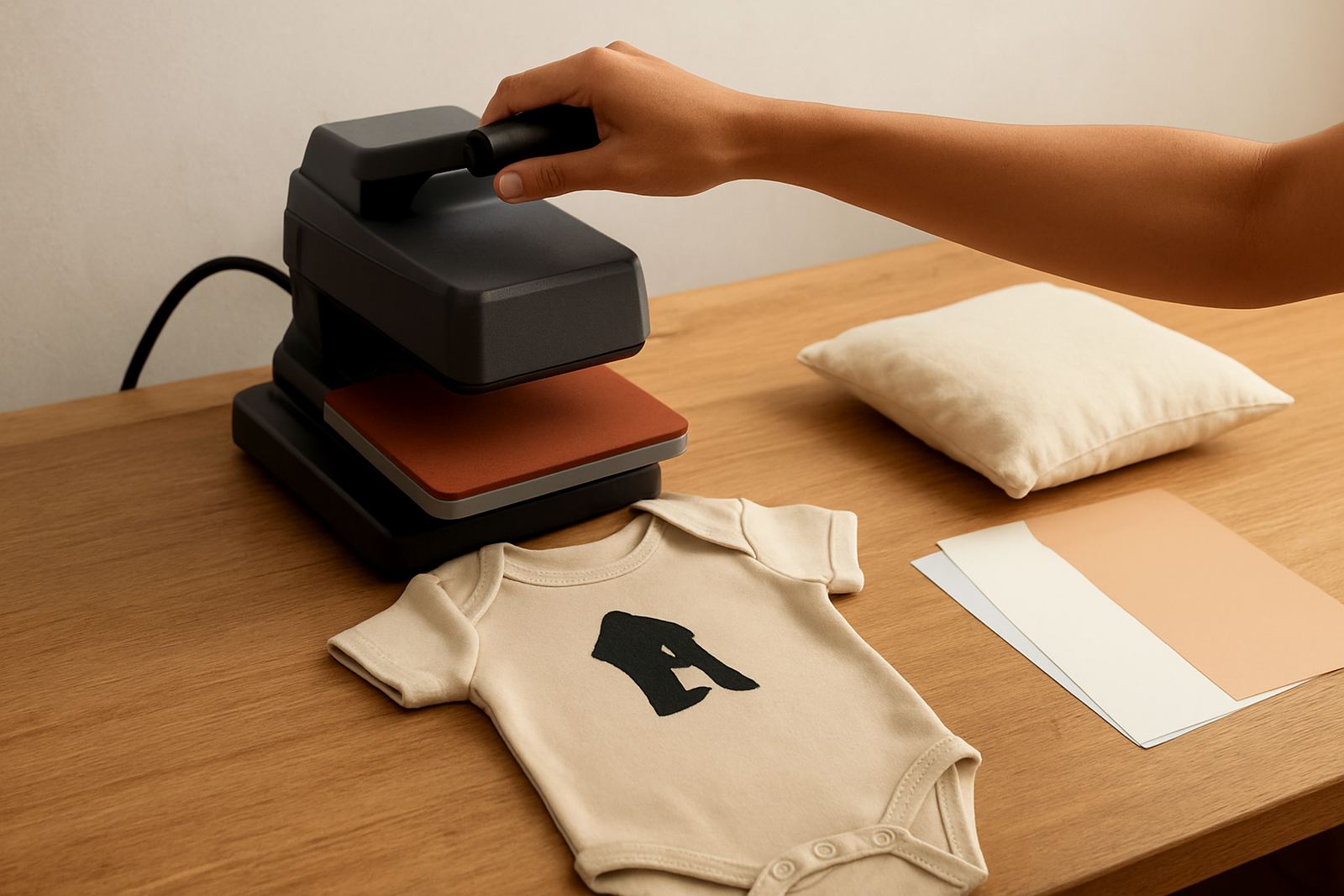
The cutter itself runs from standard mains power and does not need gas. A stable power point and a clean work surface are enough for the machine, while the final transfer onto garments needs a heat press or an iron with controlled heat for very small trial pieces. In South Africa, load-shedding is a real consideration so it is wise to save your cut file before cutting and plan production around interruptions when possible.
For best results, use the kit in a dry indoor area away from dust and open windows. Coastal humidity can affect vinyl handling and storage, so keep rolls sealed or covered if you are based near the coast and buying for delivery further afield. If you are setting up in a shared workshop, allow space for the cutter, weeding area and a safe pressing surface.
- Standard household electricity supply
- No gas connection required
- Heat press or controlled iron needed for transfer work
- Dry, dust free storage helps protect vinyl quality
Care, cleaning and support after purchase
Like any light production tool, the cutter lasts longer with simple care. Keep the blade path clean, replace blades when they begin to drag, and store mats flat so they keep their grip. Check calibration when the cut starts to miss corners or lift small details, and test new vinyl batches before running a longer job. A quick routine clean after each session can save you time on the next order.
For owners who want extra help, support can cover new machine setup, blade calibration, material testing, software connection help, cut quality troubleshooting, heat press check, routine machine cleaning, replacement parts help, remote support session and workflow help. That is useful when a first order is due and you need a sensible fix rather than trial and error. If you are working from Kya Sand, Sandton or Pretoria East, pickup and local assistance can be arranged more easily than waiting on guesswork.
- Wipe dust from rollers and cutting edges regularly
- Keep spare blades and basic tools on hand
- Test every new HTV type before production
- Ask for support if cuts start lifting or skewing
What to check before you order
Before you buy, confirm the cutter width, the included software support, whether the package has a starter supply of HTV, and what tools come in the box. If your work is mainly small names and labels, a compact option may be enough. If you want to cut wider panels or larger graphics, make sure the machine and mat size suit that work from the start. It is better to match the kit to your planned output than to discover later that you need a second purchase.
You should also check delivery timing, training support and spare part availability. Ask whether the cutter is suitable for your intended vinyl thickness and whether the starter HTV is safe for the fabrics you use most often. For school uniforms and team wear, that detail matters. If you are unsure, send the order query through our contact form and include your town, the type of garments you plan to press, and whether you need help setting up at home or in a shop space.
- Confirm cutter size and cut width
- Check what HTV colours and tools are included
- Ask about setup help and training options
- Confirm delivery to your area and stock timing
Key facts
| Product type | Starter bundle for heat transfer vinyl cutting and pressing |
|---|---|
| Main machine | Desktop craft cutter for light production work |
| Included media | Starter HTV supply for sample and beginner jobs |
| Power requirement | Standard mains electricity, no gas |
| Best use | Custom apparel, tote bags, school items and light décor |
| Support options | Setup, calibration, software help and remote troubleshooting |