What a Sticker Sheet Cutter Does Best
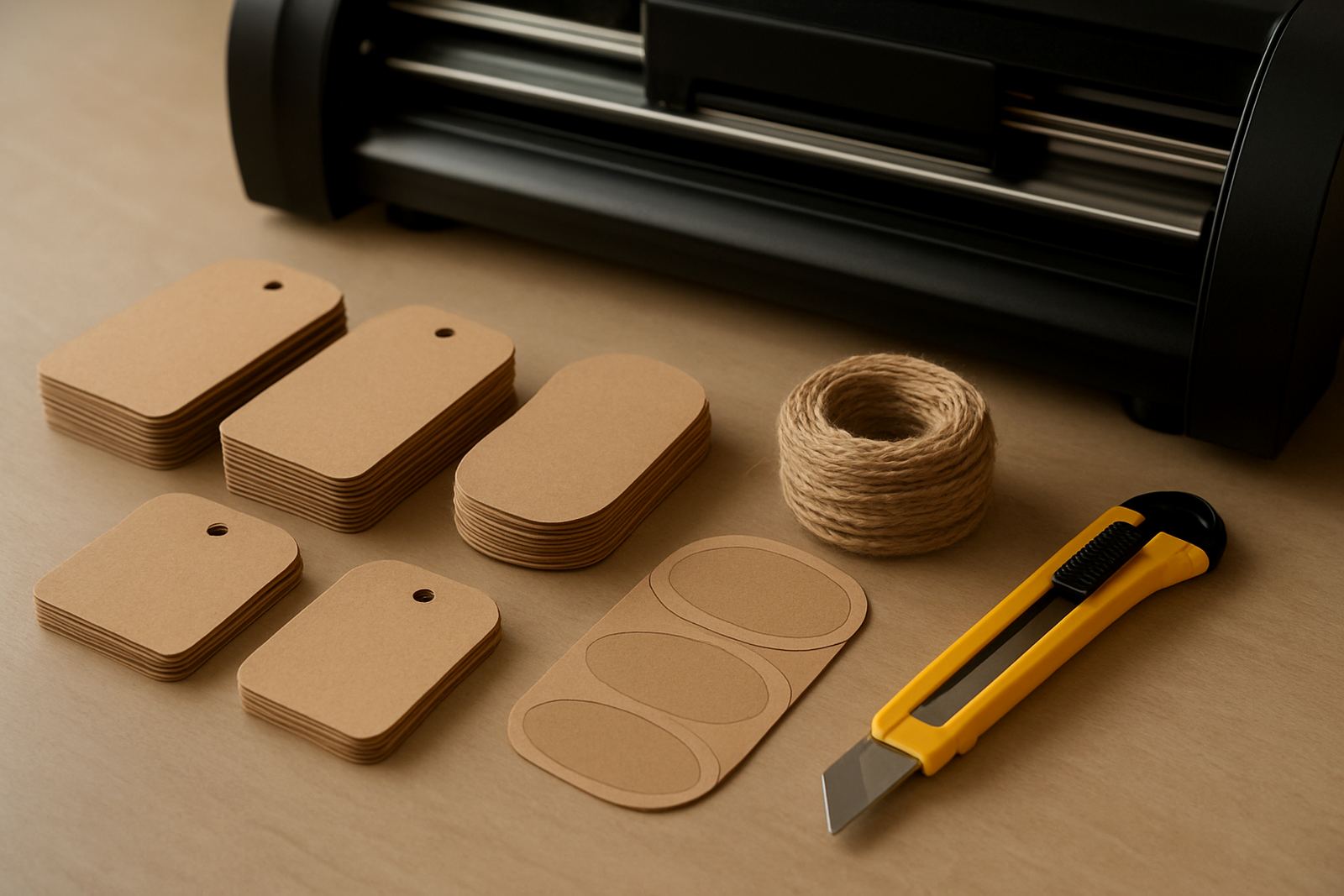
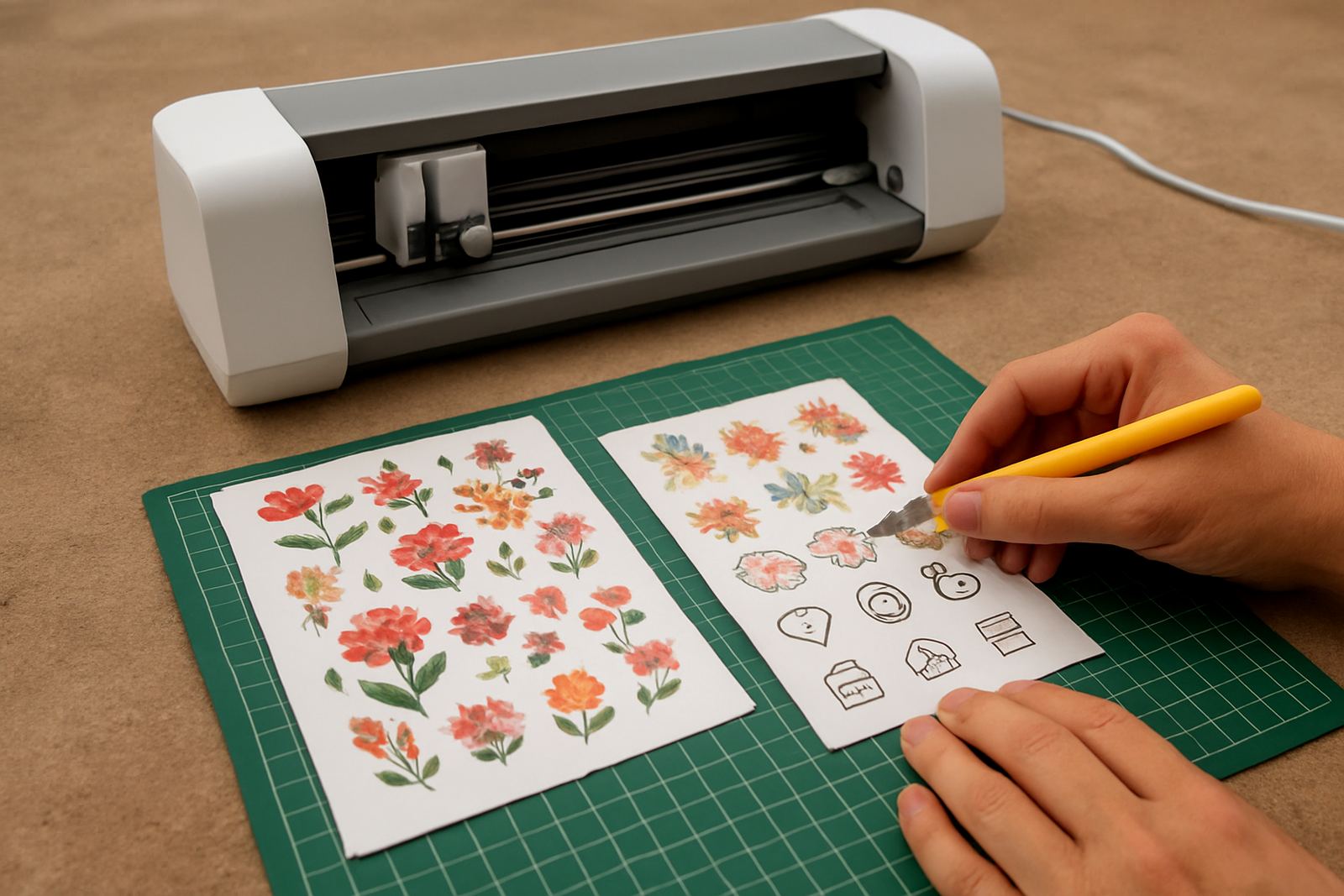
A sticker sheet cutter is built for detailed sheet work on adhesive vinyl, printable sticker media and kiss-cut label stock. It follows a design path accurately so you can make sets of planner stickers, packaging labels, seasonal decals and character packs with consistent spacing and tidy corners.
This type of machine is suited to users who need more control than hand cutting can give. It works well for short production runs and custom orders, where the same shape may need to be repeated many times. For Johannesburg studios, home businesses in Randburg or busy makers in Pretoria East, it is a practical way to keep small jobs moving without taking up much space.
The machine is not limited to stickers alone. Many customers also use it for card templates, temporary window graphics, iron-on test pieces and sample runs before moving to larger production. If your work changes often, the ability to swap materials quickly is useful and saves time.
Sizes, Sheet Types and Option Choices
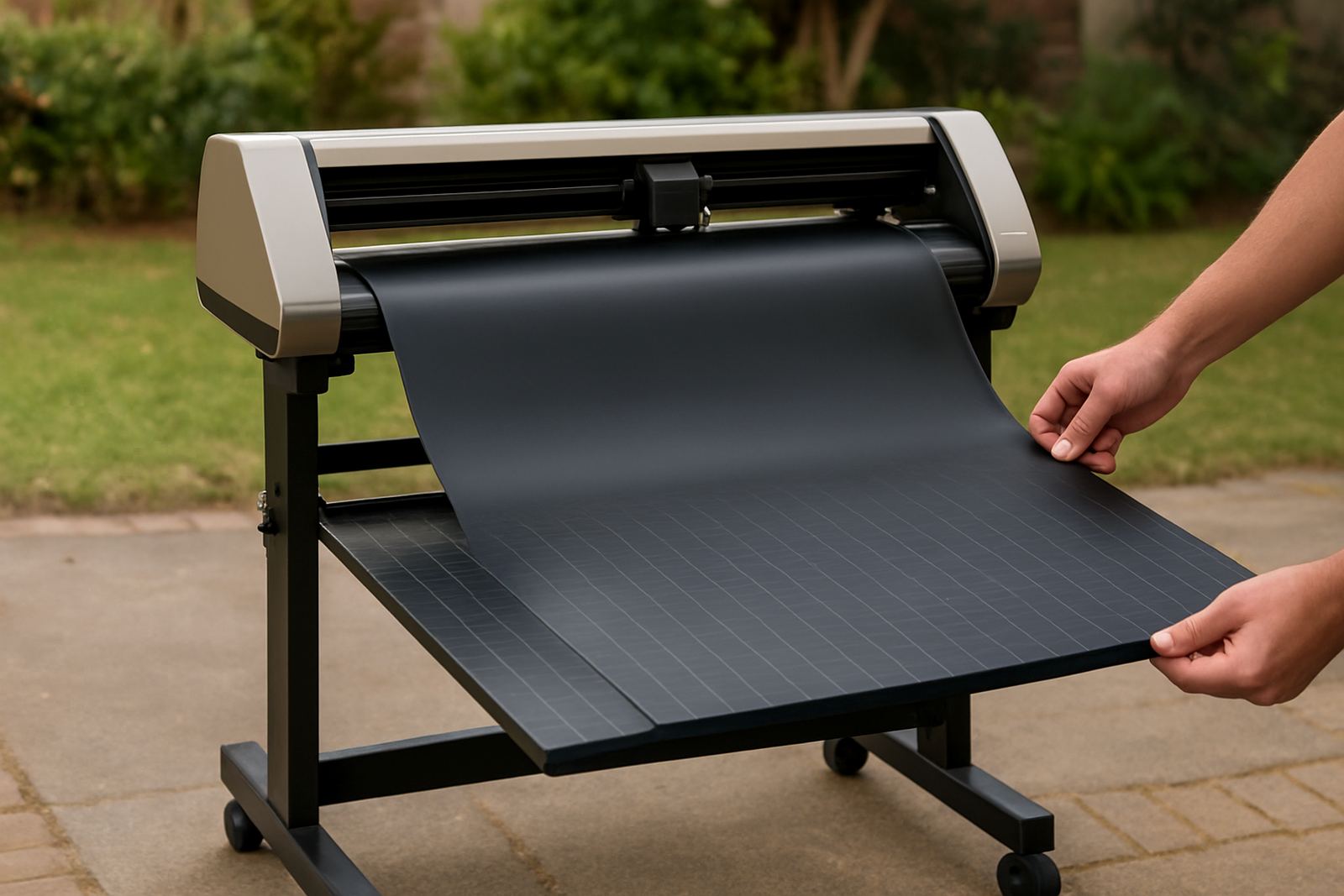
Most sticker sheet cutters are desktop units, so the main choice is the working width rather than a floor standing frame. A common setup is a cutting width between 300 mm and 330 mm, which suits A4 and similar sheet sizes. Some users prefer a slightly wider bed for longer label layouts or multiple sticker rows. Cutting length is usually driven by the roll or sheet feeding system, depending on the model.
When choosing a unit, check the following points:
- Maximum sheet width and the usable cutting area
- Whether it supports sheet-fed media, roll media or both
- Blade type and whether replacement blades are easy to source
- Down force range for thin sticker paper and thicker vinyl stock
- Registration mark reading for print and cut work
- Software compatibility with your design files
If you plan to do planner packs, school labels or product branding, a clean feed path matters more than speed. A sheet cutter that handles smaller material neatly will give better results than a faster machine that struggles with alignment or curls the edges.
Where This Machine Fits in South African Workspaces
Sticker sheet cutters fit well in small studios, home offices, craft rooms and compact retail counters. They are a good match for sellers at weekend markets, print-and-pack businesses, wedding stationery makers and crafters who take custom requests. In places like Kya Sand, Midrand and Roodepoort, where many businesses work from light industrial units or shared premises, the small footprint makes day to day setup easier.
The machine is also handy where power supply is not always steady. It uses standard mains electricity and does not require gas. During load shedding, many users run it from an inverter or UPS, provided the power supply matches the machine load and the software connection stays stable. A clean counter area, stable table and enough lighting make a bigger difference than people expect. If the machine is placed near a window or on a humid coast it helps to keep sticker stock sealed, because moisture can lift edges and affect feeding.
For business owners, the big advantage is control. You can produce small batch labels for a client in Sandton in the morning, then switch to kids sticker packs or product seals in the afternoon. That flexibility is useful when orders are uneven and space is tight.
Installation, Power and First Setup
Setup is usually straightforward, but the machine should be placed on a level surface with enough room behind and in front for feeding sheets. Allow clear access to the blade holder and pinch rollers. If you are in a workshop with dust from card, foam or vinyl trimming, keep the area clean so debris does not affect the cutting path.
Power needs are modest. A standard plug point is normally sufficient, and no gas connection is required. For a reliable first run, check the following:
- Software installed on the computer or laptop you will use
- USB or connection cable secured properly
- Blade depth set for the material thickness
- Test cut completed before full production
- Media loaded squarely so print and cut marks read properly
- Backup power planned if you work through outages
We assist with new machine setup, software connection help and workflow guidance for customers across Johannesburg, Pretoria East and nationwide. A proper first setup saves wasted stock and avoids the common problem of cuts drifting off the printed line.
Care, Cleaning and Service Checks
Like any desktop cutter, the machine works better when it is kept clean. Remove vinyl offcuts, dust and adhesive residue from the rollers and bed area after use. Check the blade holder regularly, because a dull blade can tear sticker stock and leave rough edges. If you are cutting frequently, plan a simple cleaning routine rather than waiting for a fault to appear.
We also recommend periodic checks on blade calibration, cut quality and material feed. This is especially important if you switch between thin labels and thicker laminated sticker sheets. Small changes in pressure can affect the finish, and a quick test cut can save a full sheet. If a machine starts dragging corners or missing tiny details, the issue is often with blade depth, pressure settings or worn parts not the software.
Our team supports routine machine cleaning, replacement parts help, remote support sessions and cut quality troubleshooting. If you are in Randburg, Sandton or further out in Midrand, we can usually guide you through the next step without making you stop production for long.
What to Check Before You Order
Before you choose a sticker sheet cutter, think about the kind of work you will do most often. A hobby user making planner stickers once a week will need something different from a small shop producing product labels daily. The right choice depends on sheet size, media type, software needs and how much space you have on your table.
Ask yourself these points before ordering:
- Will you cut printed sticker sheets, plain vinyl or both
- Do you need kiss-cut only, or deeper cuts for full material separation
- What sheet sizes do you use most often, A4, A3 or custom sizes
- Will the machine be shared by several people, or used by one operator
- Do you need local training, delivery and support after setup
- Will you use it on inverter power during outages
It is also worth checking whether your artwork files are ready for cutting. Clean vector paths, sensible line spacing and correct registration marks make a major difference to output. If you are not sure, our team can help with workflow advice and material testing before you commit to a production run.
Who Should Choose This Cutter
A sticker sheet cutter is a practical buy for people who want neat, repeatable results without taking up a lot of room. It suits crafters selling planner accessories, businesses printing branded labels, educators preparing classroom materials and makers who enjoy colourful character packs. If you need accurate sheet work and quick turnaround, this machine is a solid fit.
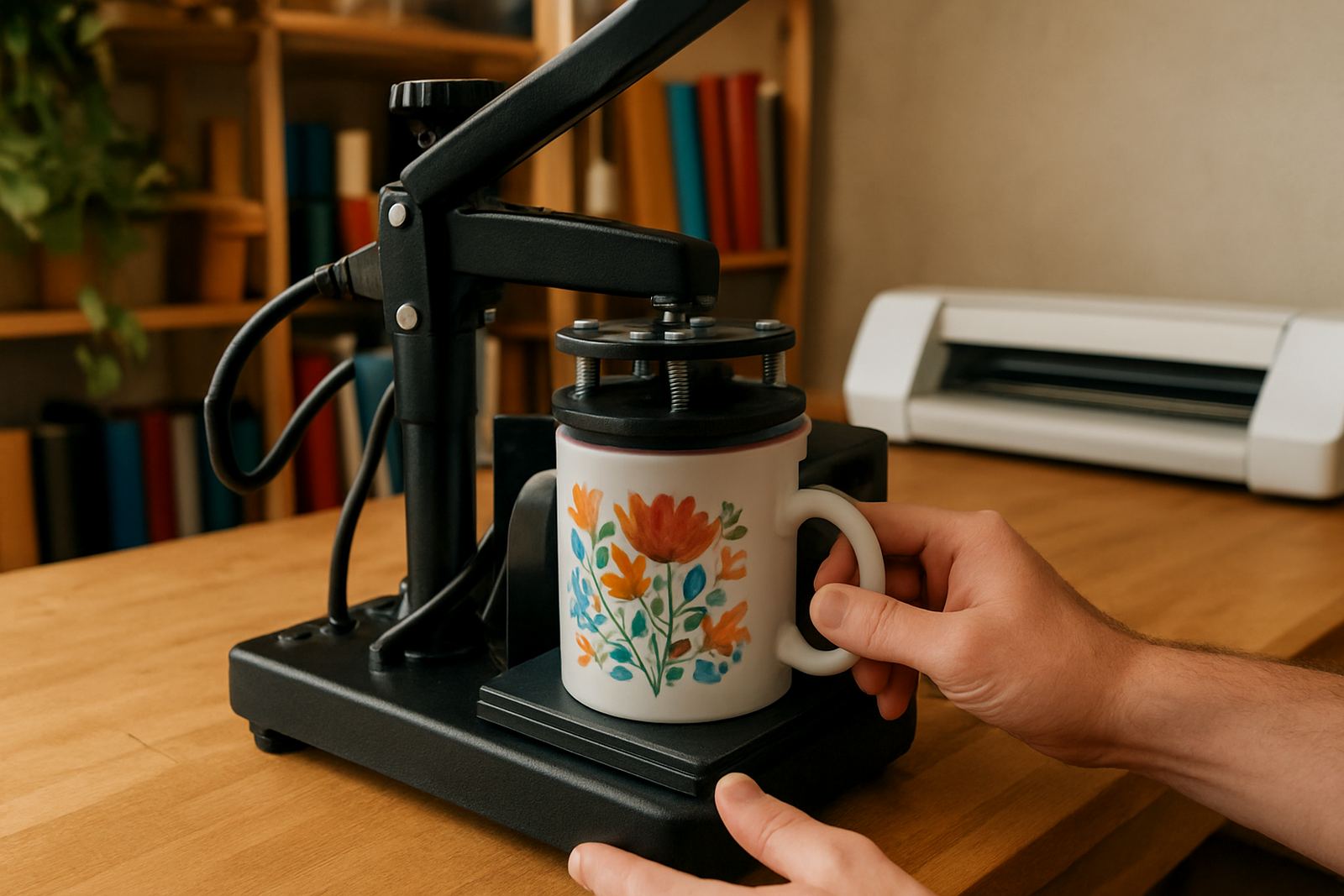
VinylCutter Craft supports users from Kya Sand and nearby areas, as well as customers nationwide. Our team includes sales, technical support, training and customer care, so if you need help with blade calibration, software connection or a heat press check for related work, you can get proper guidance. That kind of support matters when you are trying to keep orders moving and the phone keeps ringing.
For small businesses in South Africa, the goal is simple: clean cuts, less waste and a machine that is easy to live with day after day. This model is made for that kind of work.
Key facts
| Machine type | Desktop sticker sheet cutter |
|---|---|
| Working width | Approx. 300 mm to 330 mm |
| Media support | Sticker paper, adhesive vinyl, printable sheets and light label stock |
| Connection | USB connection to compatible cutting software |
| Power needs | Standard mains electricity, no gas required |
| Typical use | Planner stickers, product labels, character packs and small batch decals |