Clean cutting for detailed decal work
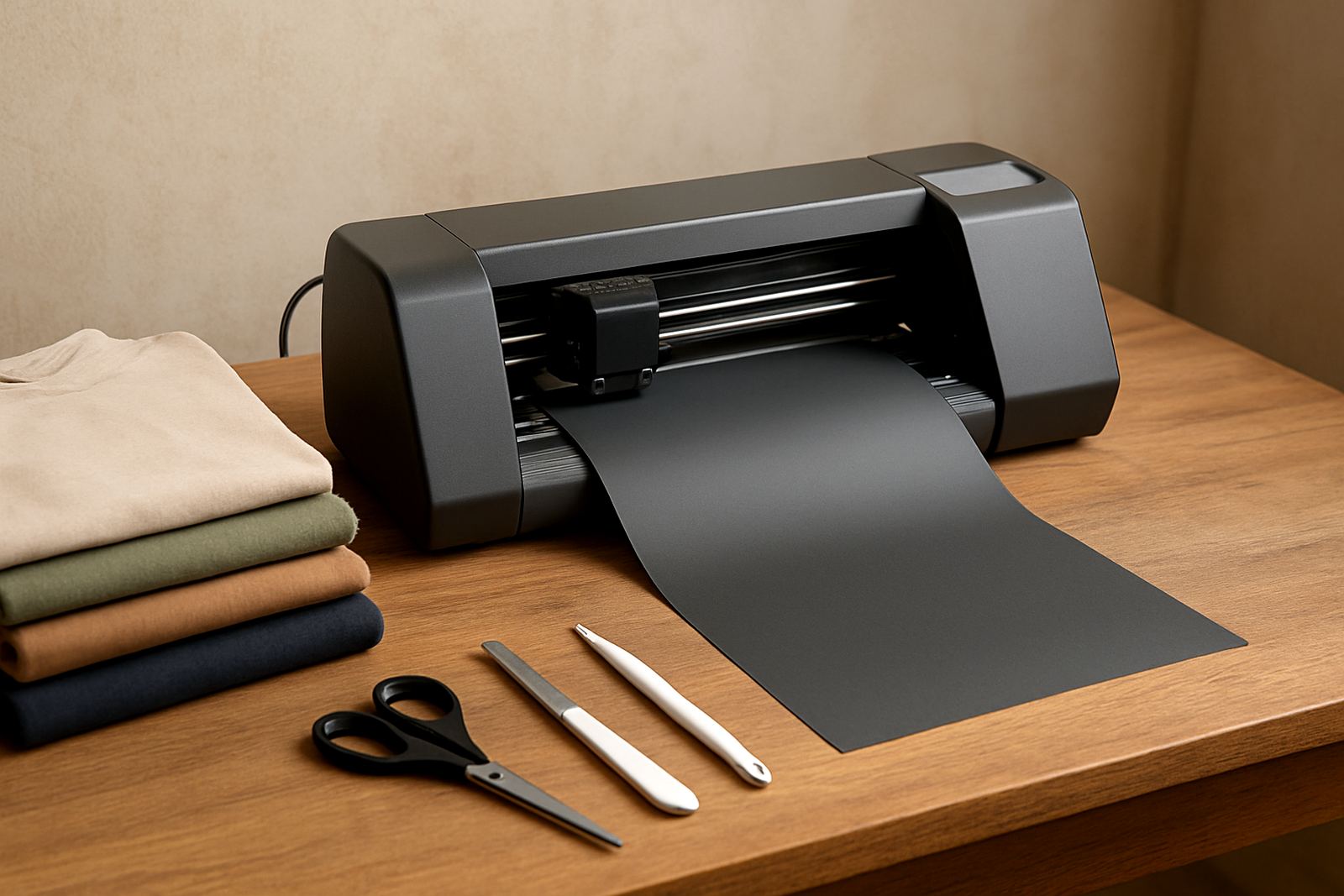
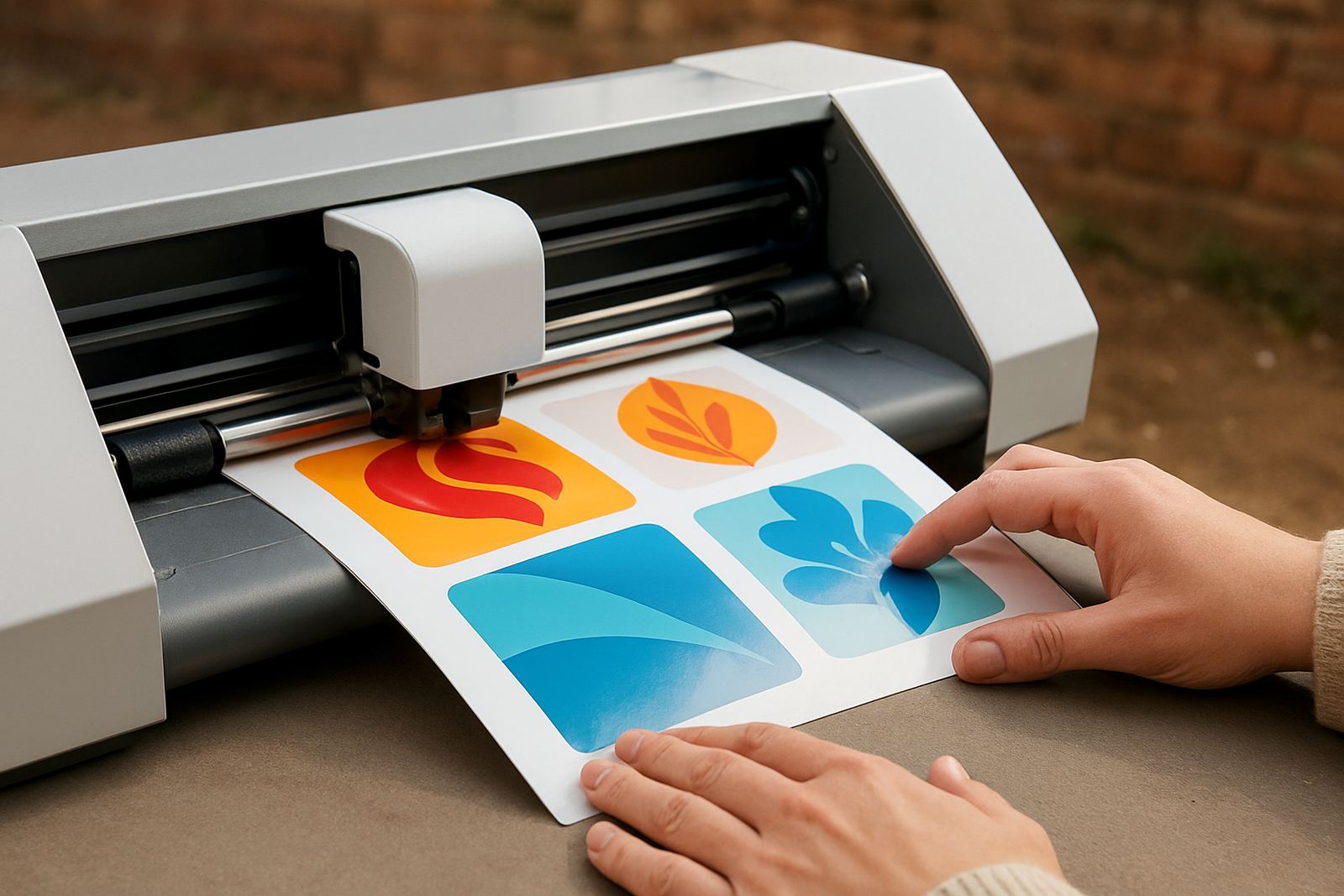
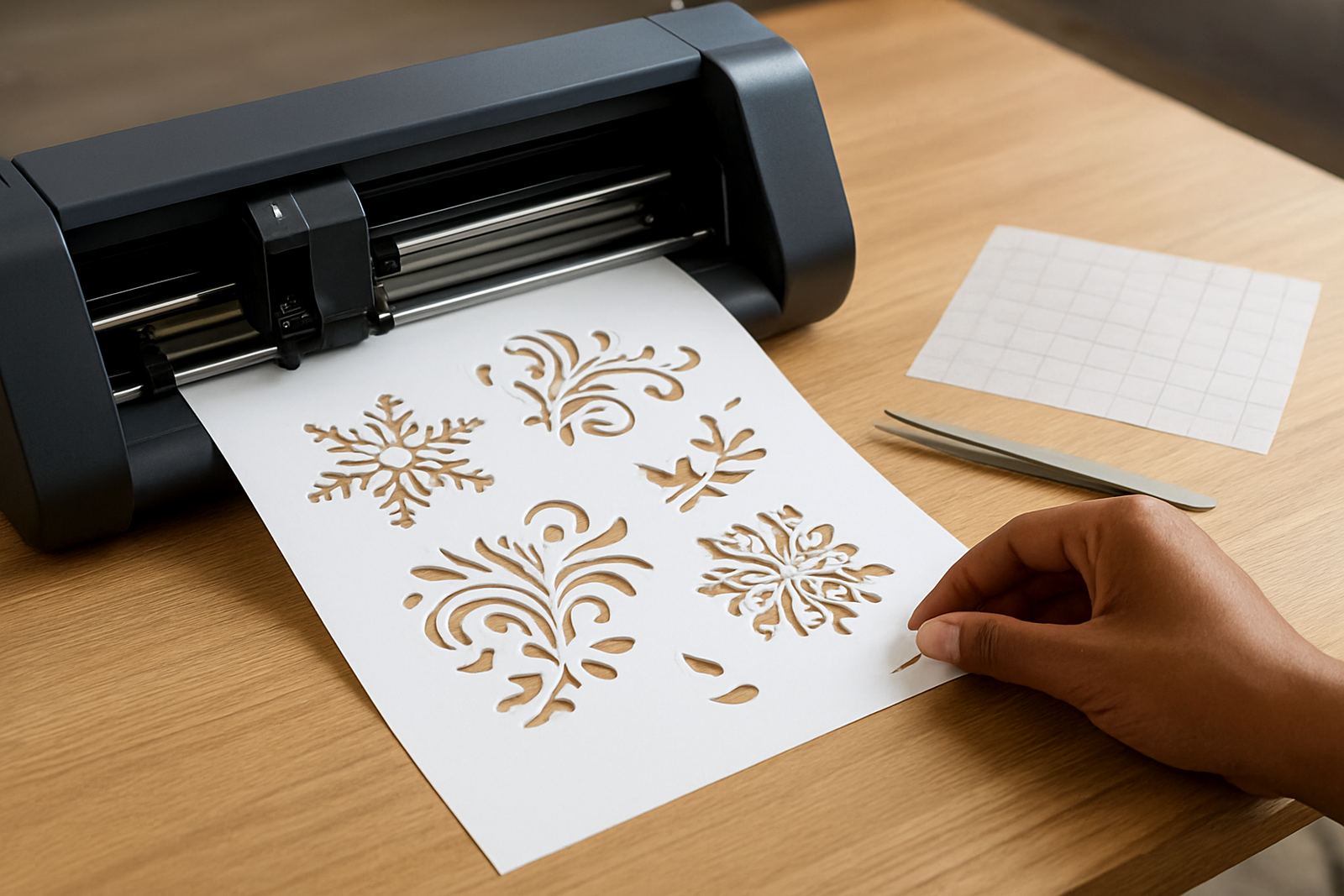
This cutter is made for designs where the edge matters. It handles thin lettering, small icons, corner pieces and repeat jobs without forcing you to do too much hand trimming afterwards. For anyone making labels, wall wording or custom gift items, that accuracy saves time and reduces wasted material.
It is a good fit for vinyl sheets, sign vinyl, removable decal film and light craft material used for indoor decorating. If you work from home in Randburg, run a small studio in Sandton or supply markets in Pretoria East, the machine gives you a simple way to produce neat pieces one at a time or in small batches. It is not for heavy industrial work, but for detailed craft jobs it is the right sort of tool.
Sizes, cutting width and option choices
Precision decal cutters are usually chosen by cutting width, not just machine size. A narrower model suits stickers and planner work, while a wider unit is better if you want longer wall phrases, batch decals or repeated layout work. When comparing options, check the usable cutting area and the total roll width you plan to feed through.
- Common cutting widths: 330 mm, 720 mm and 1 200 mm
- Typical repeat cut length: up to several metres on suitable material
- Media types: adhesive vinyl, decal film, light HTV, stencil film
- Blade type: replaceable fine-point blade for small detail work
If you are doing planner stickers, a smaller unit can be more practical and uses less floor space. If you are working with wall phrases, school projects or shop signage accents, the wider options give you more room to set out your artwork without joining sections, which is always better looking.
Where the cutter suits best
This product suits crafters who need tidy results more than raw output. It works well for custom gifts, labels, wedding decor, wall sayings, packaging stickers and simple business branding. Many customers also use it for seasonal items and short-run retail work where a clean finish matters more than speed. It can also handle small workshop tasks, provided the material is within the machine's limits.
- Home craft rooms and small studios
- Online sellers making made-to-order decals
- School, church and community project work
- Small signage and decoration jobs
In Johannesburg and the surrounding areas, dust and power interruptions are part of daily life, so a cutter that is simple to restart and easy to keep aligned is a proper advantage. If you rely on it often, keep your workspace dry and free of loose offcuts so the feed path stays clean.
Installation, power and workspace needs
Most desktop decal cutters need a level table, enough side clearance for material feeding and a stable power supply. They do not need gas, extraction or complex building work. A standard 220 V household socket is normally enough, although it is wise to use a surge protector, especially where load-shedding or voltage spikes are common.
For best results, place the cutter in a dry room with steady temperature and good light. Coastal humidity is less of a concern in Johannesburg, but if you send work to KwaZulu-Natal or the Eastern Cape, store vinyl flat and sealed so it does not curl. Keep the machine away from direct sun, heaters and open windows where dust can enter. A small typo in setup can throw your cuts off, so double check blade depth and pressure before the first job.
- Power: 220 V, single phase
- Gas: not required
- Space: allow clear space at the front and back for media feed
- Best surface: level, rigid table or stand
Care, blade life and regular servicing
Like any precision tool, this cutter works better when it stays clean. Wipe the pinch rollers, remove vinyl dust and check the blade holder often. If your cuts start lifting at the corners or notching on small text, the blade may be worn, the pressure may need adjustment or the material may be too thick for the current setup.
We support routine machine cleaning, blade calibration, replacement parts help and remote support sessions for customers who need a hand. If the cutter is used daily, plan a quick check every week and a more careful service every few months. Keep an eye on belts, roller grip and the carriage movement. Small faults caught early are easier to fix and usually cheaper too.
- Clean rollers and rails with a dry lint-free cloth
- Test blade pressure before a new vinyl type
- Store spare blades and cutting strips properly
- Do not force thick or warped material through the feed
What to verify before ordering your cutter
Before you order, think about the size of the decals you make most often, the software you already use and whether you need training after setup. If you are moving from hand cutting, it helps to confirm your artwork format and whether your files are clean enough for fine detail. We can assist with software connection help, workflow advice and material testing so you know what the machine will handle.
- Largest design width you plan to cut
- Material types and thickness you use most often
- Whether you need training or only installation help
- Power backup for load-shedding days
- Replacement blade and parts availability
If you are based in Kya Sand, Midrand, Roodepoort or Pretoria East, collection or local assistance can be arranged where needed. For nationwide orders, make sure your workspace is ready before delivery so you can start cutting without delay. It saves frustration and keeps the first run neat from the start.
Key facts
| Machine type | Desktop precision vinyl cutter for decals and craft work |
|---|---|
| Cutting width options | 330 mm, 720 mm and 1 200 mm |
| Material compatibility | Adhesive vinyl, decal film, light HTV, stencil film |
| Power requirement | 220 V single phase |
| Control setup | Computer connected cutter with fine blade adjustment |
| Support available | New setup, calibration, testing, troubleshooting and remote support |