Cut Around Prints Without Guesswork
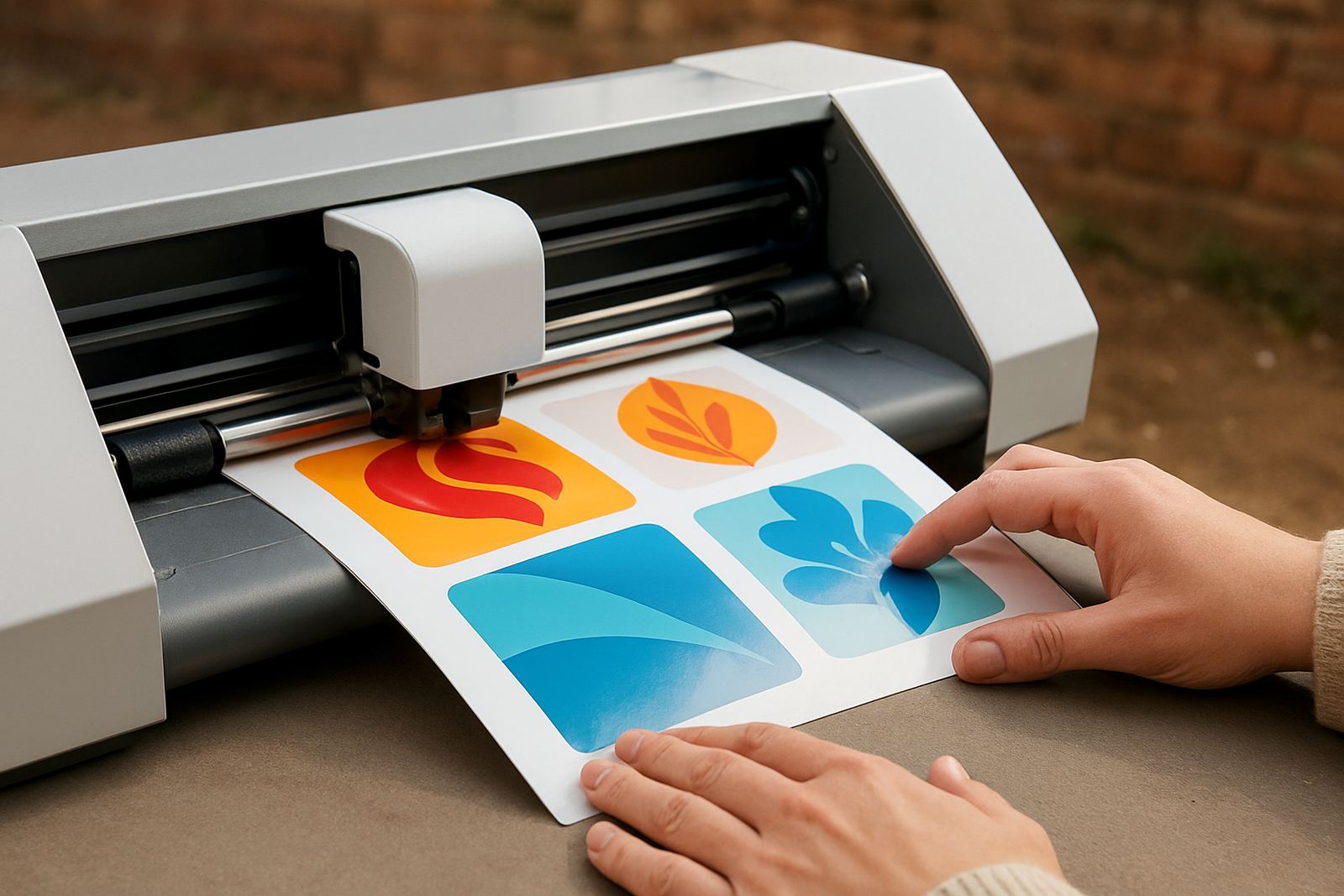
This machine uses a registration mark reading system to follow the outline of a printed design, then cut the shape after printing. That makes it a practical choice for round labels, product stickers, branded seals, packaging decals and craft graphics where a straight cut would look unfinished. For a small business in Johannesburg, Midrand or Pretoria East, it helps keep every batch looking tidy and repeatable.
The main advantage is accuracy on mixed jobs. You can print full colour artwork on a separate printer, then let the cutter trace the outer edge of each shape. That is useful for short runs, seasonal ranges and custom orders where each design may change slightly from one client to the next.
- Reads registration marks for printed jobs
- Suitable for kiss-cut sticker sheets and full cut shapes
- Helps reduce hand trimming time
- Works well for both simple and detailed outlines
Sizes And Options For Different Workloads
Contour cut cutters are available in compact desktop sizes for light production and wider models for larger sheets. A smaller unit is a good fit if you mainly cut A4 or A3 material, while a wider carriage suits bigger label sheets, repeated sticker layouts and longer vinyl runs. In a Kya Sand workshop with limited counter space, a compact machine is often the easiest starting point.
When choosing size, think about your sheet width, how many designs you cut in one session, and whether you need to move the machine between a home studio and a market stand. A machine that accepts standard vinyl rolls and printed sheet media gives more flexibility, especially if you work across apparel, décor and promo items.
- Desktop units for smaller batches and hobby use
- Wider cutting widths for larger sheets and faster turnaround
- Roll feed support on some models
- Adjustable pinch rollers for different media widths
Where It Suits Best
This cutter suits anyone producing stickers, labels, heat transfer graphics and short-run product branding. It is common in small businesses making soap labels, candle stickers, school event stickers, tumbler decals and themed party packs. It also suits makers who print and cut custom apparel graphics, especially where a neat contour edge matters more than speed alone.
If you sell online or supply local shops, the machine helps you keep small orders profitable. It is also useful for training spaces, workshop rooms and shared studios where different people need a simple method that does not require a complicated production line.
- Custom labels for jars, bottles and packaging
- Themed stickers for events, gifts and stationery
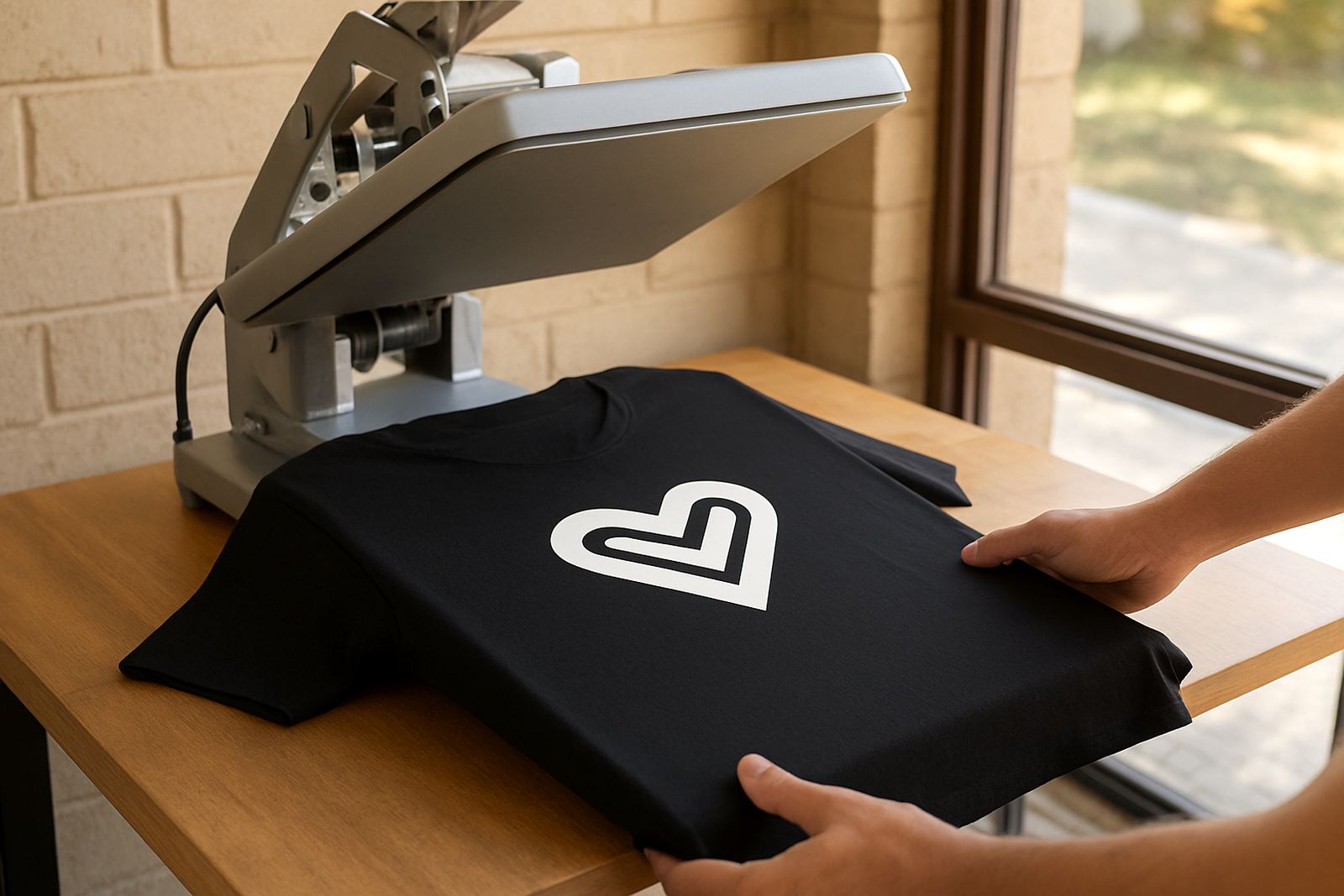
- Printed heat transfer graphics for garments
- Decorative decals for home décor and signage
Installation, Power And Workspace Checks
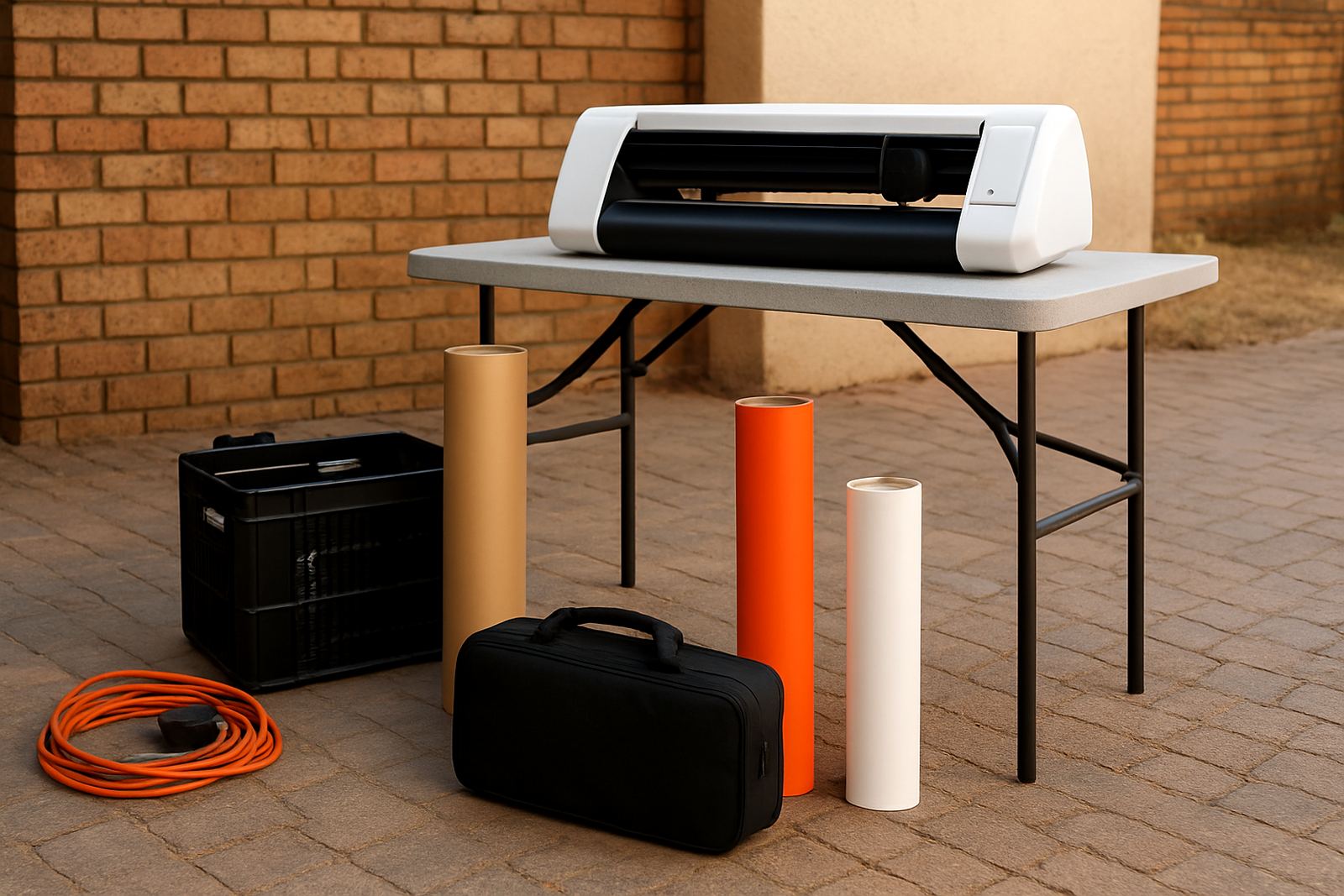
Most contour cut cutters need a stable table, enough side clearance for media feed, and a power point close by. They normally run from standard mains power, so no gas connection is needed. In South Africa, it is wise to use a surge protector and a backup power option if you work through load-shedding, since a sudden cut during a print and cut job can waste material.
Before placing the machine, check that the room is dry and free from too much dust. Coastal humidity can affect paper and adhesive media, while hot inland rooms may cause vinyl to curl at the edges. If you are based in Randburg, Sandton or Roodepoort and running jobs daily, good airflow and a clean surface make a real difference to cut quality.
- Standard mains power only, no gas required
- Best on a level table with enough front and rear feed space
- Use a surge protector for power protection
- Keep away from damp walls, open windows and heavy dust
Care, Calibration And Ongoing Servicing
Good contour cutting depends on clean rollers, a sharp blade and correct calibration. Dust, adhesive residue and worn blades can cause drifting lines or poor mark reading. A quick routine clean after busy days keeps the machine steadier, and blade checks help prevent tearing on thin films or lifting on glossy sticker stock. Sometimes a simple recheck saves a full reprint, which is useful when the order is urgent.
For regular use, it helps to test new material before taking on a full order. If you change media thickness, software settings or blade pressure, do a small trial cut first. VinylCutter Craft also supports users with routine machine cleaning, blade calibration, cut quality troubleshooting and remote support session help when a job is not behaving as expected.
- Clean rollers and pinch areas often
- Replace dull blades before they start dragging
- Test each new vinyl or label stock
- Check software connection after updates or power interruptions
What To Check Before You Order
Before ordering, confirm your typical media width, the sheet size you print on, and whether you need contour cutting for stickers, HTV or both. Also check what software connection method you use, since your workflow needs to match the machine. If you are running a small operation from Midrand or Pretoria East, think about how many jobs you complete in a week and whether the cutter will sit next to a printer or in a separate room.
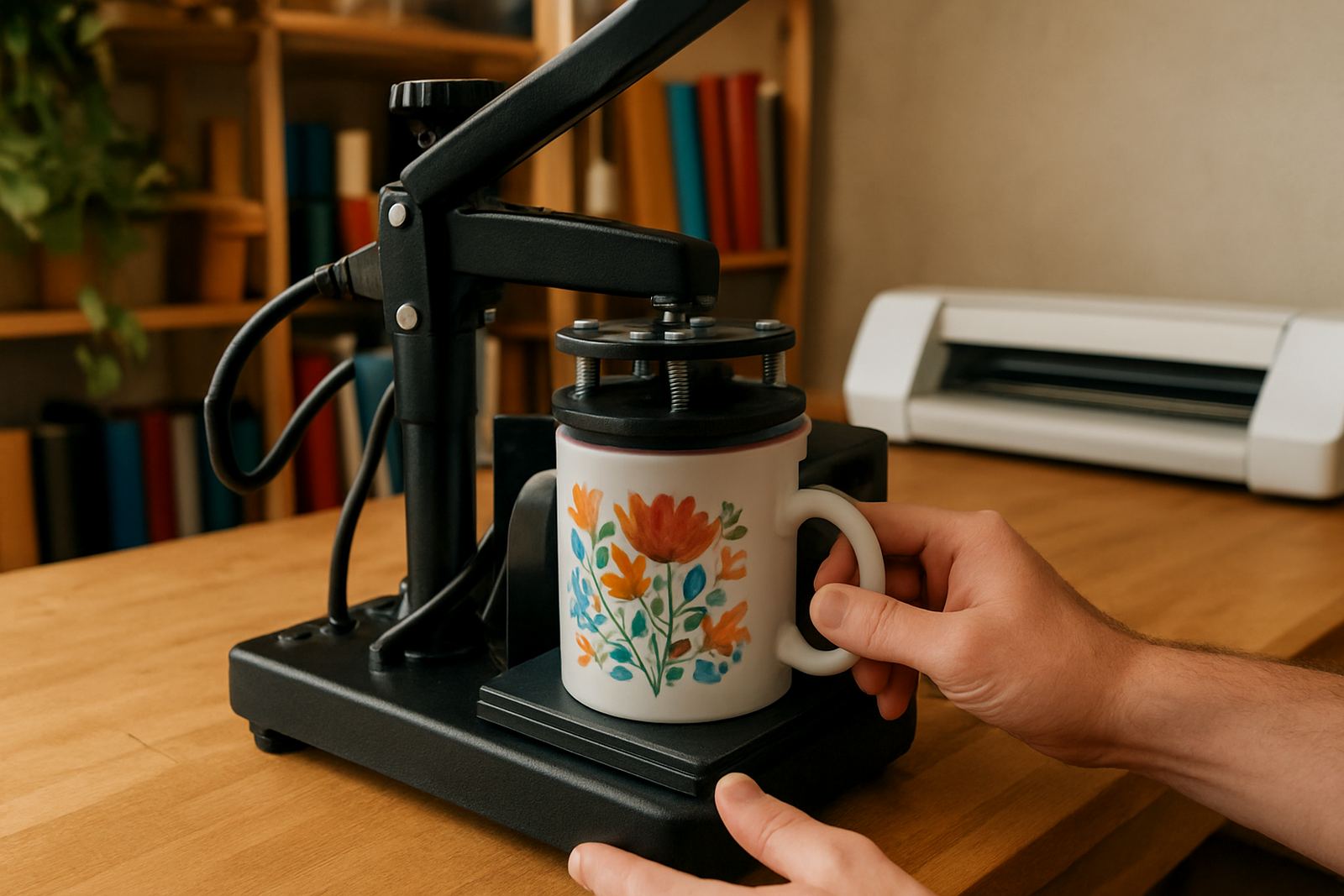
It also helps to know how much setup support you need. Some buyers only need a quick machine setup, while others want help with material testing, software connection help and workflow help. If you are new to this type of cutter, ask about blade calibration, heat press check for HTV work, and replacement parts help so you can plan ahead rather than stop mid job.
- Maximum media width and usable cutting width
- Type of printed material you want to cut
- Software compatibility and connection method
- Support needed for setup, training and servicing
Key facts
| Cutting method | Registration mark contour cutting for printed graphics |
|---|---|
| Typical use | Labels, themed stickers, decals and printed heat transfer graphics |
| Media support | Vinyl sheets, label stock and compatible transfer materials |
| Power requirement | Standard mains power, no gas required |
| Workspace need | Stable level table with front and rear feed clearance |
| Maintenance | Blade checks, roller cleaning, calibration and test cuts |