What the Cutting Mat Bundle is for
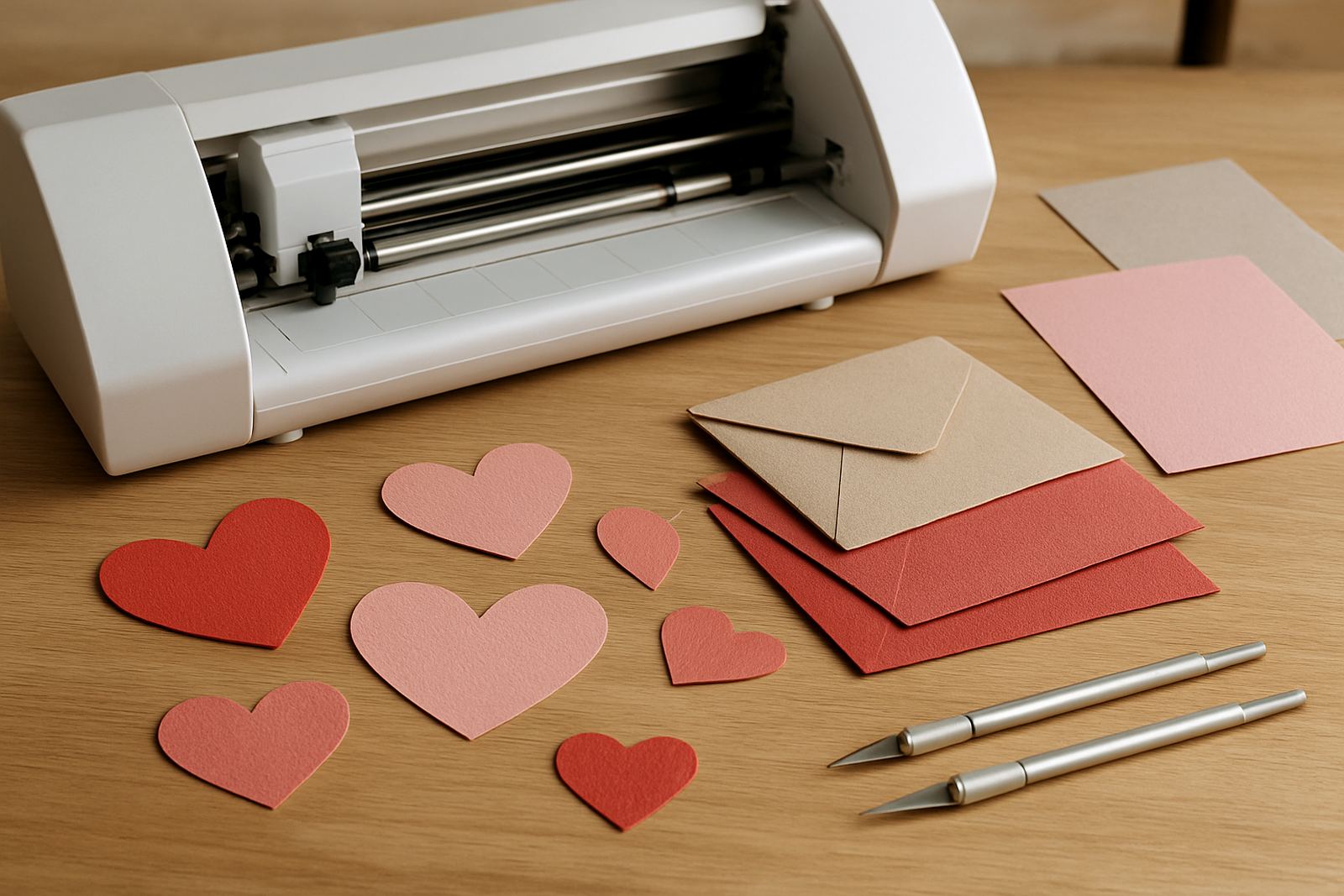
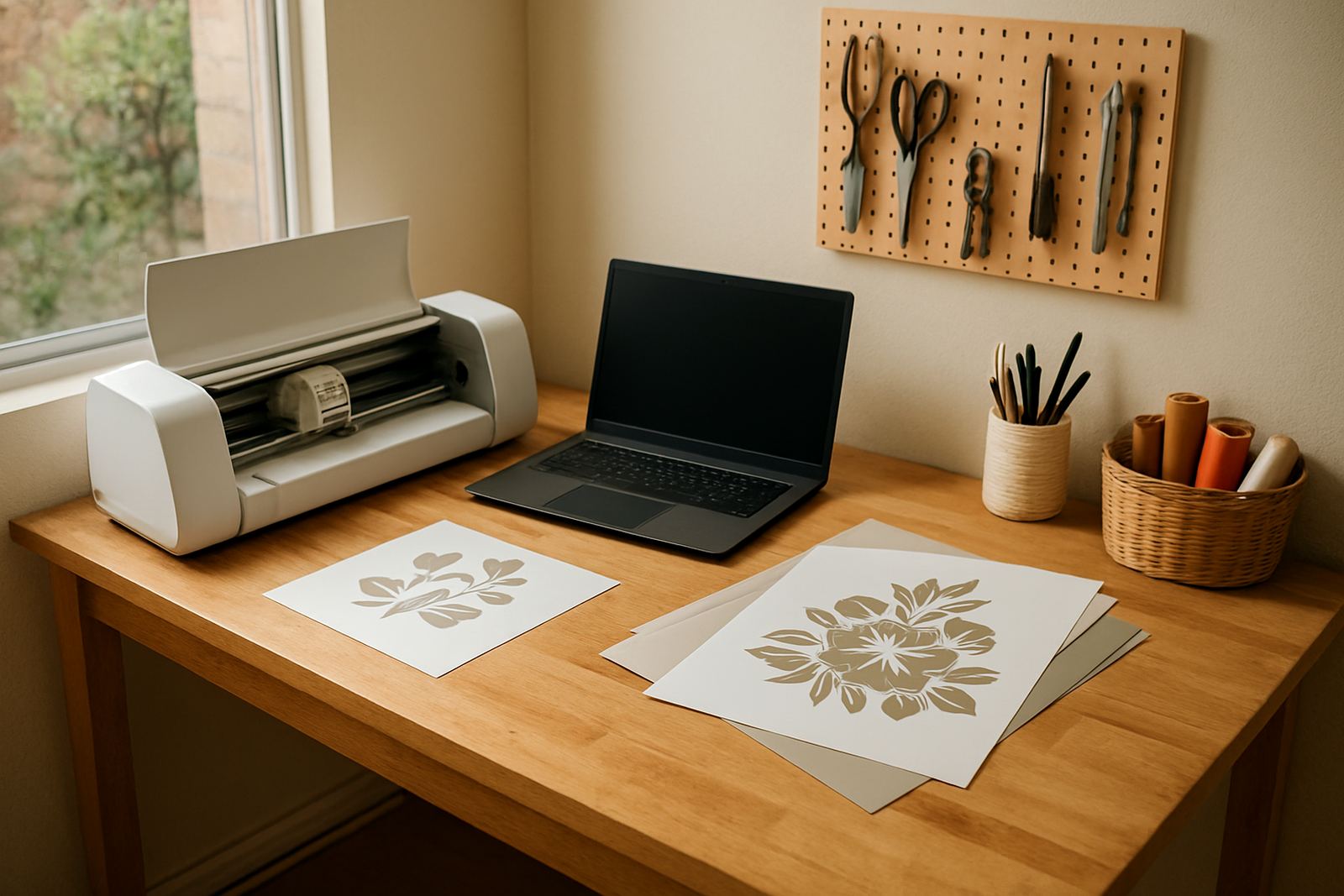
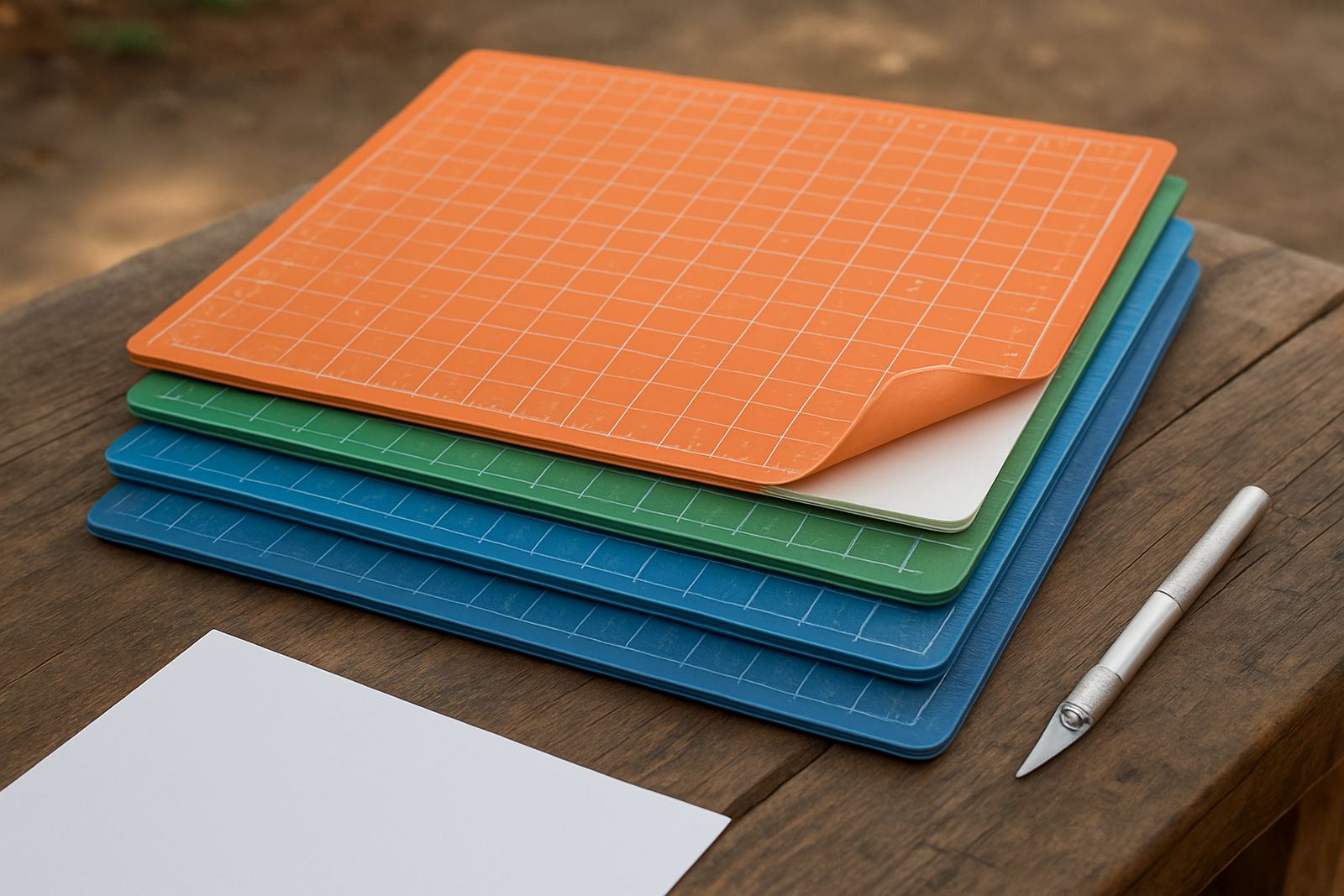
A cutting mat bundle gives you the grip and support needed to keep thin craft material steady as it passes through a desktop vinyl cutter. When the original mat has lost tack, is marked up or no longer feeds square, replacement mats help reduce slipping, shifting and crooked cuts.
This set is suited to paper, HTV, self-adhesive films and other light craft stock used in Johannesburg, Pretoria East and across South Africa. It is especially handy where humidity changes in coastal areas or load-shedding interruptions mean you want a mat that feeds predictably each time.
The bundle is a practical consumable rather than a powered accessory, so there is no gas or electrical connection required. You fit the mat by hand, align it with the cutter’s feed path and you are ready to go.
- Helps hold light materials flat during cutting
- Useful for replacement when original tack has faded
- Supports cleaner feeding on small repeat jobs
- No power, batteries or gas needed
Sizes and mat options to match your cutter
Choose the mat size to suit the working width of your cutter and the material you cut most often. A mat that is too small may not support the full design area, while one that is too wide can create unnecessary drag and feeding trouble. If you are working from Kya Sand, Randburg or Sandton and sending jobs out daily, matching the right size saves a lot of frustration.
Common options include standard craft widths for desktop cutters and longer lengths for repeated cutting runs. The bundle is typically used for light to medium craft work, not thick board or industrial stock. For best results, the mat should cover the design area without fouling rollers or pinch points.
- Standard craft sizes for desktop machines
- Longer lengths for repeated cuts and batching
- Suitable for light stock, not heavy rigid media
- Pick a size that leaves room for roller travel
If you are not sure what size to order, check the cutter’s working area and the width of the material you use most often. A quick check before ordering prevents wasted time and returns.
Where the bundle works best
This bundle suits crafters who cut custom T-shirts, school labels, stickers, gift items and home décor pieces. It is also useful for small businesses doing short production runs for events, markets and client orders. In Midrand and Roodepoort, where many makers run from home or from a light workshop, a reliable mat helps keep output more consistent.
It works best on clean, dry material that lies flat. Paper and HTV usually need a steady hold, while adhesive films benefit from even support to avoid lifted corners or wandering cuts. If your material is badly curled, dusty or damp, the mat cannot fully correct that, so prep still matters.
- Custom apparel names and numbers
- Labels for folders, jars and packaging
- Home décor decals and wall wording
- Short-run craft production for local orders
For workshops near the coast, store the mats away from damp air when not in use. Coastal humidity can reduce tack more quickly, so keeping the bundle flat and covered helps preserve the surface longer.
How to install and use it properly
Fitting the mat is simple. Clean the cutter bed and rollers first, then place the mat squarely in line with the feed path. Feed it gently and check that it moves true before starting the job. If the mat goes in at an angle, the cut can drift or the material can catch on one side.
Before your first cut, do a small test shape at the edge of the material. This helps confirm that the tack level and feed pressure are correct for the stock you are using. If the material lifts, increase support by smoothing it down and checking that the mat is not worn or dusty.
- Keep the feed area free of scraps and dust
- Align the mat before sending the job
- Use a test cut on new material types
- Do not force thick material onto a light-duty mat
There is no special installation tool needed. The bundle is ready for immediate use and does not require any power setup, drivers or gas connection.
Care, cleaning and replacement signs
To keep the mat working well, remove scraps after each session and wipe away dust with a dry cloth. Avoid solvents or harsh cleaners, as these can damage the tack surface. If you cut a lot of adhesive film, small offcuts can cling to the mat and should be lifted off carefully so the surface stays even.
A worn mat often shows reduced grip, visible grooves, curled edges or poor feeding. If your material starts moving during a cut, or if repeat jobs no longer line up, the mat may be due for replacement. For heavier use, it helps to keep an extra set on hand so your workflow does not stop mid-week.
- Brush off dust and debris after use
- Store flat, away from direct heat
- Replace when tack falls off or surface is marked
- Keep spare mats for busy periods and deadline work
Regular cleaning also protects blades because the cutter does not have to fight against slipping stock. That means neater edges and less wasted material, which matters when every metre counts.
What to check before you order
Before placing an order, check your cutter model, working width and the material sizes you use most often. Also confirm whether you need one mat or a full bundle, since many users prefer a spare set for busy seasons. If you run a small shop in Sandton or Pretoria East, having the right size on hand can prevent interruptions when orders stack up.
It is also worth checking the type of work you do. Light paper and HTV need a different level of support than adhesive films with a stronger backing. If you often cut mixed material, choose a bundle that matches your most common job type, not the rare one.
- Cutter width and usable feed area
- Material type and thickness
- How often you replace worn consumables
- Whether you need a spare bundle for peak periods
If you are unsure, send your machine details and usual material sizes before ordering. That makes it easier to match the bundle to your setup and avoid guesswork.
Key facts
| Product type | Replacement cutting mat bundle for desktop craft cutters |
|---|---|
| Suitable materials | Paper, HTV, adhesive films and light craft stock |
| Power or gas requirement | None |
| Use case | Stable feeding, cleaner cuts and replacement of worn mats |
| Fitment | Manual placement and alignment in the cutter feed path |
| Care | Dry cleaning, flat storage and replacement when tack fades |