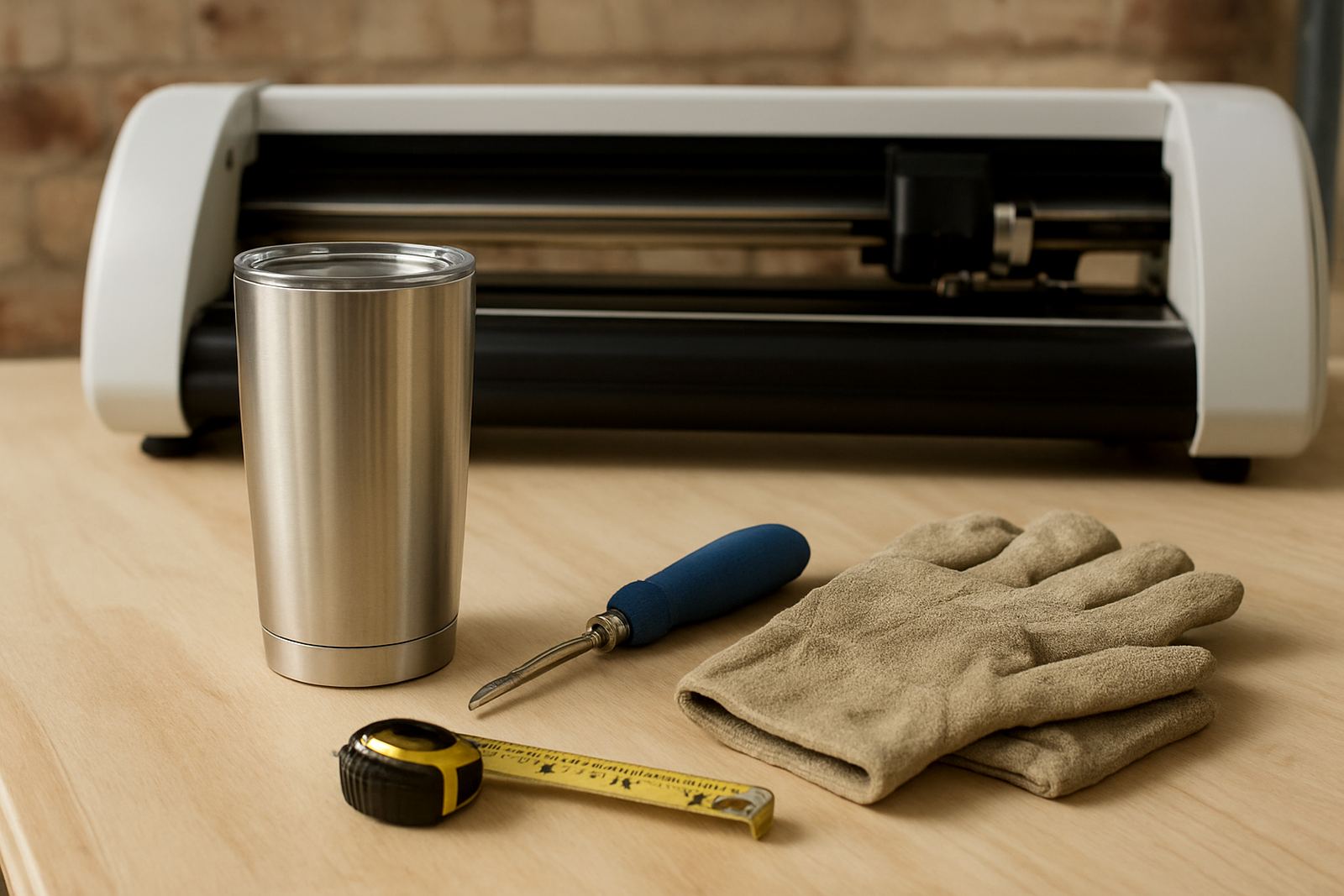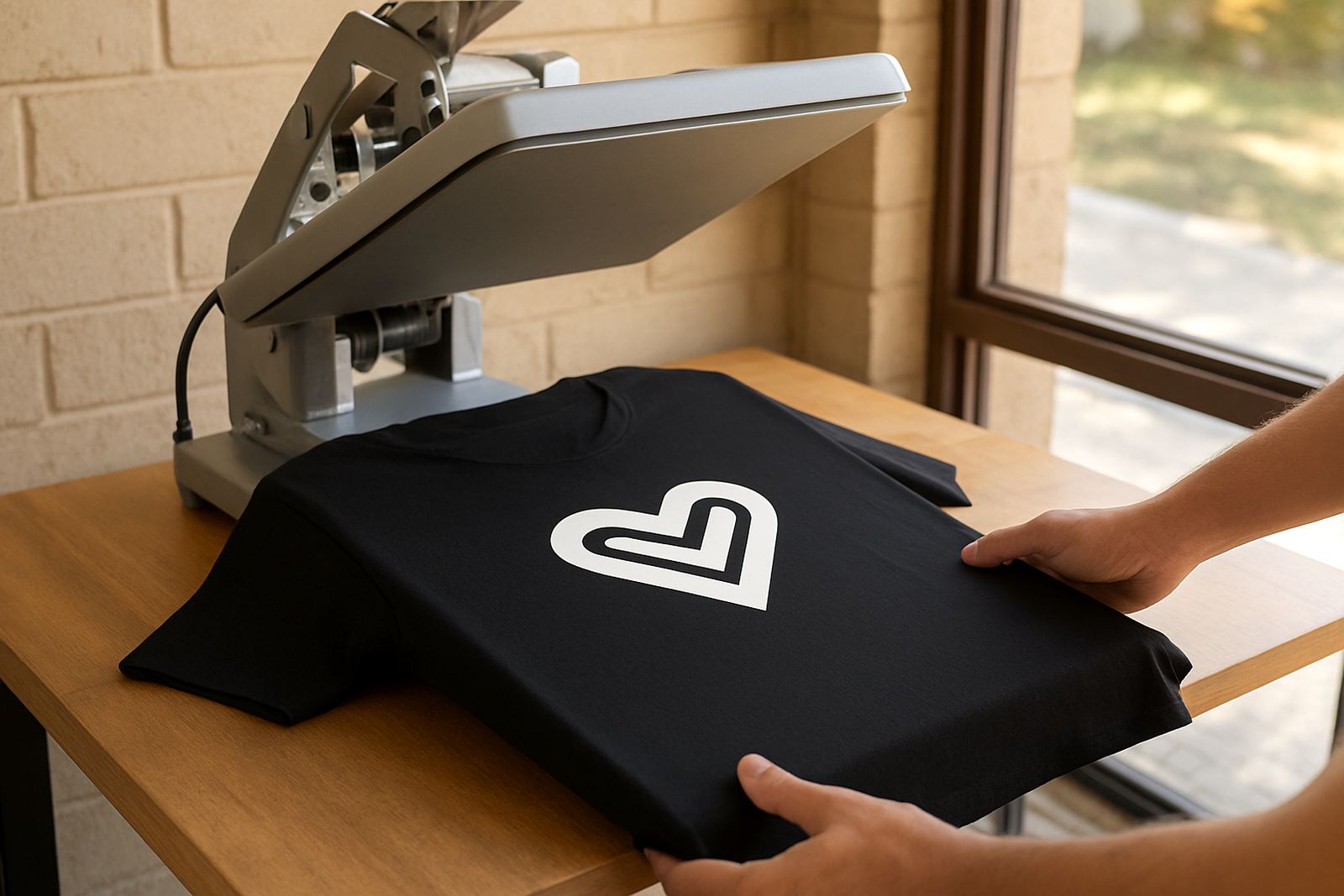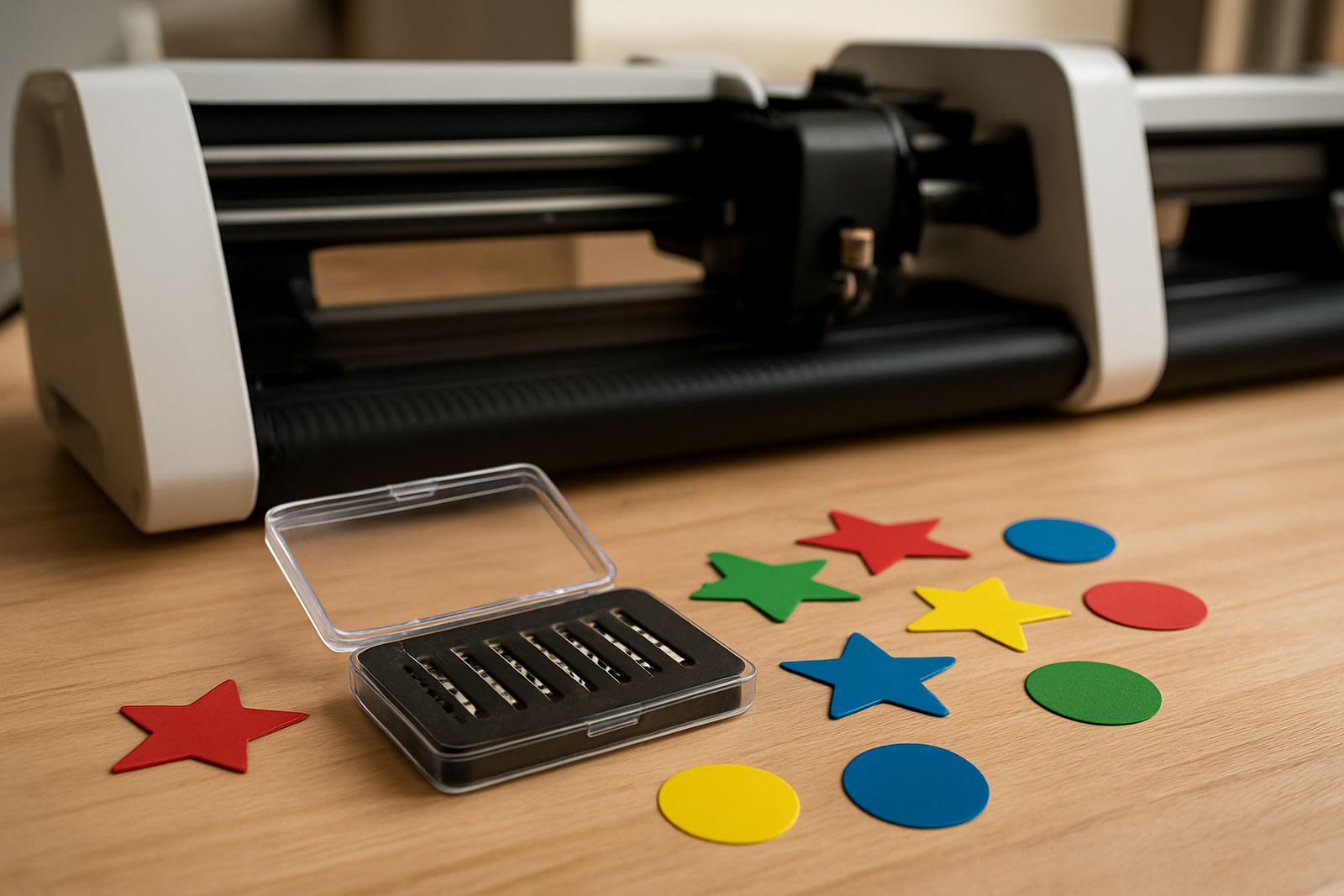
What the Fine Point Blade Set is used for
This blade set is made for precise cutting on thin vinyl, label stock and intricate decorative work. It is a better fit when the job calls for small lettering, tight curves and tidy internal cutouts, rather than heavy pressure or thick media. If you work with window decals, gift labels, mug decals or simple apparel graphics, this type of blade gives you cleaner control on detail jobs.
It is not for cutting thick card, flock, glitter HTV or dense specialty media. For those materials, a standard or deeper blade setup may perform better. On everyday craft vinyl, though, the fine point edge helps reduce dragging and keeps corners sharper, which matters when you are cutting lots of small pieces in one run.
Blade sizes and pack options
Fine point blades are usually supplied as a small pack so you can keep spares on hand. The common formats are:
- 45 degree fine point blade for general detailed vinyl work
- 30 degree fine point blade for smaller text and sharper detail
- Replacement pack options for regular users who cut daily
As a rule, the 45 degree option suits most thin vinyl work in South Africa, while the 30 degree option is useful for more intricate lettering and very small shapes. If you are unsure, start with the 45 degree blade and test on offcuts before moving to a finer angle. That saves material, especially when you are working on a tight budget or batch cutting labels.
Where this blade suits best
This blade works well in home studios, small shops and workshop setups where you need repeatable detail. It is a good match for people producing stickers, craft labels, decal sets, planner graphics and heat transfer vinyl with light detail. For businesses around Johannesburg, Pretoria East and Midrand, it is useful when you need consistent cuts without stopping to redo edges.
- Thin adhesive vinyl for stickers and decals
- Paper labels and light craft stock
- Small text and narrow internal shapes
- Decoration pieces for home décor and gifts
- Light HTV detail work where a clean edge matters
If your work is exposed to coastal humidity or stored in garages and storerooms, keep the blades sealed in their case. Moisture and dust can affect the cutting tip and the holder, which leads to rougher lines over time.
Fitting the blade and setting the depth
Most fine point blades fit into a standard blade holder on desktop craft cutters, but you should always confirm compatibility before ordering. The fitting process is simple: insert the blade into the holder, lock it in place, then set the exposure so only a tiny amount of tip shows. Too much blade sticking out can score the backing paper and give ragged edges. Too little and the vinyl may not cut cleanly.
For setup, begin with a shallow depth and increase only if the test cut shows incomplete corners. Use a small test square or triangle first. If the blade needs heavy force to cut, something is off in the depth, the holder or the cut settings, not just the blade itself. This saves wear on the machine and gives better results on thin materials.
Care, cleaning and servicing
A fine point blade lasts longer if you treat it carefully. Keep it free of offcut glue, vinyl dust and paper fibres. Wipe the holder area after use and store spare blades in a dry container away from direct sunlight. If the cutter has been standing during load-shedding, check that the blade carriage moves freely before starting another job.
- Do not touch the cutting edge with bare fingers
- Keep blades away from sand, dust and scrap pieces
- Test on offcuts after changing blade depth
- Replace a blade if it starts snagging or skipping lines
If cut quality drops, it may not be the blade alone. Check the blade holder, mat condition, pinch rollers and software settings. A simple calibration or clean can often fix the issue before you buy more parts.
What to check before ordering
Before you place an order, confirm the blade angle, holder type and the cutter model you are using. Not all blades suit all machines, and the wrong fit can waste time and material. Also check whether you need a single blade or a small pack, depending on how often you cut. For busy users in Randburg, Sandton and Roodepoort, having spares on hand helps keep production moving.
- Machine model and blade holder fit
- Blade angle needed for your material
- Whether you cut mostly thin vinyl or mixed media
- How often you replace blades in a month
- Storage conditions, especially if you work in humid areas
If you are matching the blade to a new workflow, test a few sample cuts first. That gives a clearer answer than guessing from a picture or a list alone. A short test run can show whether your settings are ready for production or need a small tweak.
Key facts
| Product type | Fine point replacement blade set |
|---|---|
| Blade angles | 30 degree and 45 degree options |
| Best for | Thin vinyl, labels and detailed decorative cuts |
| Compatibility | Desktop craft cutters with matching holder type |
| Typical use | Small text, curves, decals and light HTV detail |
| Pack format | Single blade or multi blade pack depending on option |