What planner sticker clients usually need
Planner sticker work is often started by a journalling seller, a stationery micro-brand, or a side business making themed sheets for monthly planning, habit tracking and seasonal sales. Most start with short runs of A5 or A4 sheets, then move into repeat orders once they know which themes sell best.
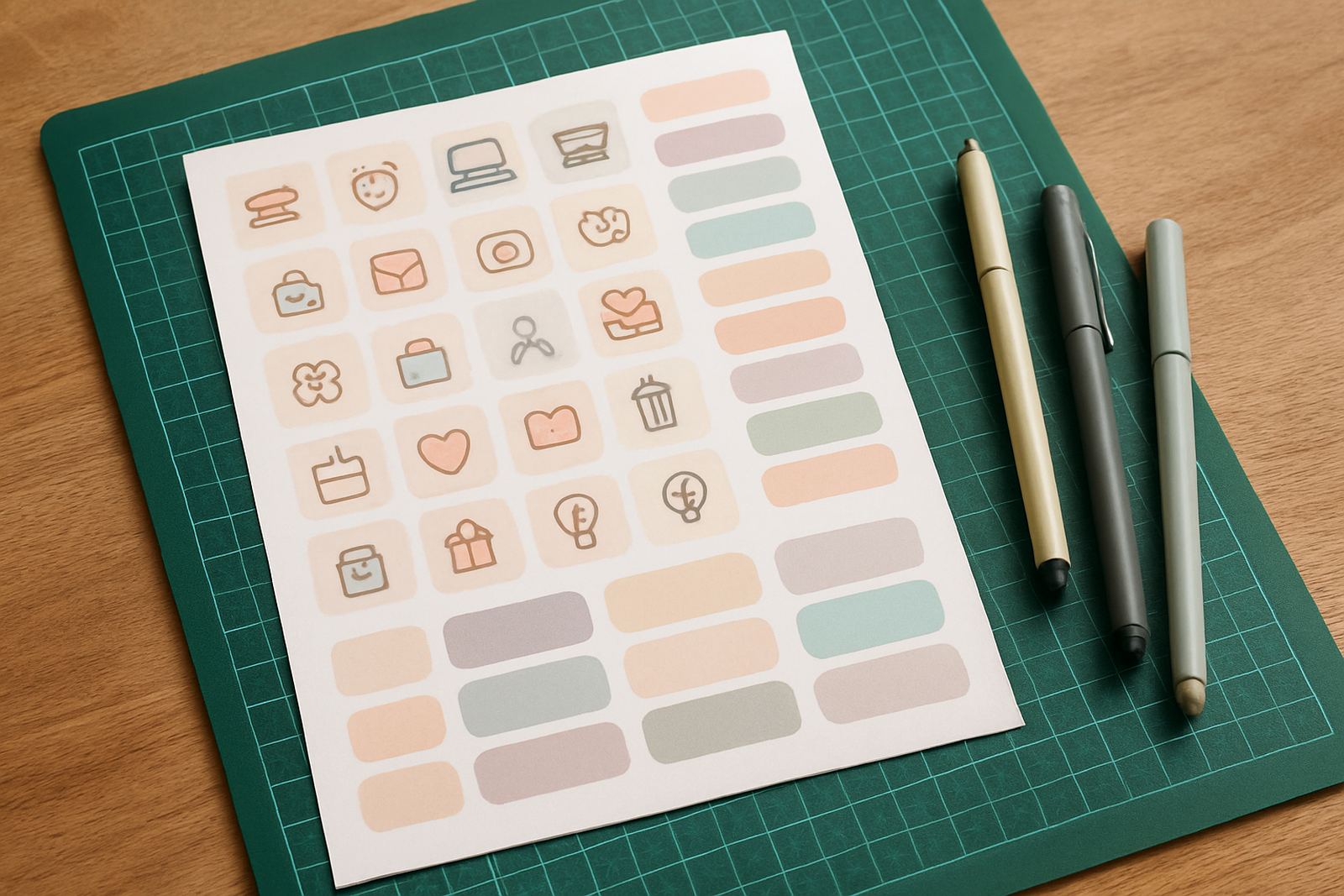
The usual ask is simple: clear cut lines, tidy kiss-cuts around small icons, and a machine that can handle finer detail without tearing the top layer. For sticker sheets sold at markets in Randburg, pop-up shops in Sandton, or posted nationwide from Kya Sand, consistency matters more than speed.
Many clients also want help matching the cutter setup to their print style. If your artwork includes thin script, tiny tabs or layered labels, the machine must be set up properly from the start or the waste adds up fast and the sheets look untidy.
Typical equipment for sticker sheets and labels
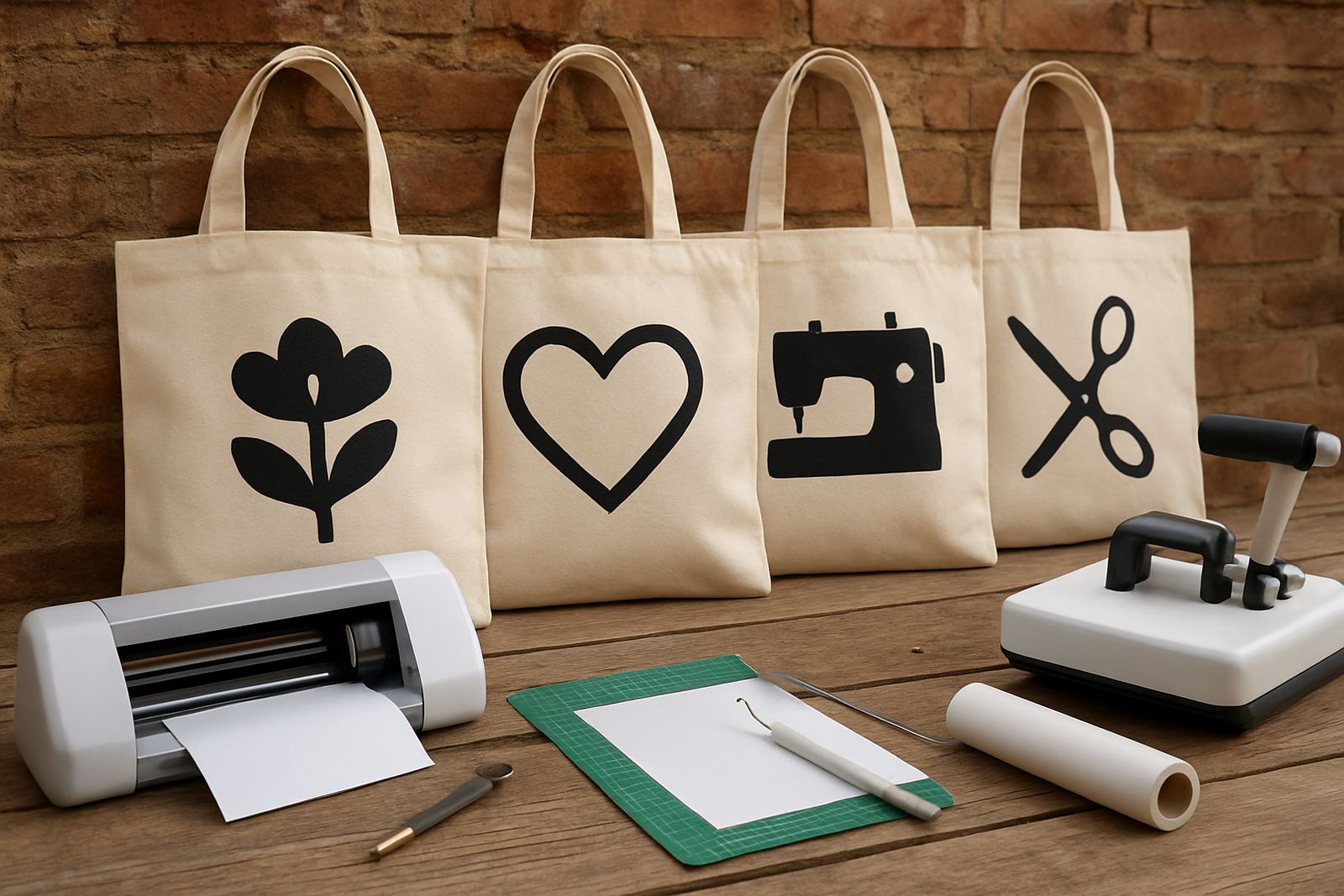
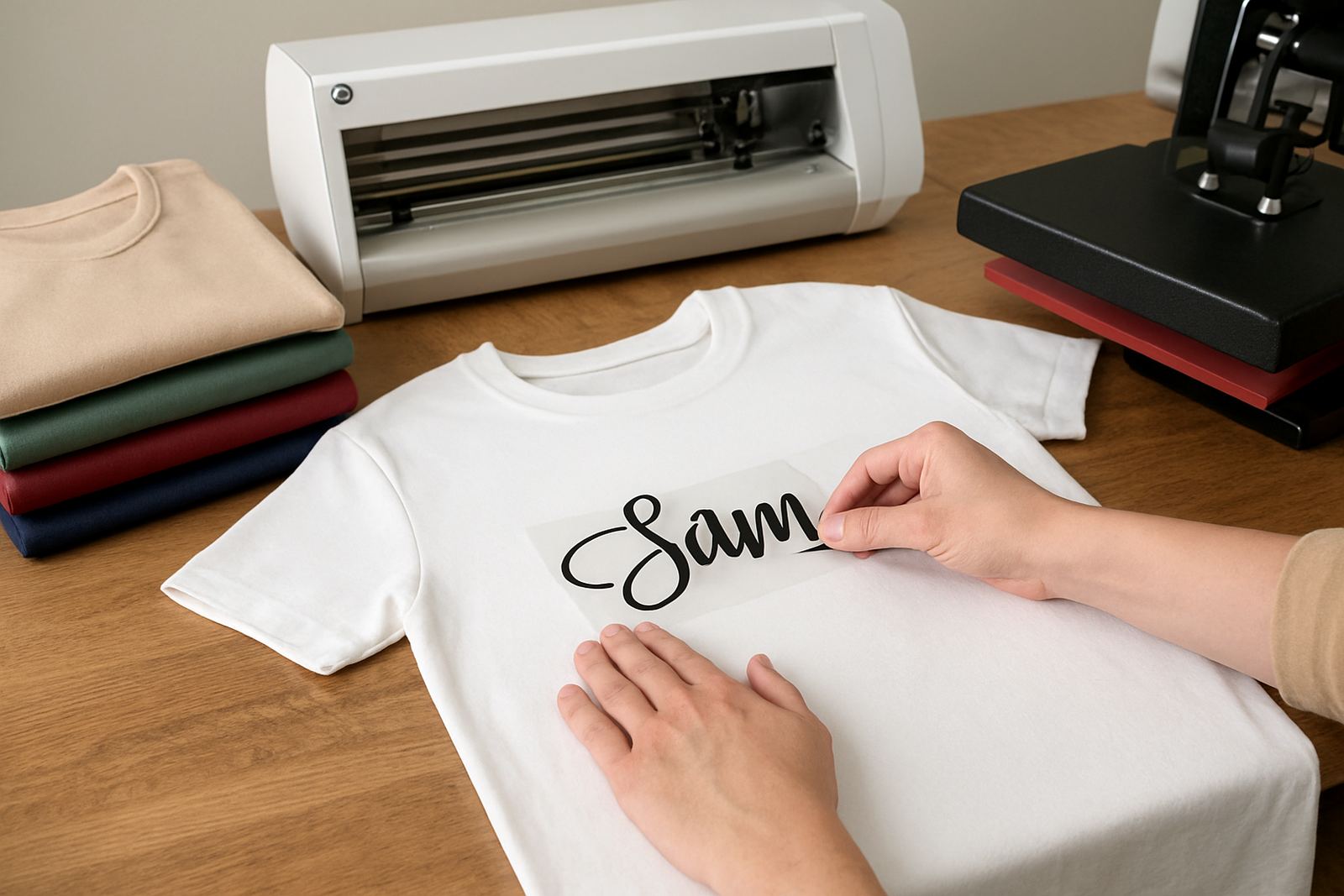
A planner sticker setup usually does not need a large industrial machine. A desktop craft cutter, print-ready sticker paper, a good cutting mat and software that can read registration marks is often enough for small to medium volume work. For some makers, a heat press is not part of the sticker job, but it helps if they also produce apparel or tote bags from the same space.
- Desktop vinyl cutter or craft cutter with fine blade control
- Printable sticker paper or self-adhesive vinyl suited to your finish
- Cutting mat, spare blades and a scraper or burnishing tool
- Computer or laptop with design and cutting software
- Printer that gives stable colour across a full sheet run
- Clean storage for sheets, because dust can affect adhesive edges
In Johannesburg humidity is usually manageable, but in warmer rooms or coastal supply chains the media can curl. Keep sheets flat and sealed. If the room gets dusty or the power flickers during a job, the software connection and blade pressure should still be checked before the next run.
Layout planning that saves money on every sheet
Good planning starts before the cut line is sent to the machine. Arrange artwork so that the most popular icons and labels use space well, with enough margin around each element for easy weeding. Small shapes waste material quickly, so it helps to group sizes together and avoid leaving random gaps across the page.
For planner sheets, most sellers work with repeatable templates. A common approach is one master sheet with date boxes, task blocks, decorative stickers and themed icons. Once a template performs well, it can be reused for new colours and seasons without rebuilding the full layout every time.
- Keep safe margins around the print area so registration marks stay visible
- Test thin fonts before a full print run, especially on small labels
- Place similar cut depths together to reduce re-setting the blade
- Allow for hand trimming if the final sheet size is sold in packs
It also helps to decide early whether the product is for personal planning, gift shops or resale to other stationery sellers. That choice affects sheet size, packaging and how much detail can be included before the design becomes too busy.
Common mistakes that lead to wasted stock
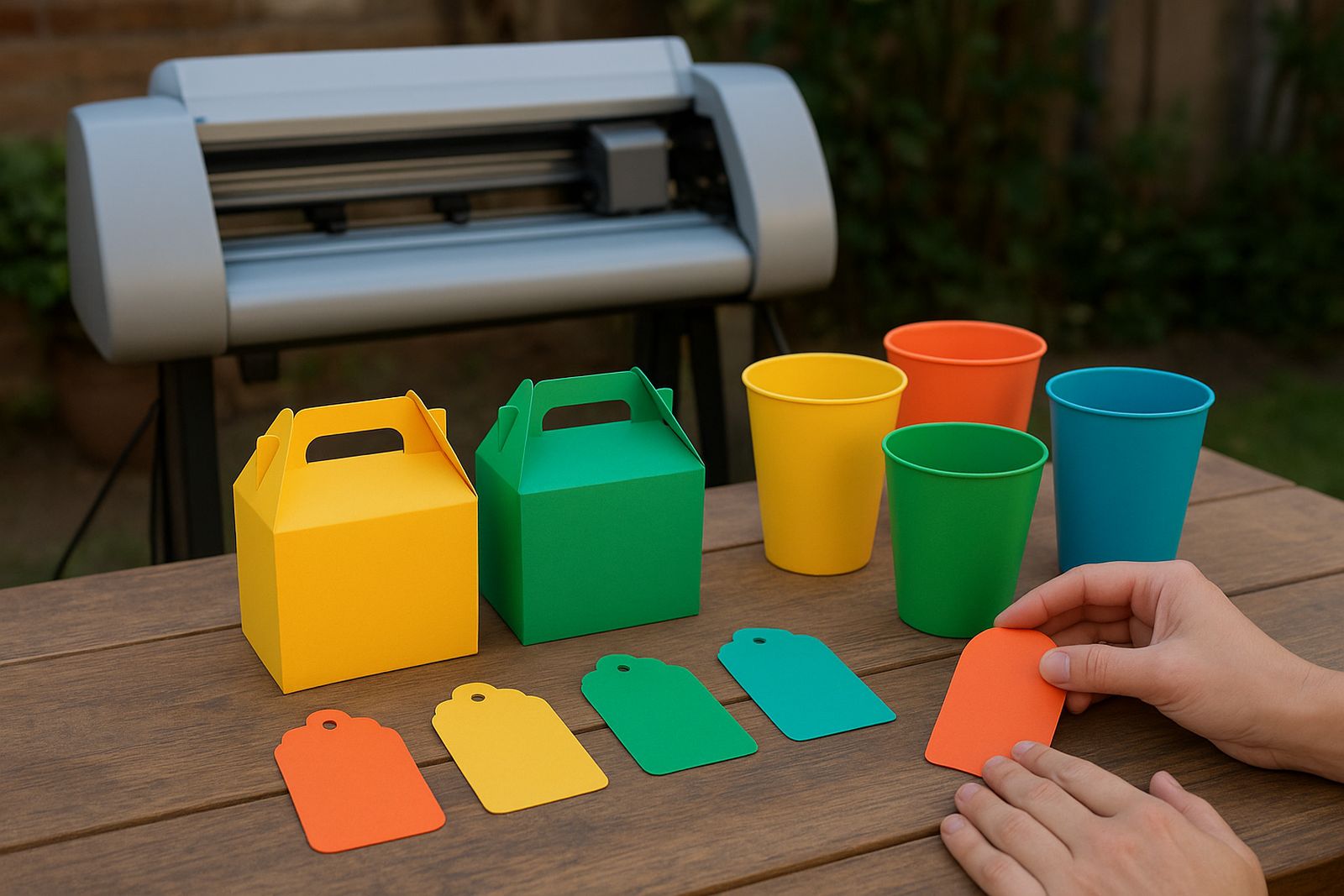
One of the biggest mistakes is using the same cut pressure for every material. Sticker paper, glossy vinyl and removable label stock can each react differently. If the blade is too deep it cuts through the backing, and if it is too light the sheet pulls up at the edges and the finish looks poor.
Another common issue is poor software setup. A page might look fine on screen but the registration marks are not aligned, so the cutter misses the image by a few millimetres. That sounds small, but on a sheet with tiny planner icons it is enough to spoil the whole batch.
New sellers also undercount waste. If you are making 50 sheets for a market in Pretoria East, you still need allowance for testing, printer misfeeds and the first few sheets while the settings are dialled in. It is better to budget for a few extras than to run short before a launch.
Budget ranges for starting a planner sticker line
Starter budgets vary depending on whether you already own a printer and computer. A basic desktop cutter setup for planner stickers can begin around R6,500 to R12,000, especially if you are producing simple kiss-cut sheets in short runs. If you need better software, spare blades, media packs and a printer with steady colour, many small businesses plan for R15,000 to R28,000.
More active micro-brands that want faster output, better registration support and backup parts often spend between R30,000 and R55,000. That level usually suits a seller who is supplying multiple themes each month, or handling both planner stickers and HTV work from the same workshop.
Running costs matter too. Sticker media, blade wear, ink and test sheets can add up quickly. A realistic monthly allowance of R800 to R2,500 is common for smaller operations, while busier makers may go well beyond that depending on order volume and wastage.
Support for makers in Kya Sand and beyond
Based in Kya Sand, Johannesburg, VinylCutter Craft works with planners, journalling sellers and stationery micro-brands across South Africa. Clients from Randburg, Sandton, Midrand, Roodepoort and Pretoria East often need help with machine setup, blade calibration, material testing and cut quality troubleshooting before they commit to a large print run.
That support matters when a business is trying to keep stock moving through school holidays, market weekends or online drops. If a cutter is leaving ragged corners, the whole sheet loses value. If the software is not connecting properly, production stalls and orders back up fast, especially during load-shedding or after a workshop move.
- New machine setup for first-time sticker makers
- Remote support session for software and workflow help
- Heat press check for sellers who also make fabric items
- Routine machine cleaning and replacement parts help
- Cut quality troubleshooting for fine detail work
For planner sticker production, the aim is not to buy the biggest machine, but the right one for your sheet size, volume and budget. With the correct setup, even a small team can produce neat, saleable sheets without constant rework or wasted material.